StreamCaster 4000 series MIMO Radio User Manual 9/2/20
10017C000 Silvus Technologies Confidential Page
5.4.4 GUI/Login Authentication
5.4.4.1 Admin
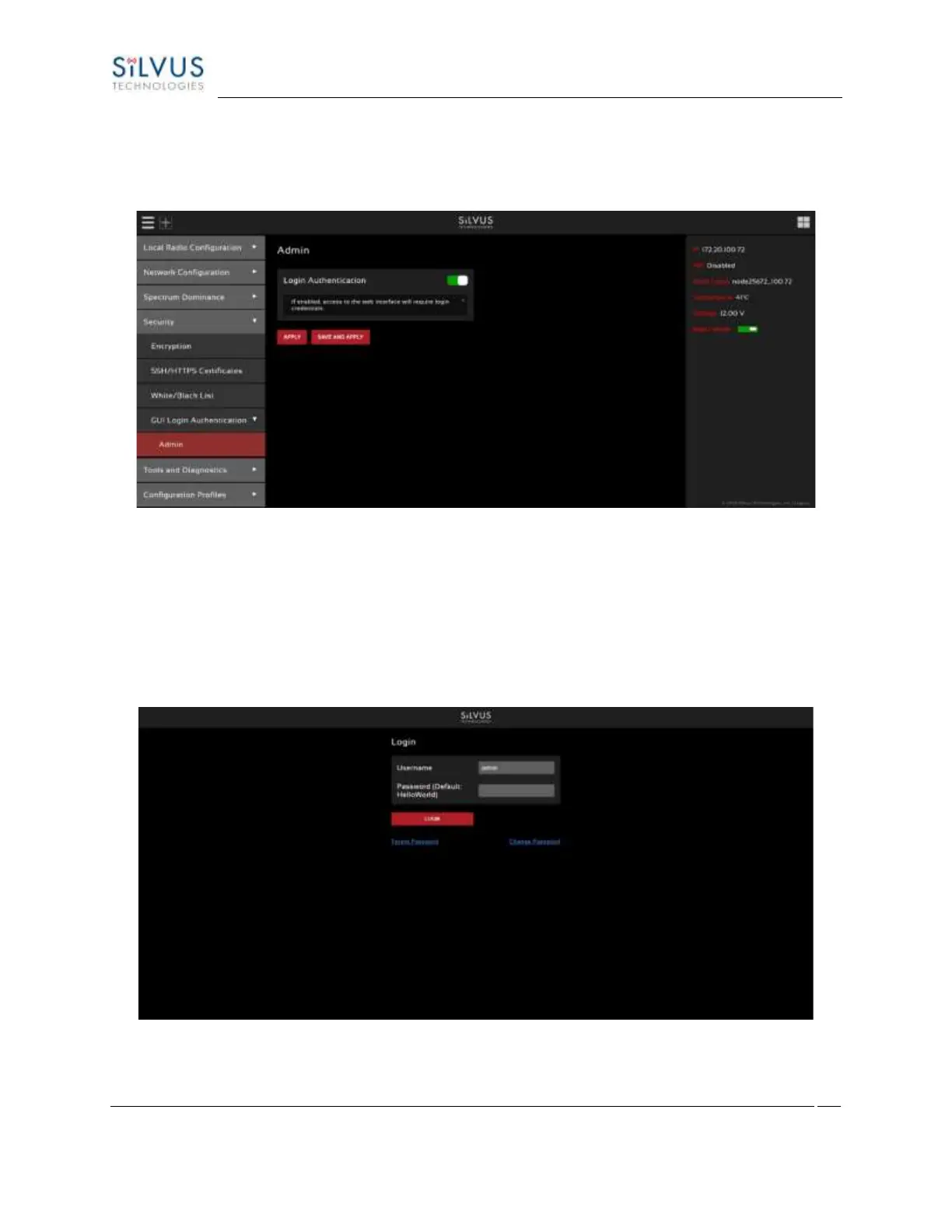
Figure 70 Admin page
The Admin page provides the option of password protecting access to Streamscape. There are three
usernames, Basic, Advanced, and Admin, each with increasing privileges on the GUI and backend API. For
example, only Admin can access the Security tab. To enable, set the Login Authentication to Enable and
provide a password. Once Login Authentication is enabled, access to Streamscape will require a username
and password as shown below. To change the password, click “Change Password,” then select the
username whose password will change, type the Admin password, then type the new password.
Figure 71 Login



 To Next Page