Cursor on Target is an exchange standard that is used to share information about targets.
• CoT: Enable/disable cursor on target
• CoT IP Address/Port: IP address/port for the communication to establish
• Time to Live: Each time the data packets pass through a router, it will decrement this number.
Once it reaches 0, the data packets will no longer continue.
• CoT Message Interval (Seconds): How often to send CoT messages
• CoT Current Date (UTC): Time stamp of the date. If Set AS Current Date/Time is selected, it will
be set as the current time displayed on your computer
• CoT Current Time (UTC): Time stamp of the time
• CoT Stale Time (Seconds): Data outside of this time window becomes invalid
• CoT Type: The event type of the target
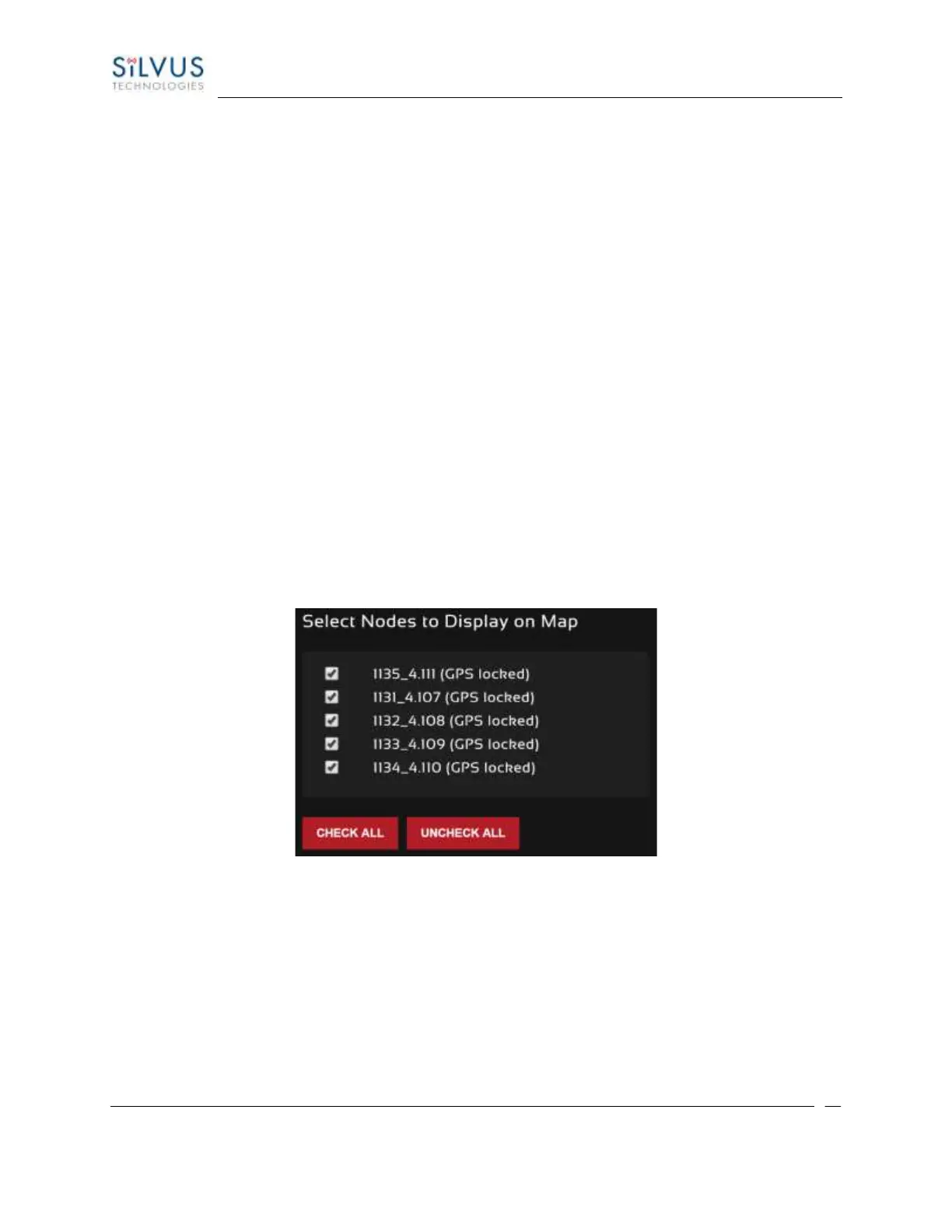
Select Nodes to Display on Map:
Figure 52 Map Control Panel (Nodes to Display on Map)
In the next section of the map control panel, you select or deselect nodes to be displayed on the map.
This could be beneficial if you were trying to track locations of specific radios, and wanted to zoom into
their location.



 To Next Page