StreamCaster 4000 series MIMO Radio User Manual 9/2/20
10017C000 Silvus Technologies Confidential Page
5.2.2.2 Map Control Panel
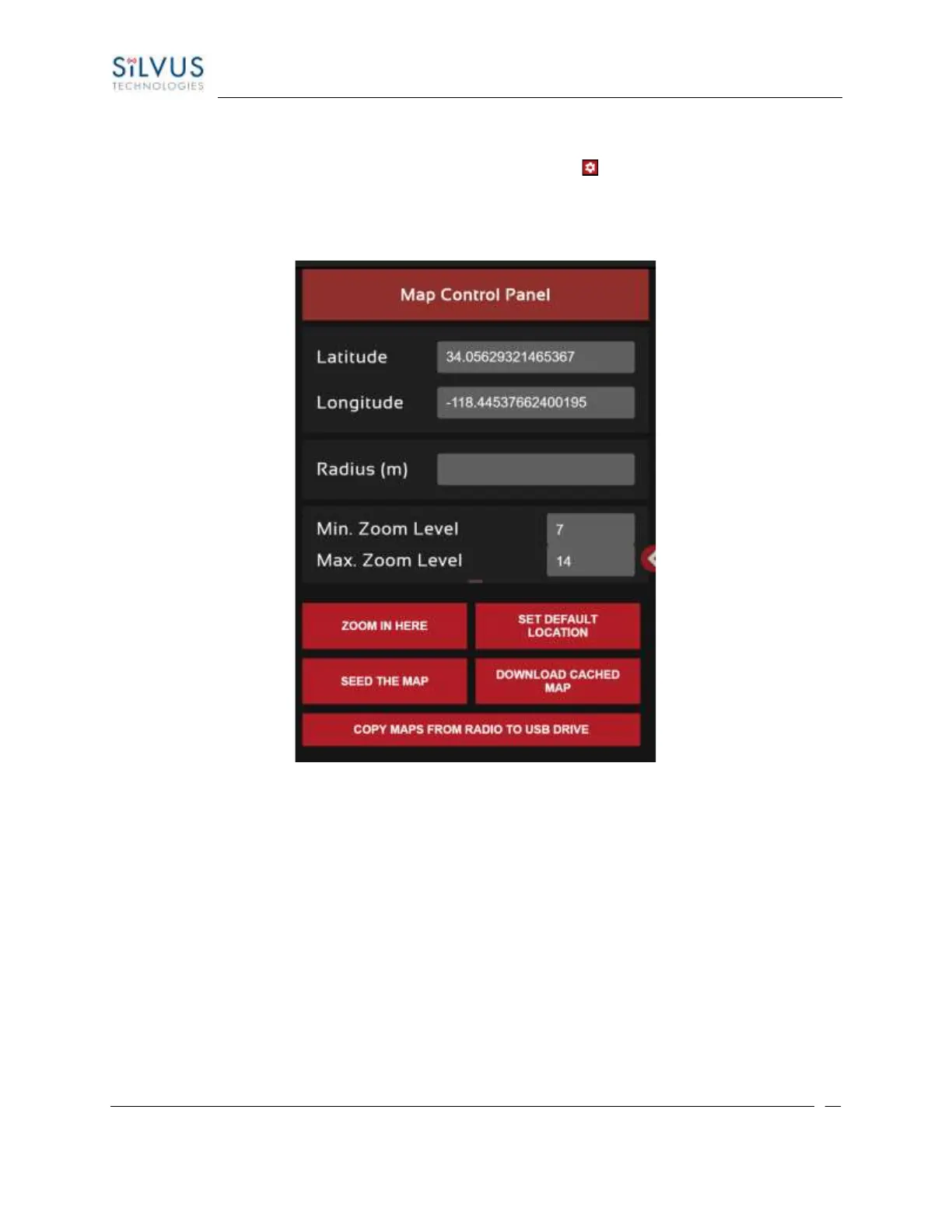
To open the Map Control Panel, please select the red settings icon ( ) on the top right of the page. This
will populate the map control panel on the left side of the map overlay.
Lat/Long coordinates:
Figure 49 Map Control Panel (Lat/Long coordinates)
The first section of the Map Control Panel will allow you to input a lat/long coordinate. After entering the
lat/long coordinates you can have the map overlay zoom to these coordinates, set default location, seed
the map, download cached map, or copy the maps from radio to USB drive.



 To Next Page