StreamCaster 4000 series MIMO Radio User Manual 9/2/20
10017C000 Silvus Technologies Confidential Page
5.6 Configuration Profiles
Under the configuration profiles section you will be able to configure profile settings for the radio, and
save them to a file to distribute to other radios. You will also be able to customize the multi-position
switch in this section.
5.6.1 Settings profile
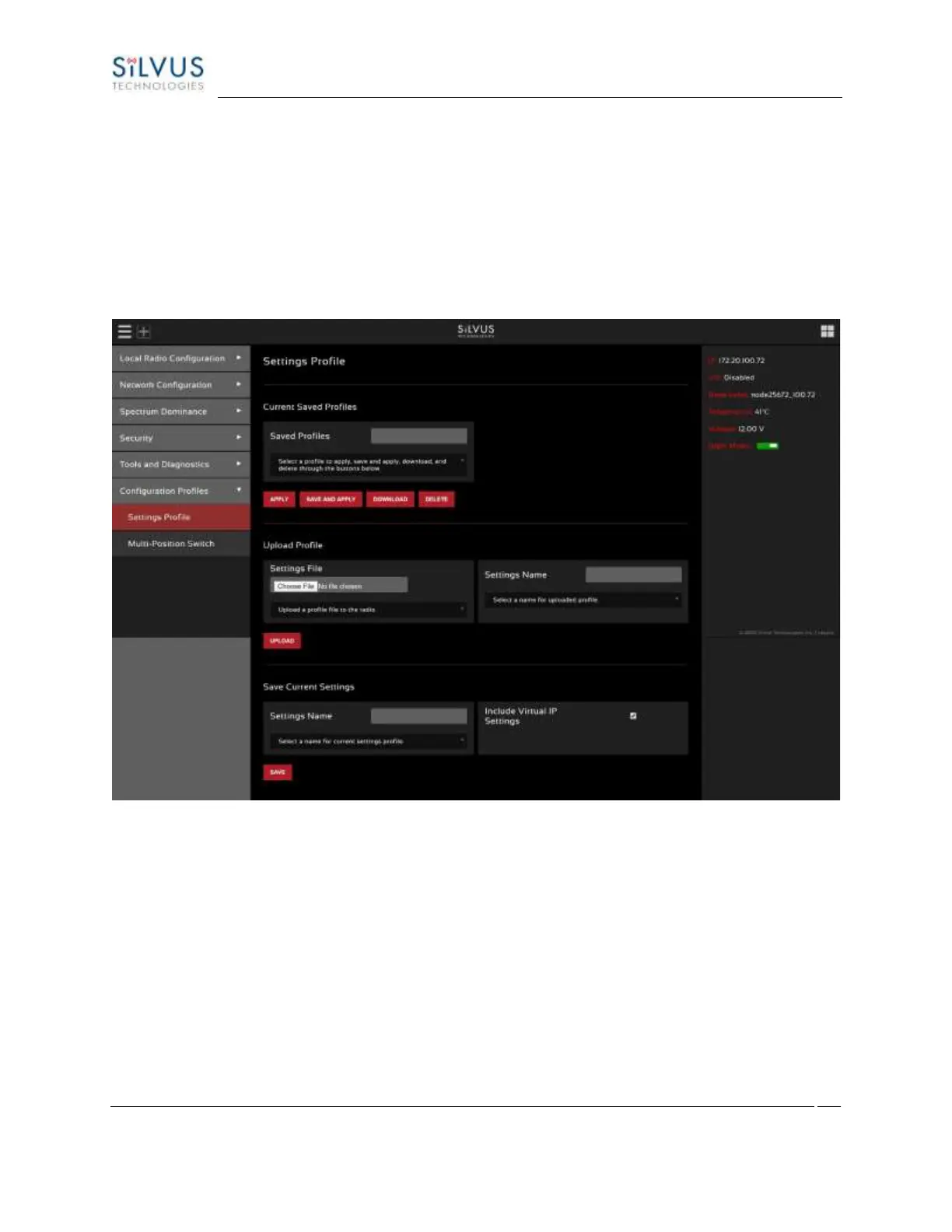
Figure 85 Configuration Profiles (Setting Profile)
• Current Saved Profiles: Select a saved profile and apply the settings to use the selected profile.
The profile stored can be downloaded or deleted.
• Upload Profile: Select a downloaded profile from the computer and upload to the radio as a saved
profile.
• Save Current Settings: Store the current settings on to the radio for future access. Note that the
FIPS mode setting is not saved in the profile. You must manually enable/disable it after applying
the profile.



 To Next Page