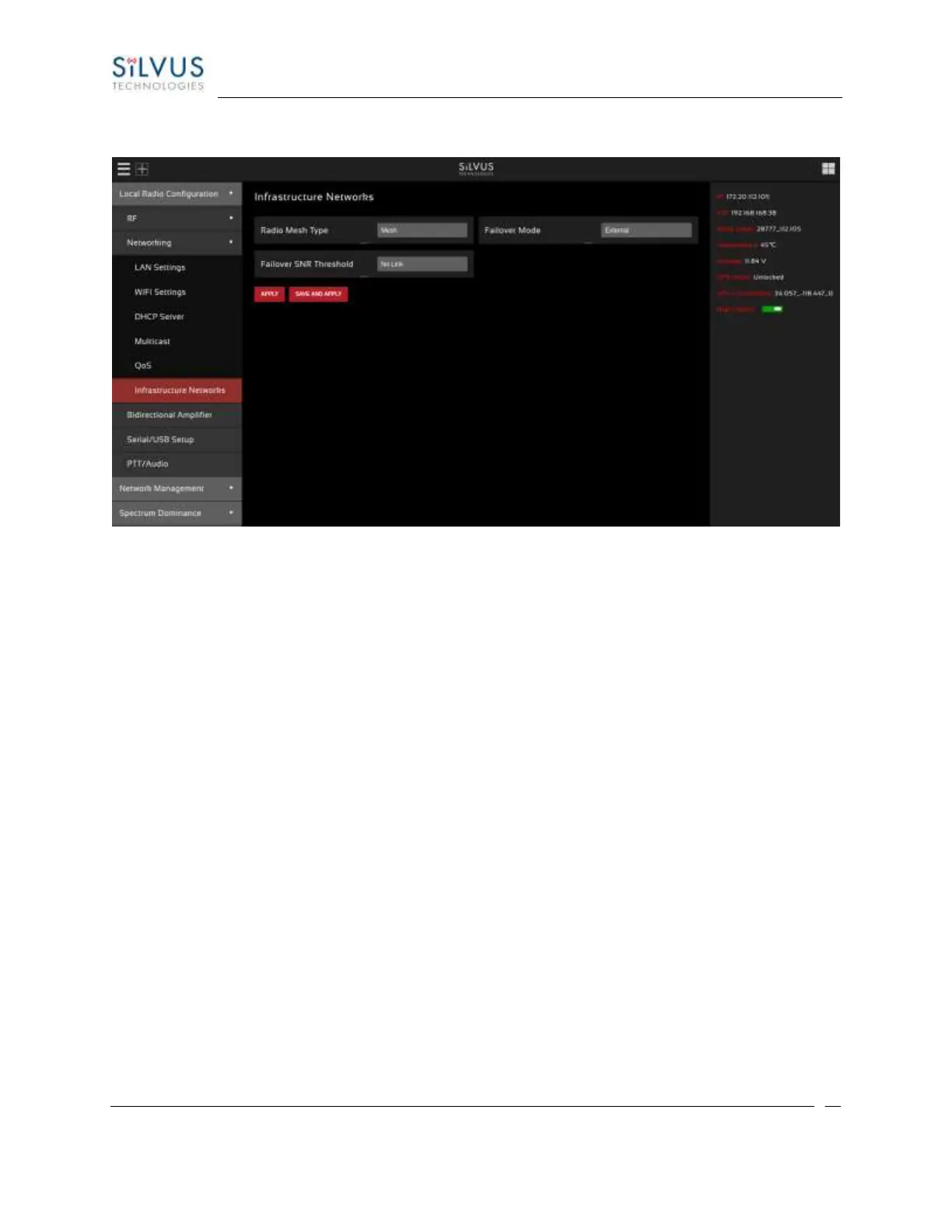
5.1.2.6 Infrastructure Networks
Figure 333 Infrastructure Networks Configuration Page
Infrastructure Networks:
• Radio Mesh Type: In Mobile mode, radio will boot up, scan all frequencies in the drop down list
above for 10s each, and then join the network corresponding to the Infrastructure radios sending
the strongest signal. Infrastructure mode radios are meant to be setup as "uplinks" to
infrastructure, e.g. on a tower with access to a backhaul.
• Scanning Frequency and Bandwidths: Add sets of (frequency, bandwidth), in units of MHz for
scanning on boot, e.g. (2220, 5), (2300, 20) will scan frequency 2220 MHz, bandwidth 5 MHz and
frequency 2300 MHz and bandwidth 20 MHz on boot. Each (frequency, bandwidth) pair should
be separated by ",".
• Failover Mode: Determines what action will be taken when the Edge radio cannot find a path to
an Infrastructure radio. Disabled: no action. VPN: Edge radio will activate VPN to extend mesh
over an alternate medium, e.g. LTE. External: Edge radio will disable ping traffic to Infrastructure
radios. For more fine-grained control over when failover happens, update the failover SNR
Threshold option.
• Failover SNR Threshold: This option is only useful when Radio Mesh Type is “Edge” and failover
mode is not “Disabled”. Determines the criteria for turning on the failover measures. If the SNR
on any link on the path of this radio to an infrastructure radio falls below this threshold, this radio
will activate failover measures. If the SNR stays above threshold for IDs, it will deactivate failover
measure.



 To Next Page