5.1 Local Radio Configuration
The first group of configurations on the left side of the GUI is the Local Radio Configurations. This group
of parameters can help adjust your network to perform better in various environments, conditions, and
applications. You will be able to adjust the radio’s RF characteristics, networking parameters, BDA
configurations, serial/USB configurations, and PTT settings.
5.1.1 RF
The RF section of the Local Radio Configurations will let you adjust some Basic configurations as well as
some Advanced parameters. These configurations will optimize the link performance in different types
of deployments. To get radios to link and form a mesh network the center frequency, bandwidth, network
ID, and Link Distance parameters in the Basic configuration page need to all match. To optimize the
network’s performance, you can make some adjustments to the MAC settings under the Advanced
section.
5.1.1.1 Basic
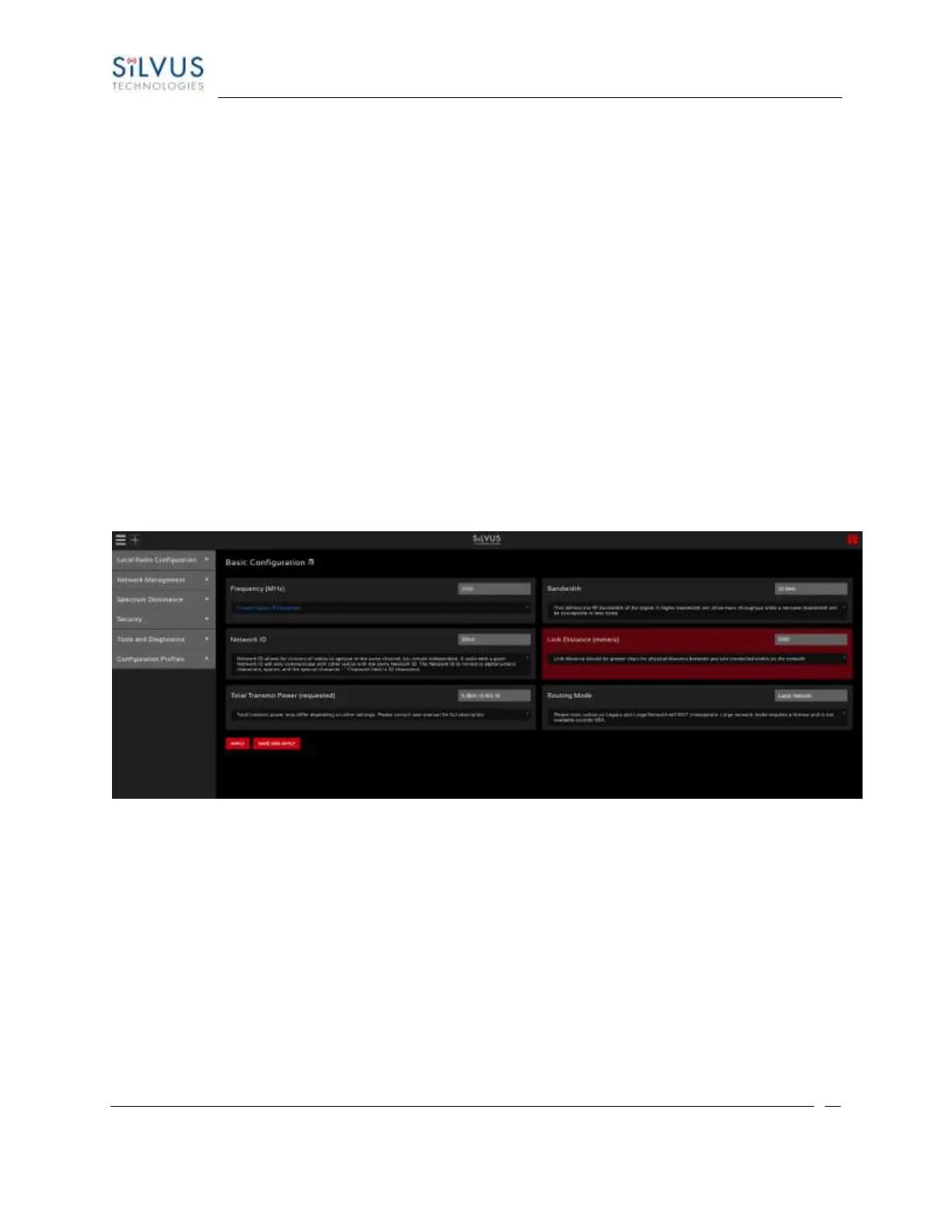
Figure 25 Basic Configuration Page
This page is used to set basic configurations. A brief description of each parameter is given below.
• Frequency: This defines the frequency of the signal. There is a drop-down menu for frequency
selection. The frequency choices will vary depending on the StreamCaster model(s) you are
using. In the additional information section of the frequency section (click on the red bar
directly below), you can select a link that will take you to create custom frequencies. Please
see Section 8 Custom Frequency Plan for “Create Custom Frequencies” access and installation
instructions.
• Bandwidth: This defines the RF bandwidth of the signal. A higher bandwidth will allow more
throughput while a narrower bandwidth will be susceptible to less noise.



 To Next Page