130
19. Separate the left and right side covers.
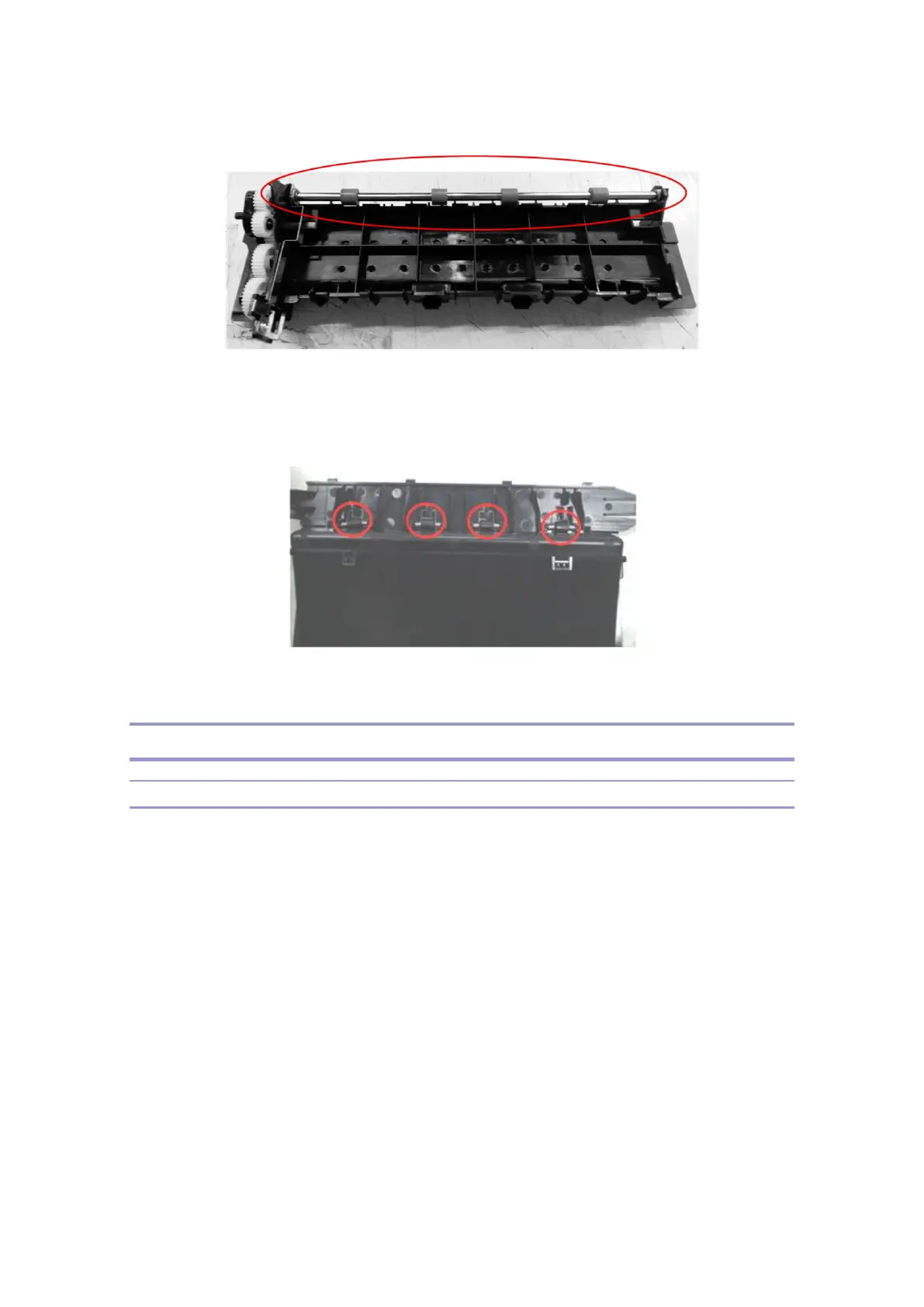
20. You can separate the top cover, and then replace the idel roller inside the cover.
Duplex Unit
Removing Duplex Unit
1. Turn the power off, and unplug the power cable and USB cables from the machine.
2. Remove the tray of the base unit, IC and optional paper trays from the base unit.
3. Open the rear cover and separate it with releasing the bolts.



 To Next Page