138
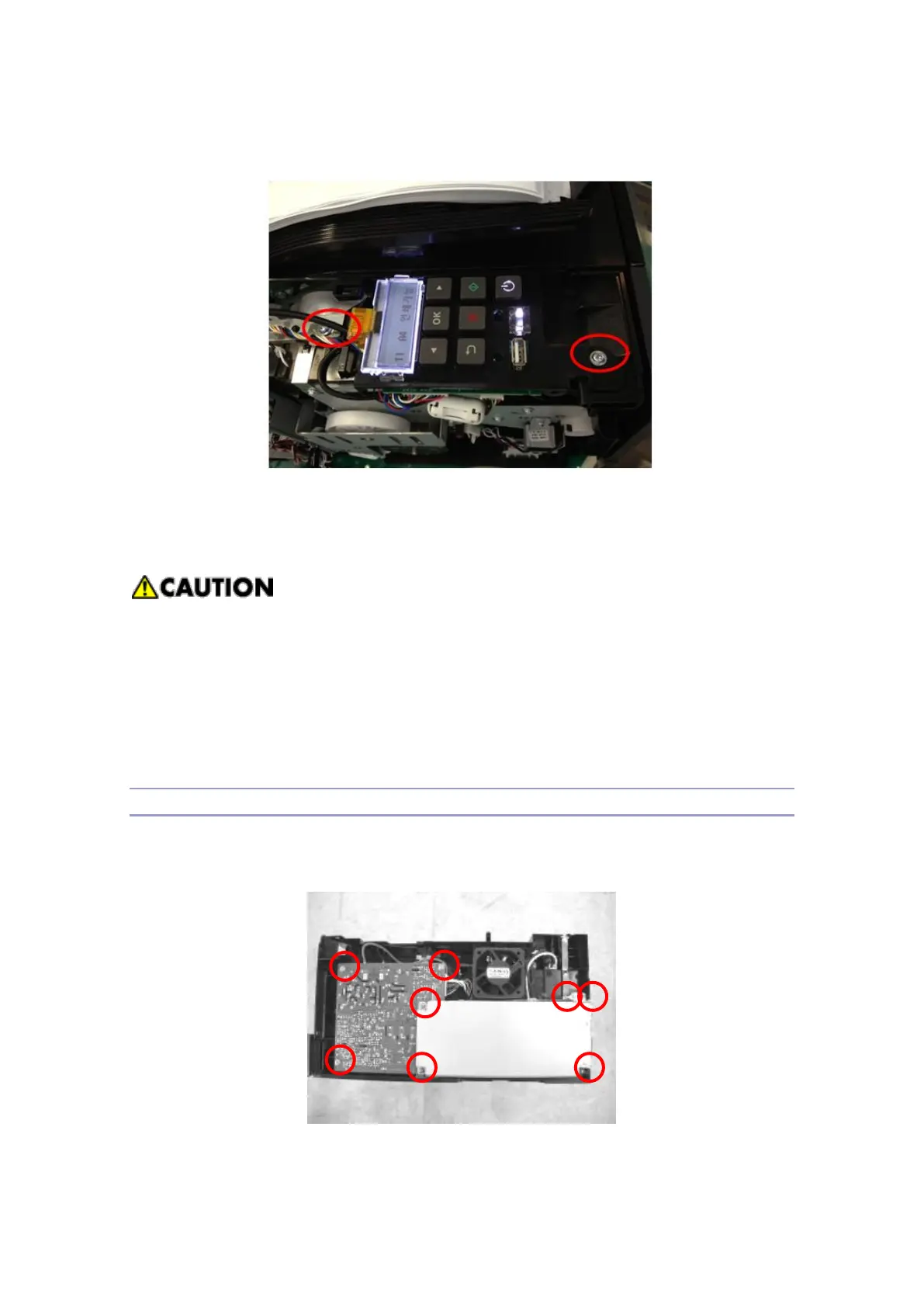
6. Remove 2 bolts at the upper and lower side of OP panel, and separate the panel after
separating the harness and core which are connected to CN1 and CN2 of OPU.
Be careful of cutting the harness when separating it from the connectors.
Be careful of damaging the flat harness of OP panel.
Refer to the harness path and the core position, and process the same way when
re-assembling.
Be careful of not missing LED indication window when dis-assembling OPU.
PDU
1. Remove the rear cover and then open the front cover.
2. Remove the right side cover.
3. Remove the 8 bolts.



 To Next Page