89
Replacement and Adjustment
Before Starting
Please perform the following before installing options:
If any printing job is left in the machine, print out all the jobs in the printer buffer.
Turn the main switch off and unplug the power cord and network cables from the
machine.
When disassembled, take care of missing various bolts. Refer to the harness path
and process the same order when re-assembling.
Assembling is the opposite processes of disassembling.
External Cover
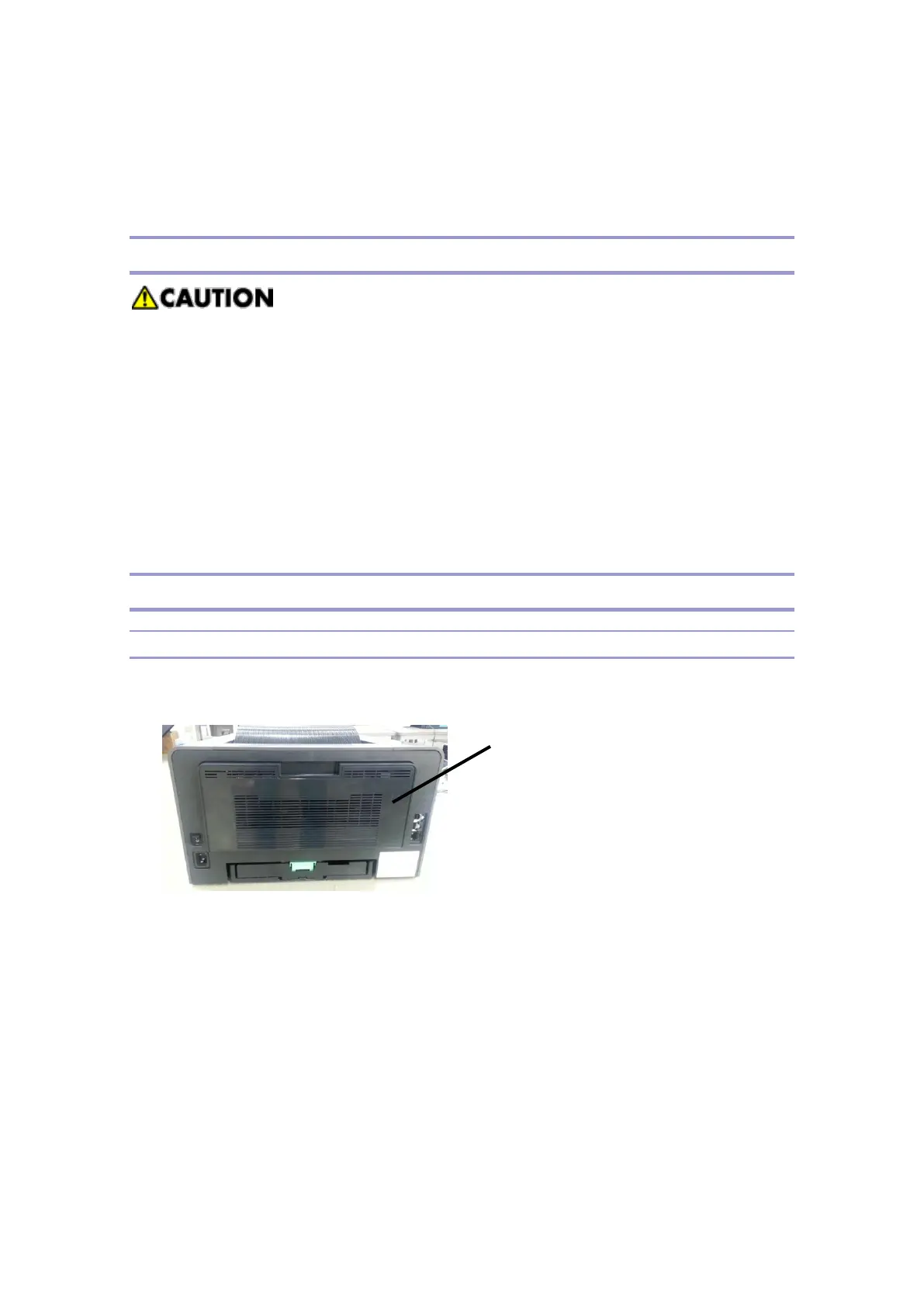
Rear Doors and Covers
1. Open the rear side door [A].
2. Remove 5ea bolts and separate the door from the base unit..



 To Next Page