92
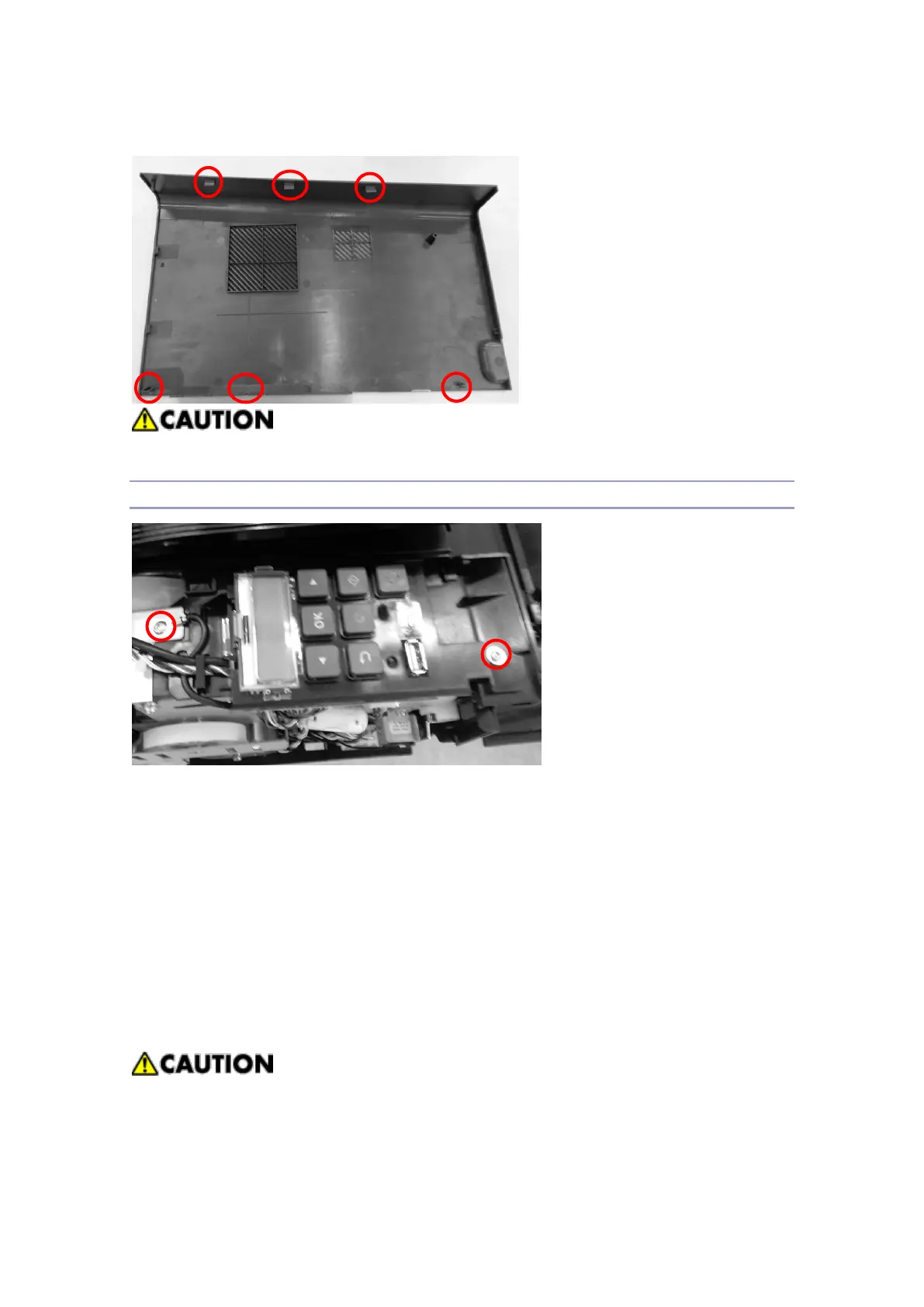
When separating the right cover, be careful of 7ea of hooks at inside of the cover
Operation Panel
1. Remove the rear cover and open the front cover.
2. Remove the side covers.
3. Remove 2ea of bolts at the upper and lower sides of the Operation Panel, separate the
harness connected to CN30 connector in the main board, and separate the control
panel from the
frame.
.
When the harness is separated from the connectors, be careful of cutting the
harness.
Be careful of damaging the flat harness in the Operation Panel.



 To Next Page