Installation and start-up
32 / 76 Sintratec S1 BA_S1_en 1.1
Note
If the computer with the installed "Sintratec Central" print software is not
connected to the internet, the USB driver can be downloaded in advance from
the Sintratec Academy (during step 1.).
Note
Always use the "Sintratec Central" launcher (via the respective desktop icon or
"C:\Program Files\Sintratec\Sintratec Central\Central_Launcher.exe") to start the
"Sintratec Central" print software, so that automatic updates are performed.
Do not add "Sintratec Central" to the taskbar; otherwise no more updates will be
performed.
If "Sintratec Central" is run on a computer without a permanent internet
connection, it is advisable to regularly check at another computer whether newer
versions are available.
Pos: 117 /Sintratec /Überschrift en/2. Ebene/E - H /Elektroansc hluss @ 3\ mod_146398118244 4_6556.doc x @ 8131 @ 2 @ 1
6.8 Electrical connection
Pos: 118 /Sintratec /Kap./Montag e und Anschlüss e/Elektroanschl uss S1 Bild @ 3\mod_14 63981507342 _6556.docx @ 897 2 @ @ 1
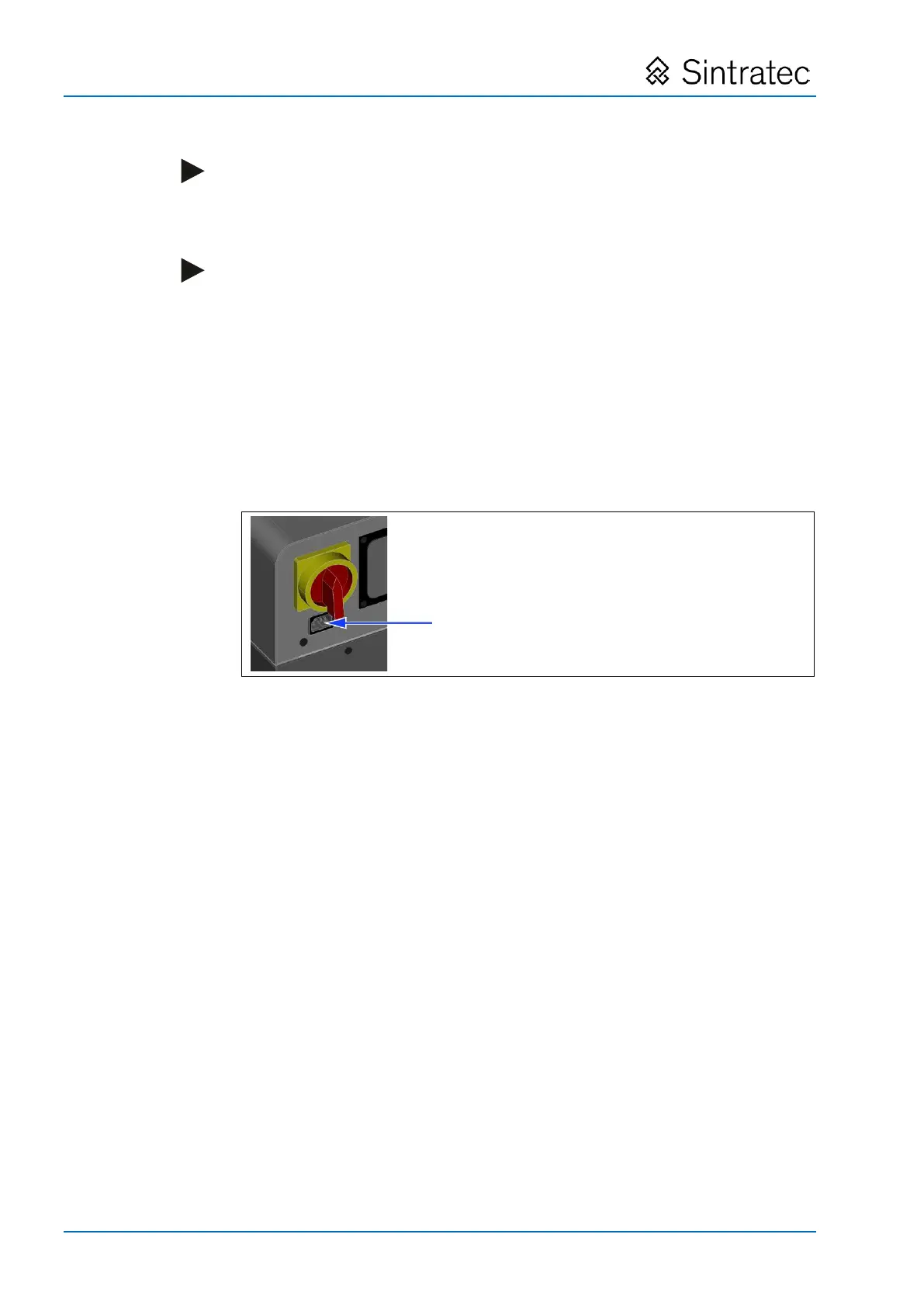
: Connection point for mains plug of device
Pos: 119 /Sintratec /Kap./Montag e und Anschlüss e/Elektroanschl uss Text @ 3 \mod_1469 019240138_655 6.docx @ 10336 @ @ 1
• The mains socket must be a 3-pin type with an earth conductor and a fuse
protection rating > 8 A.
• If an extension cable is used, this must also be a 3-pin type and must be
sufficiently dimensioned.
1. Connect the mains cable with the C13 coupling (for non-heating appliances) to
the C 14 mains plug and the mains socket.
Pos: 120 /Sintratec /+++++++ + Seitenumbruch ++++ ++++ @ 3\ mod_146398 1070991_0.docx @ 7762 @ @ 1


 To Next Page