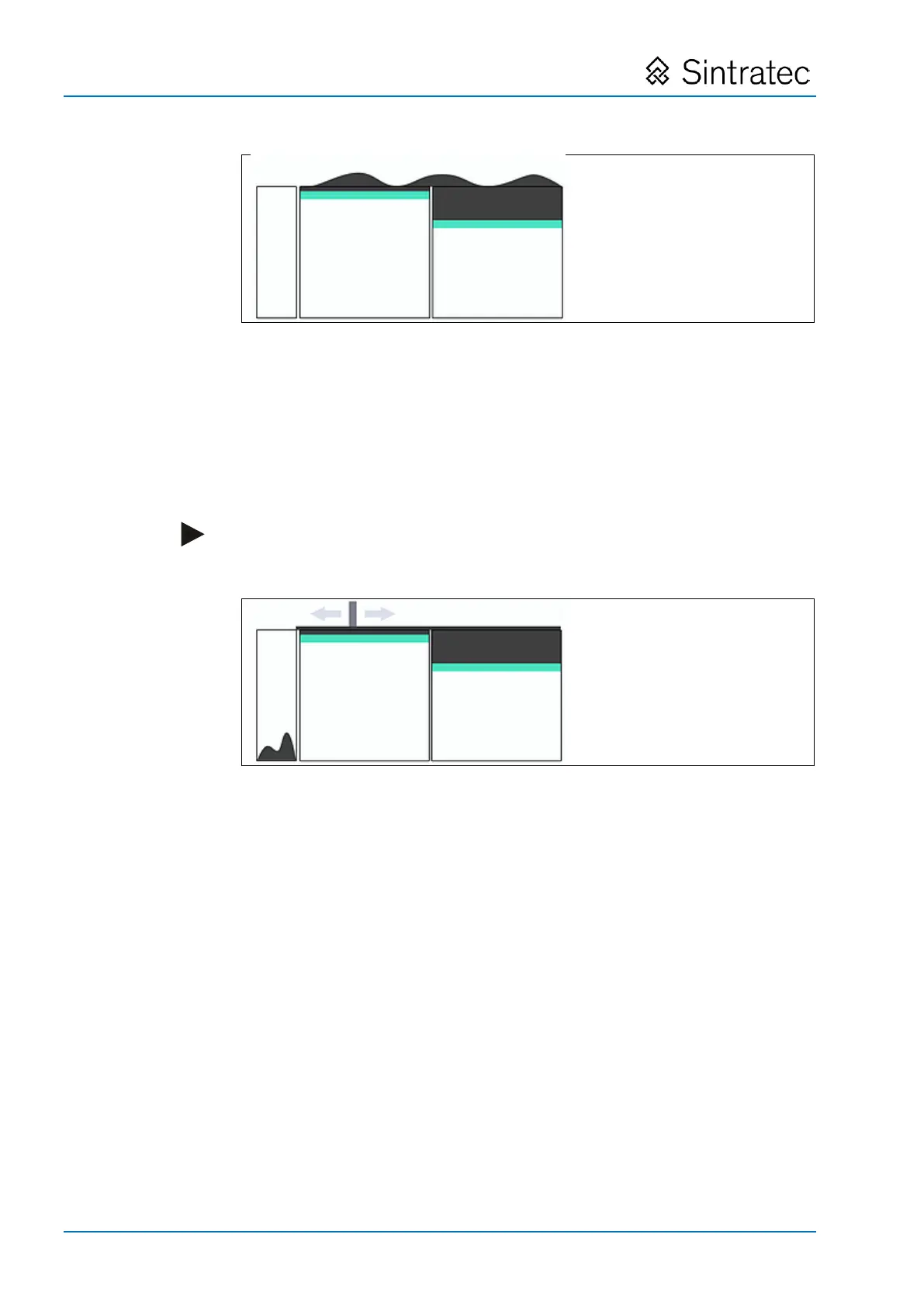
: Print and powder containers both filled with powder
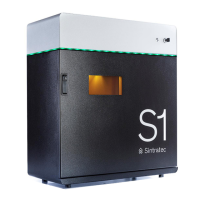
6. Smooth out the top surfaces using the coater:
– Press the "Apply" button beneath "Apply Powder".
With the coater, powder is moved from the powder container across the print
container and the powder surface is smoothed out. Excess powder drops into
the excess powder container.
– Repeat the process as often as necessary, until the surface is completely
flat. (Check what is happening with the door open.)
: Top surfaces after being smoothed out with coater
Pos: 140 /Sintratec /+++++++ + Seitenumbruch ++++ ++++ @ 3\ mod_146398 1070991_0.docx @ 7762 @ @ 1


 To Next Page