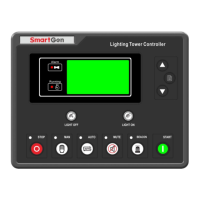
ALC404 LIGHTING TOWER CONTROLLER USER MANUAL
ALC404 Lighting Tower Controller 2018-11-06 Version 1.1 Page 10 of 83
4 OPERATION
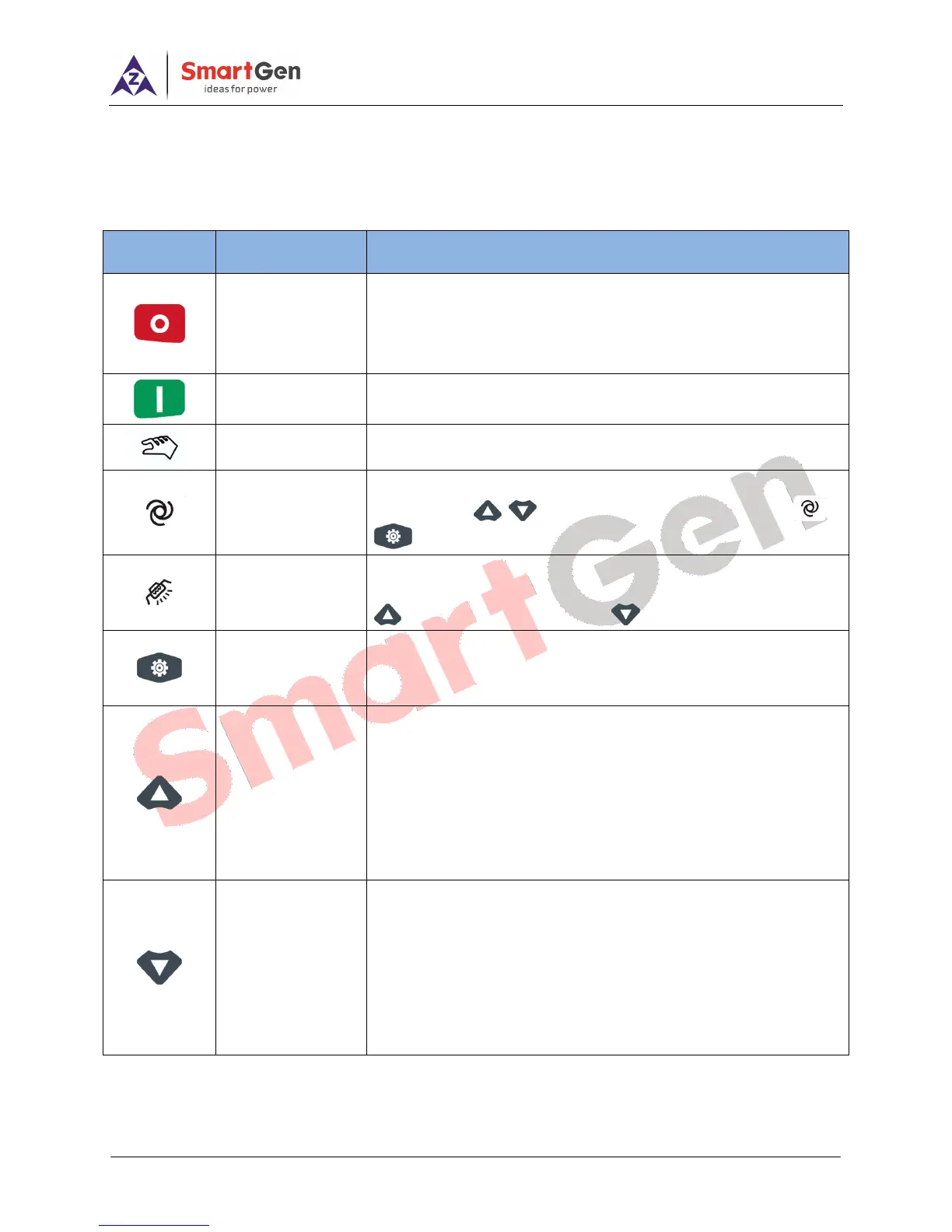
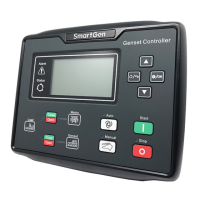
4.1 PUSHBUTTONS
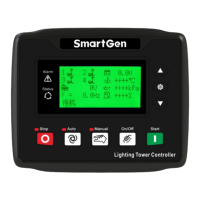
Table 4 – Keys Description
Stop running light tower set;
Reset alarms in stop mode;
Lamp test in stop mode (press at least 3 seconds);
Quick stop in stopping process.
Start lighting tower set in manual mode; Quick start in starting
process (press once to jump one status of light tower set).
Press this key to configure tower set as manual start mode.
Press this key and controller enters into auto start mode select
interface; use to select Auto Start mode and press or
to confirm the selection.
Press this key to change-over screens between mains screen and
light On/Off screen. In light On/Off screen (in manual mode), press
to turn off the light and press to turn on the light.
Press this key to enter into menu screen.
In parameter setting page, press this key to right shift cursor and
confirm the setting information.
Press this key to scroll screens in parameter display page, menu
page and records query page;
Up cursor and increase value in parameter setting page.
Press this key to wake up controller while controller is in deep sleep
mode;
In light On/ Off screen (in manual mode), press this key to control the
number of lighting lamps (press once to turn on one lamp).
Press this key to scroll screens in parameter display page, menu
page and records query page;
Down cursor and decrease value in parameter setting page.
Press this key to wake up controller while controller is in deep sleep
mode;
In light On/ Off screen (in manual mode), press this key to control the
number of lighting lamps (press once to turn off one lamp).






 To Next Page