ALC404 LIGHTING TOWER CONTROLLER USER MANUAL
ALC404 Lighting Tower Controller 2018-11-06 Version 1.1 Page 21 of 83
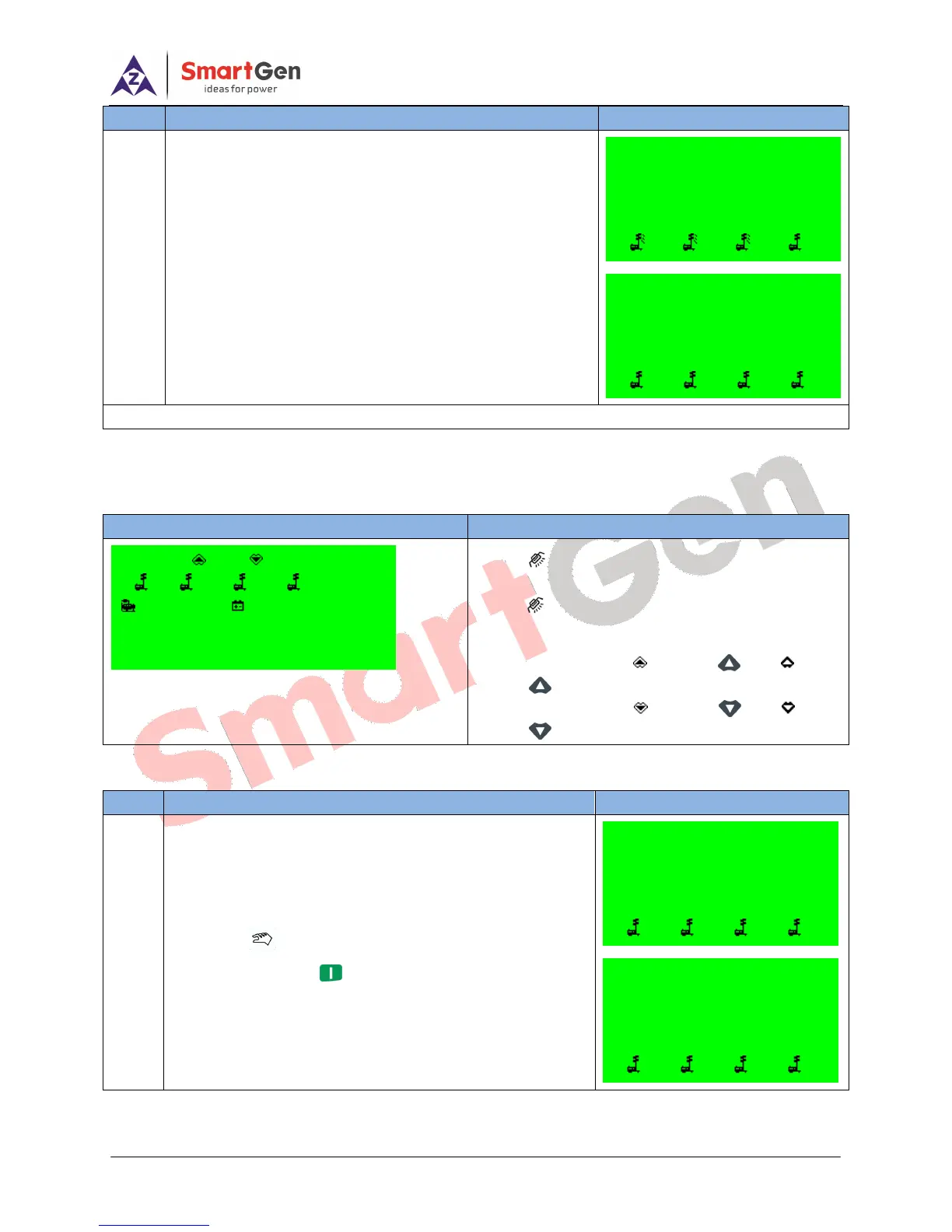
Remark: The Remote start/stop mode will be canceled automatically when select other auto start mode!
4.7 MANUAL START/STOP OPERATION
Table 12 - Light On/Off Screen
Press key to inter into Light On/Off screen, and
press again to exit. This screen shows users how
to manually turn on/off lights.
―O‖ stands for ―Open‖, refers to and
means is active;
―C‖ stands for ―Close‖, refers to and
means is active;
Table 13 - Manually Start/Stop Unit Operation
Press ,its indicator lights on, and controller enters
Manual Mode. Press ,light tower set begins cranking
Manual Mode
Manual Start
Current Time 17:00:02
Cranking 5s
1 2 3 4
Manual Mode
Wait Manual Start
Current Time 17:00:00
Standby
1 2 3 4
o c
1 2 3 4
399V 24.0V
F = 50.0Hz 0.0kW
Gens Normal Running
Remote Start Mode
Wait Remote Start
Current Time 07:00:15
Cooling Time 59s
1 2 3 4
Remote Start Mode
Wait Remote Start
Current Time 07:00:09
3# Light Off 2s
1 2 3 4






 To Next Page