EasyManua.ls Logo

Smartgen ALC404 - Flexible Sensor 2 Settings

Smartgen ALC404
83 pages
Print Icon
To Next Page IconTo Next Page
To Previous Page IconTo Previous Page
Loading...
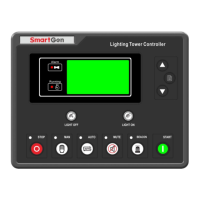
ALC404 LIGHTING TOWER CONTROLLER USER MANUAL
ALC404 Lighting Tower Controller 2018-11-06 Version 1.1 Page 51 of 83
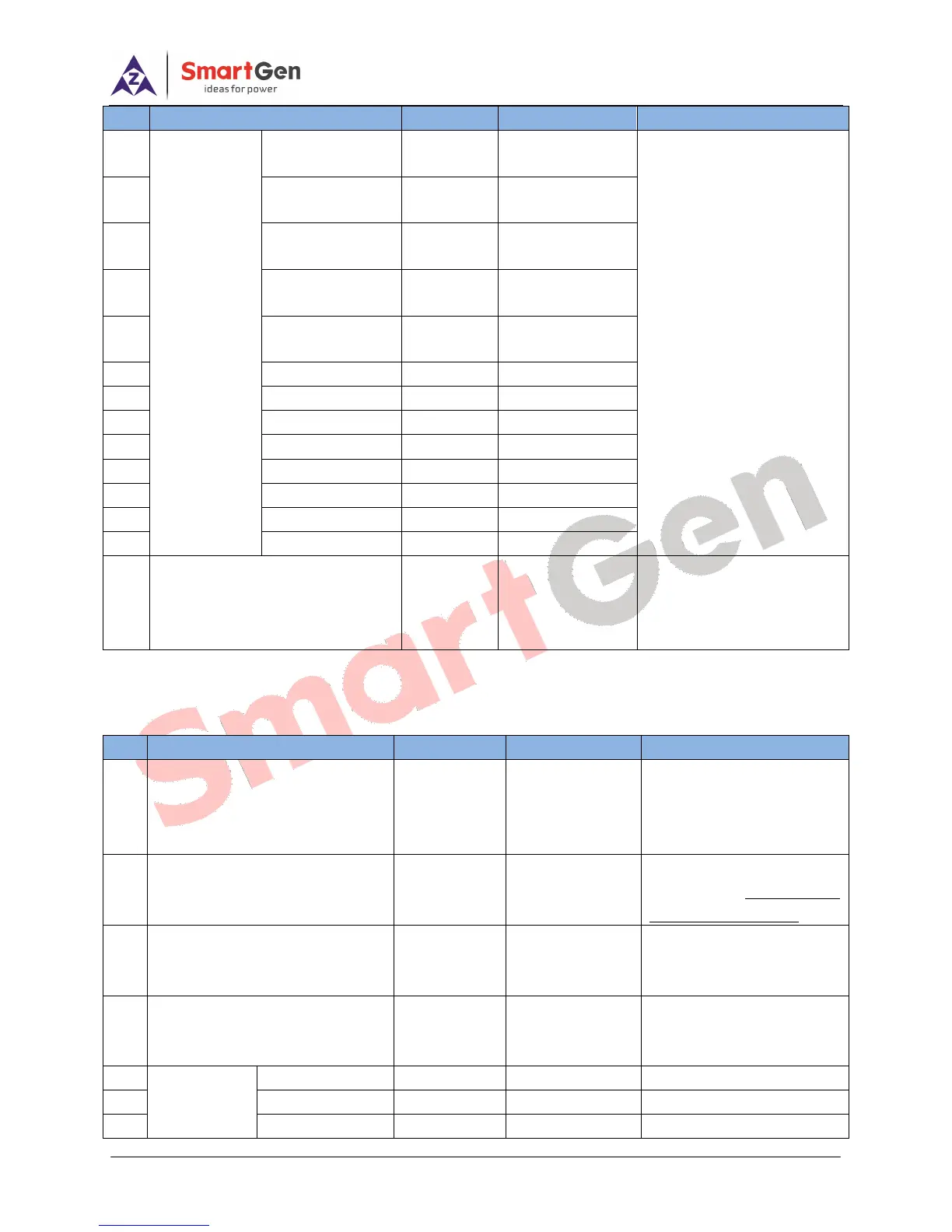
No.
Parameter
Range
Default
Description
22
4
th
point X
(Resistance)
(0~1000)
39
follows:
pressure type: kPa
Fuel level type: %
Temperature type:
23
5
th
point X
(Resistance)
(0~1000)
56
24
6
th
point X
(Resistance)
(0~1000)
116
25
7
th
point X
(Resistance)
(0~1000)
258
26
8
th
point X
(Resistance)
(0~1000)
300
27
1
st
point Y(Value)
(0~4000)
140
28
2
nd
point Y(Value)
(0~4000)
110
29
3
rd
point Y(Value)
(0~4000)
100
30
4
th
point Y(Value)
(0~4000)
90
31
5
th
point Y(Value)
(0~4000)
80
32
6
th
point Y(Value)
(0~4000)
60
33
7
th
point Y(Value)
(0~4000)
40
34
8
th
point Y(Value)
(0~4000)
20
35
User-defined Strings
User-defined
sensor name
Chinese:发动
温度
EnglishEngine
Temp.
PC software can write 10
Chinese characters and 20
English characters.
7.4 FLEXIBLE SENSOR 2 SETTINGS
Table 21 Flexible Sensor 2 Settings
No.
Parameter
Range
Default
Description
1
Sensor Type
(0~3)
2
0 Not Used
1 Temp. Sensor
2 Pressure Sensor
3 Fuel Level Sensor
2
Curve Type
(0~15)
13
Details of sensor curve
please to see 7.6 SENSOR
CURVE SELECTION.
3
Open Circuit Action
(0~2)
0
0 Warning
1 Shutdown
2 No Action
4
Display Unit
(0~2)
0
0kPa
1bar
2psi
5
Sensor High
Shutdown
Enable
(0~1)
0
0 Disabled 1 Enabled
6
Set Value
(0~1000)kPa
0
7
Delay
(0~3600)s
3

Table of Contents

Related product manuals