EasyManua.ls Logo

Smartgen ALC404 - Flexible Sensor 1 Settings

Smartgen ALC404
83 pages
Print Icon
To Next Page IconTo Next Page
To Previous Page IconTo Previous Page
Loading...
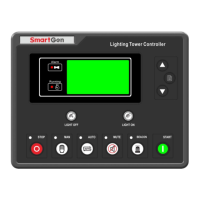
ALC404 LIGHTING TOWER CONTROLLER USER MANUAL
ALC404 Lighting Tower Controller 2018-11-06 Version 1.1 Page 50 of 83
Category
Parameters
Range
Default
Description
Delay
pressed before the delay
expired is one condition for
judging whether controller
enters into deep sleep
mode.
NOTE: The remaining parameters can only be configured by the PC software.
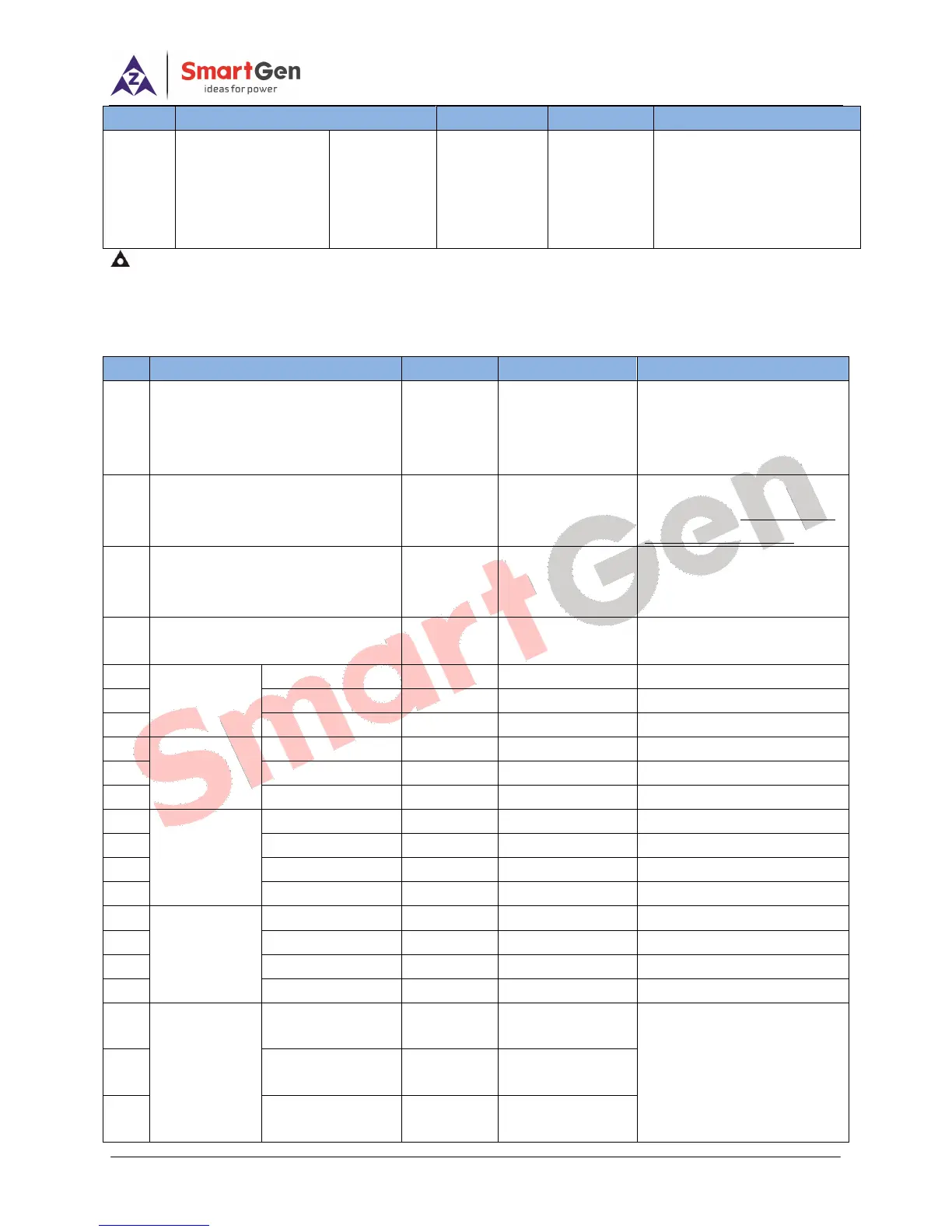
7.3 FLEXIBLE SENSOR 1 SETTINGS
Table 20 Flexible Sensor 1 Parameter Settings
No.
Parameter
Range
Default
Description
1
Sensor Type
(0~3)
1
0 Not Used
1 Temp. Sensor
2 Pressure Sensor
3 Fuel Level Sensor
2
Curve Type
(0~15)
11
Details of sensor curve
please to see 7.6 SENSOR
CURVE SELECTION.
3
Open Circuit Action
(0~2)
0
0 Warning
1 Shutdown
2 No Action
4
Display Unit
(0~1)
0
0:
1:
5
Sensor High
Shutdown
(0~1)
(0~1)
1
0 Disabled 1 Enabled
6
Set Value
(0~1000)
98
7
Delay
(0~3600)s
3
8
Sensor Low
Shutdown
Enable
(0~1)
0
0 Disabled 1 Enabled
9
Set Value
(0~1000)
0
10
Delay
(0~3600)s
3
11
Sensor High
Warning
Enable
(0~1)
1
0 Disabled 1 Enabled
12
Set Value
(0~1000)
95
13
Return Value
(0~1000)
93
14
Delay
(0~3600)s
5
15
Sensor Low
Warning
Enable
(0~1)
0
0 Disabled 1 Enabled
16
Set Value
(0~1000)
70
17
Return Value
(0~1000)
75
18
Delay
(0~3600)s
5s
19
User-defined
Sensor Curve
1
st
point X
(Resistance)
(0~1000)
0
Sensor curves can be user
defined. X-axis and Y-axis
separately contains 8 points.
Unit of X-axis is Ω;
Units of Y-axis are as
20
2
nd
point X
(Resistance)
(0~1000)
21
21
3
rd
point X
(Resistance)
(0~1000)
28

Table of Contents

Related product manuals