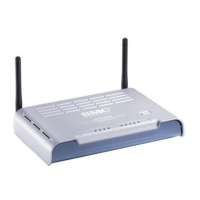
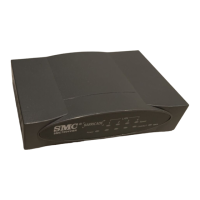
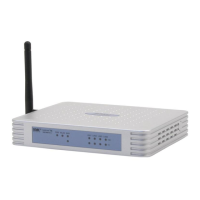
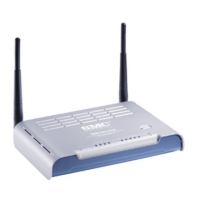
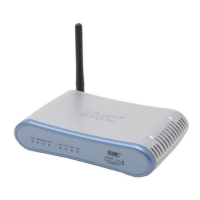
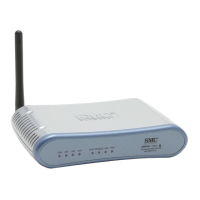
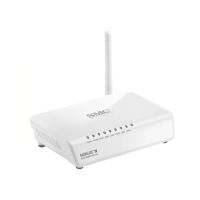
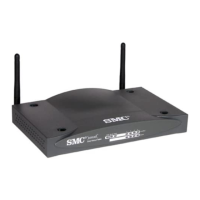
Hardware Description
1-5
1
*Slow flashing is an on-off cycle of once every 2 seconds. The flashing lasts for 10
seconds then stops.
**Fast flashing: on-off cycle of once of every 0.5 seconds
***Untra Fast flashing: on-off cycle of once of every 0.2 seconds
Ethernet RJ-45 Ports
The
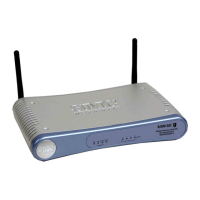
wireless AP/Router
has the following RJ-45 ports:
• The four RJ-45 LAN ports are for connections to PCs or to a 10/100 Mbps.
• The RJ-45 WAN port is for connection to a DSL or cable modem, or to a LAN or
other device that provides your Internet access.
All RJ-45 ports auto-negotiate the operating speed to 10/100 Mbps, the mode to
half/full duplex, and the pin signals to MDI/MDI-X. Automatic MDI/MDI-X support
enables you to use straight-through cables for all network connections to PCs,
switches, or hubs.
3G Modem USB Port
The 3G Modem USB Port supports connection to a wireless cellular 3G or 3.5G
modem for broadband internet access.
3G Button
The 3G button provides an easy way to connect to a 3 G or 3.5G Internet service.
For information on the 3G start mode, See “3G” on page 5-11.
Power Socket
The
wireless AP/Router
does not have a power switch. It is powered on when
connected to the AC power adapter, and the power adapter is connected to a power
source. The power adapter automatically adjusts to any voltage between 100-240
volts at 50 or 60 Hz. No voltage range settings are required.
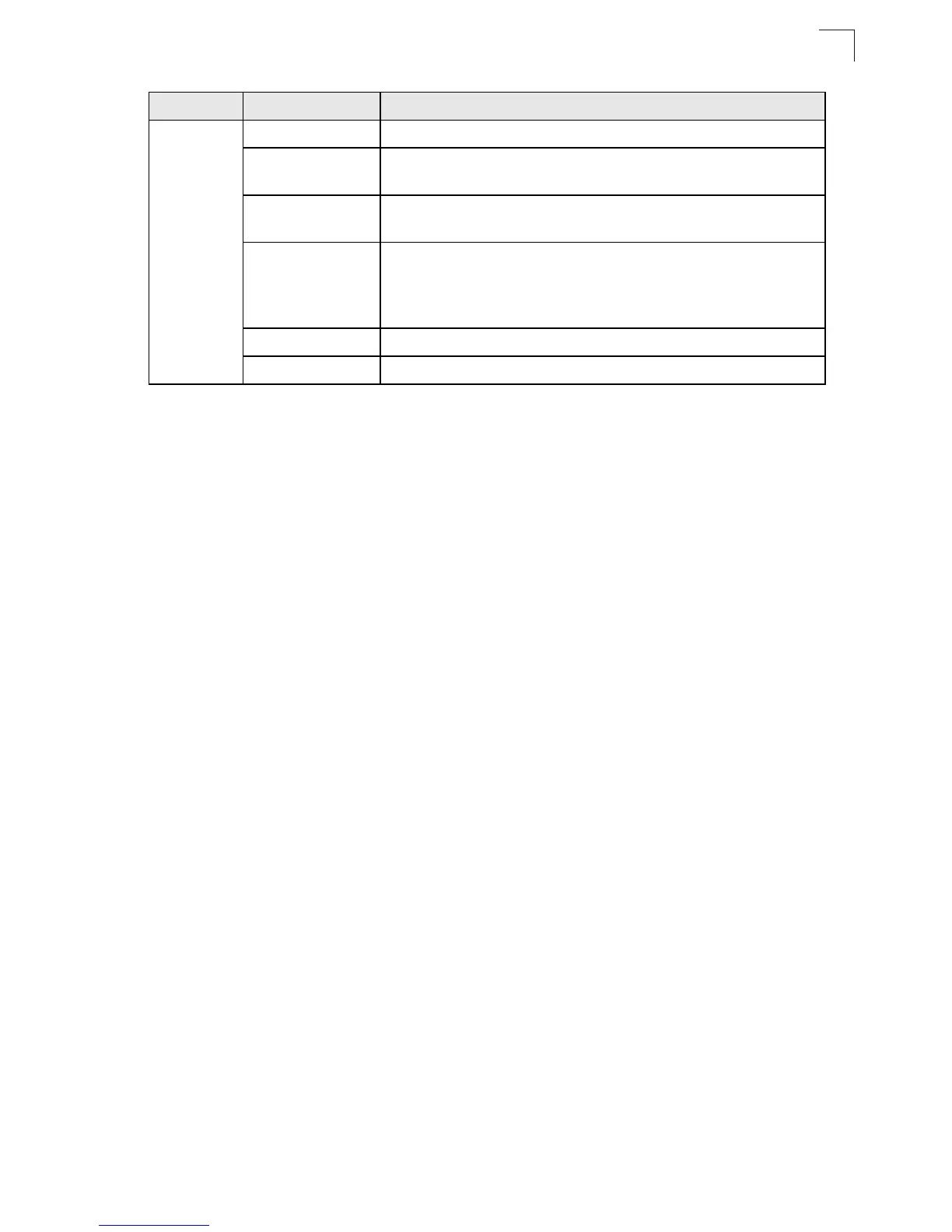
3G USB Link
On Indicates a connection through the attached 3G/3.5G USB modem.
Fast Flashing
Green*
Indicates that the PIN code has failed.
Ultra Fast Flashing
Green**
Indicates that 3G usage is already over the ISP supplied limit.
Ultra Fast Flashing
Green and OFF
cycle every 5
seconds**
Indicates that 3G usage is already over the user defined pre-warning
limit.
Slow Flashing Green Indicates that the 3G/3.5G USB modem is in the process of connecting.
Off Indicates that there is no connection or no attached 3G/3.5G device.
LED Status Description


 To Next Page
 Loading...