|
15
5. If the problem persists, do the following to check whether the probe sensor is working properly:
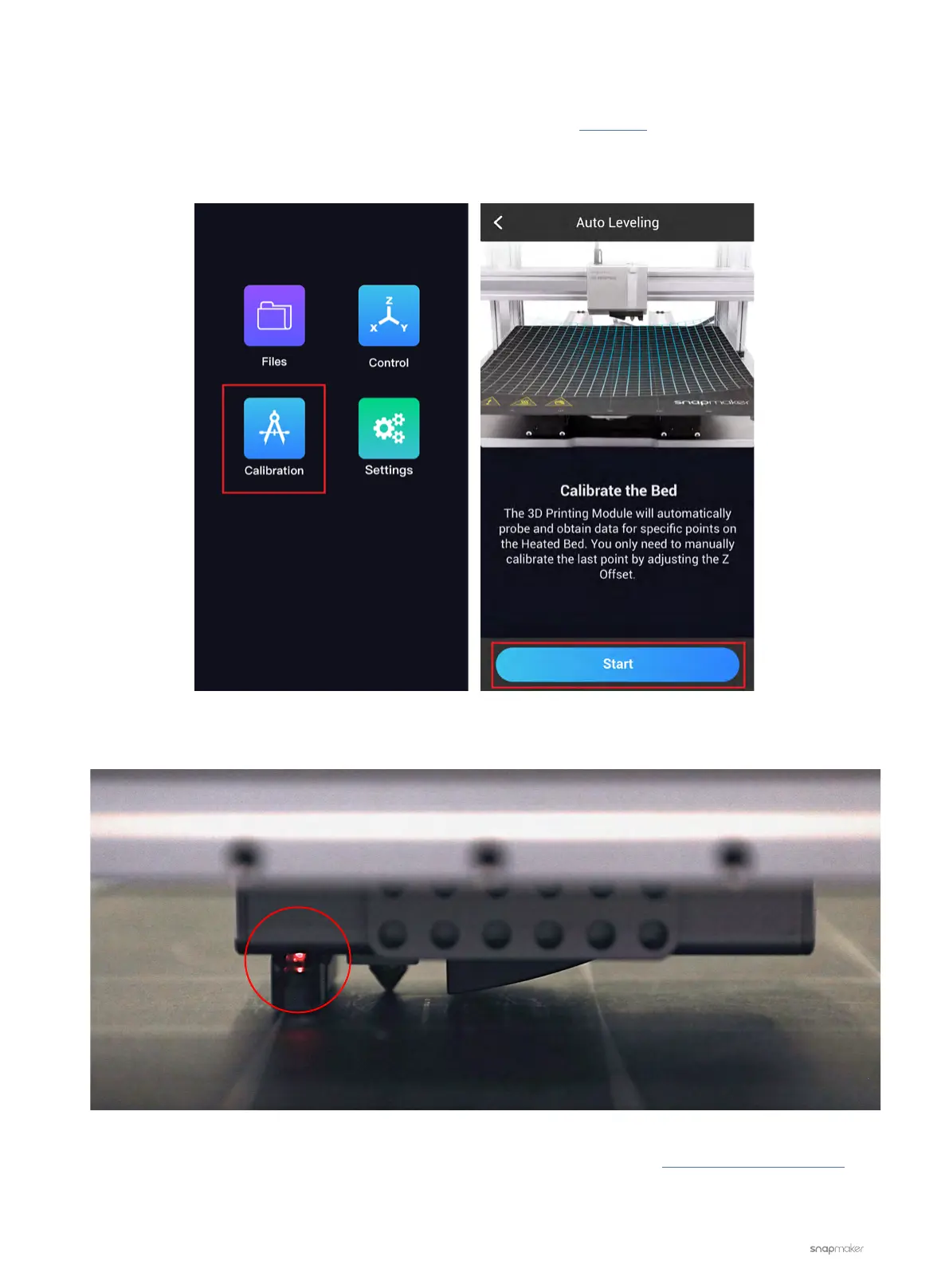
5.1 Put a palette knife beneath the 3D Printing Module as shown in this video. Or, on the Touchscreen, swipe
left to tap Calibration and tap Start to run Auto Leveling; the 3D Printing Module is expected to go back to
its home position and then move down towards the Print Sheet.
5.2 See if the LED is on when the toolhead approaches the palette knife or the Print Sheet.
- If not, then the probe sensor itself is malfunctioning. Please contact us at support@snapmaker.com for
replacement.
- If yes, go to step 6.



 To Next Page