User Manual |
29
3D Printing - 03 How to 3D Print
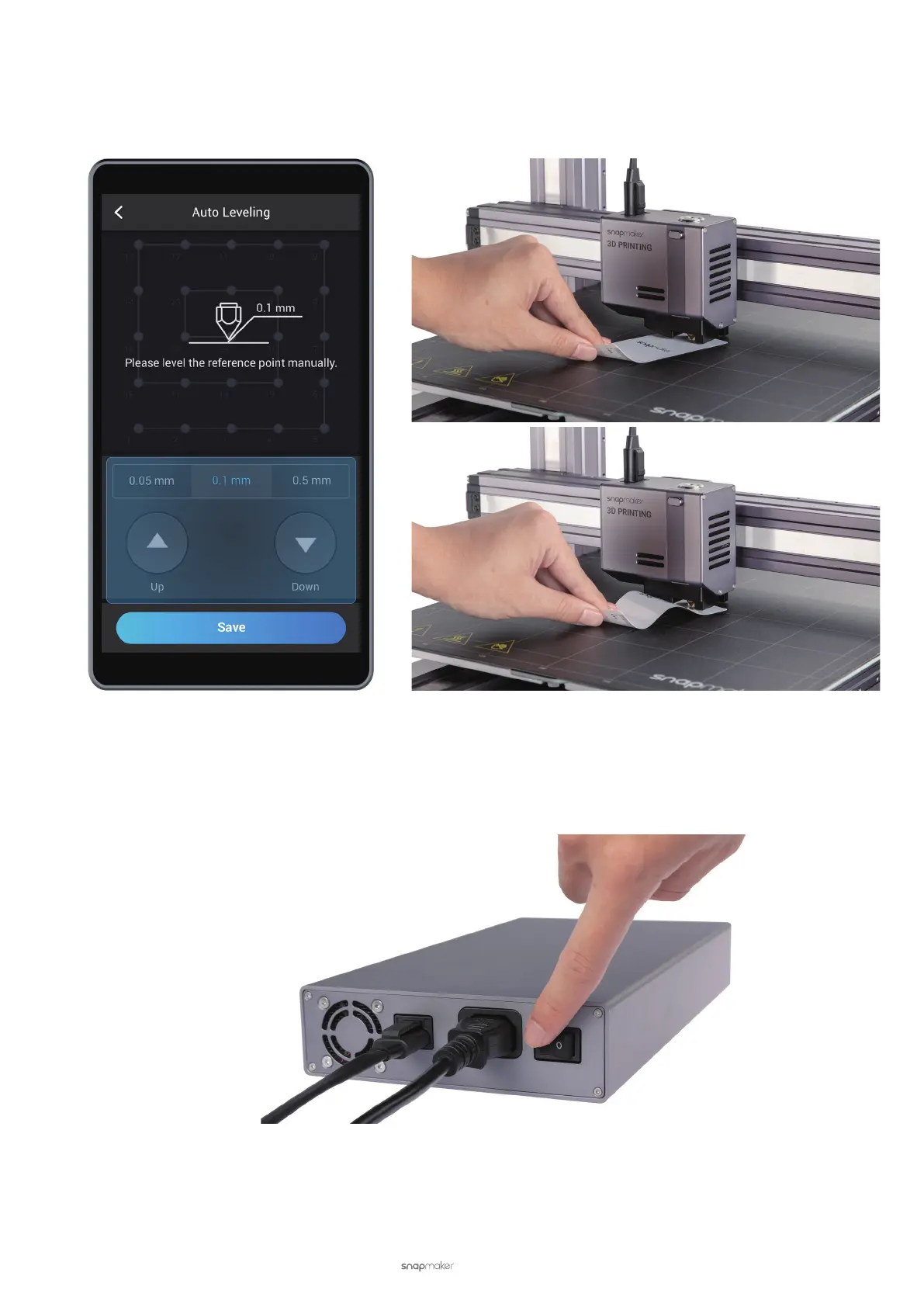
b. Fine-tune the last point. Select the offset per travel (0.05 mm, 0.1 mm, or 0.5 mm). Keep adjusting the
height of the nozzle tapping Up and Down, until you feel slight resistance when you pull out the Calibration
Card and it should be wrinkled when you push it forward. Tap Save to save the calibration settings.
Manual Leveling
(1) Turn on the 3D printer.
(2) Read instructions. On the Touchscreen, swipe left to tap Calibration. Read on-screen instructions on how to
level the bed and tap Start to run Manual Leveling.
Slight Resistance
Wrinkled Calibration Card



 To Next Page