Sirius 800 www.snellgroup.com Nucleus Advanced Functions and Upgrades
Issue 1 Rev 1 Page 113 © 2014 Snell Limited
10.2.1 Adding RTB and System Files Using Pbak Deploy
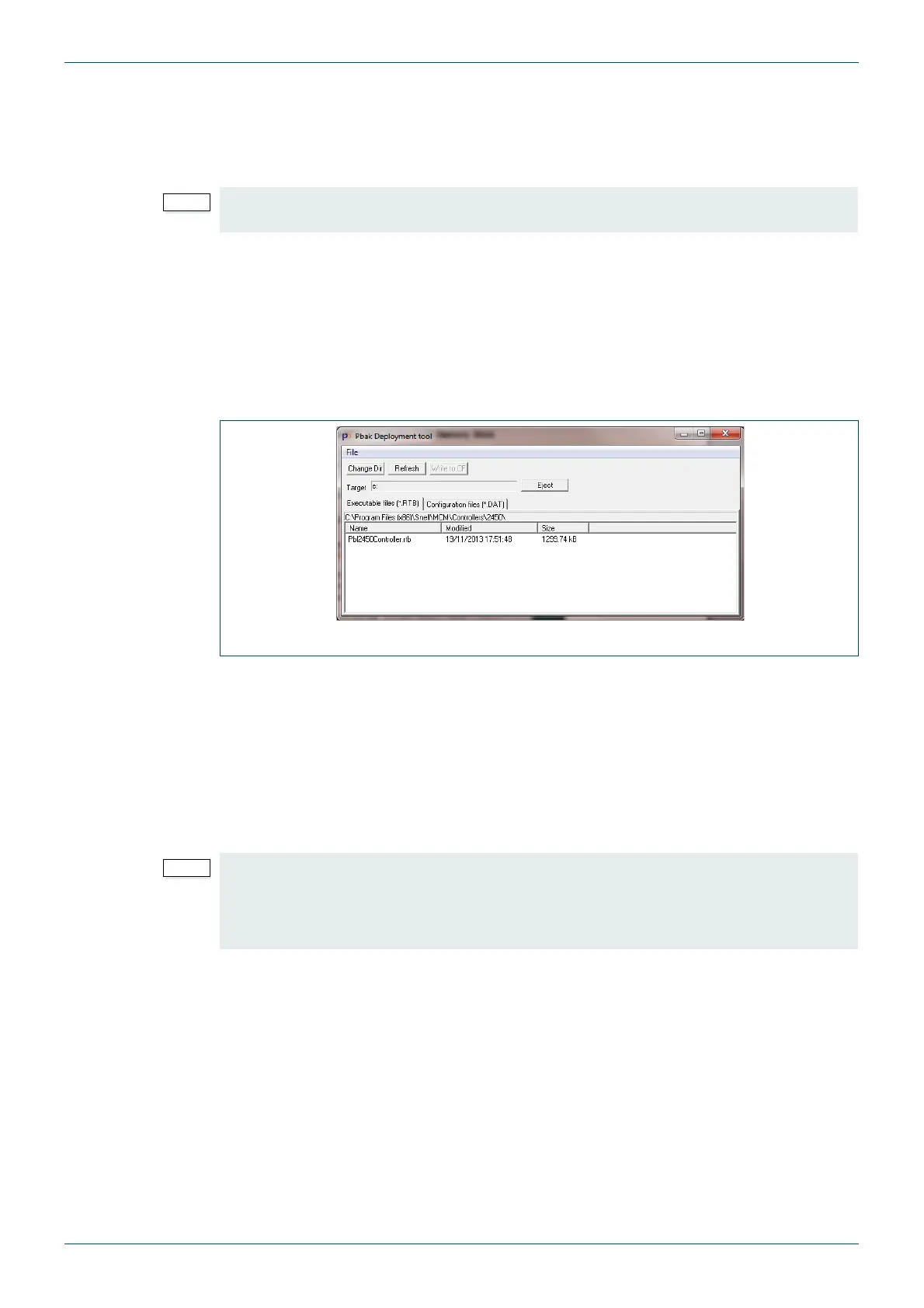
The Pbak Deploy tool is part of the Workbench installation. It is used to transfer the RTB file
and system files to a bootable USB memory stick. The RTB file is the operating system file for
the Nucleus2 router control module.
A bootable USB memory stick is required for this process. To create the bootable USB
memory stick see section 10.2.8. Once created this bootable USB memory stick should be
labeled and kept for future use.
1. Insert the bootable USB memory stick in a computer with Workbench installed.
2. Start the Pbak Deploy Tool: from the Windows Start menu browse to:
Start | All Programs | Snell | MCM | Utilities | Pbak Deploy Tool
3. From the Pbak Deploy Tool select File | Configuration.
4. Select the USB memory stick as the Target Drive from the drop-down list. This is the
bootable USB memory stick the file will be written to.
5. Select the RTB directory on your computer. If you installed to the default directories,
browse to the RTB directory located in (assuming Workbench is installed in the default
location):
C:\Program Files\Snell\MCM\Controllers\ControllerLoader\
6. Click OK.
7. Select the ControllerLoader.RTB file from the list and click the Write to CF button.
8. Wait for Pbak Deploy to finish writing files to the USB memory stick.
9. Close Pbak Deploy and go to section 10.2.2 for details of the other files that are
required for the USB memory stick.
• The RTB file version must be compatible with the version of Workbench that is
installed.
Fig 73. Pbak Deploy Tool
• If Workbench is installed in the default location on a 64 bit Windows computer then
it will be located in the “Program Files (x86)” directory.
•The Dat directory and on time tools directory are not required for Nucleus2
controller configuration and should be left blank.



 To Next Page