Sirius 800 www.snellgroup.com Power Supply and Fan Maintenance
Issue 1 Rev 1 Page 22 © 2014 Snell Limited
4.1.2 Power Up and Initialization
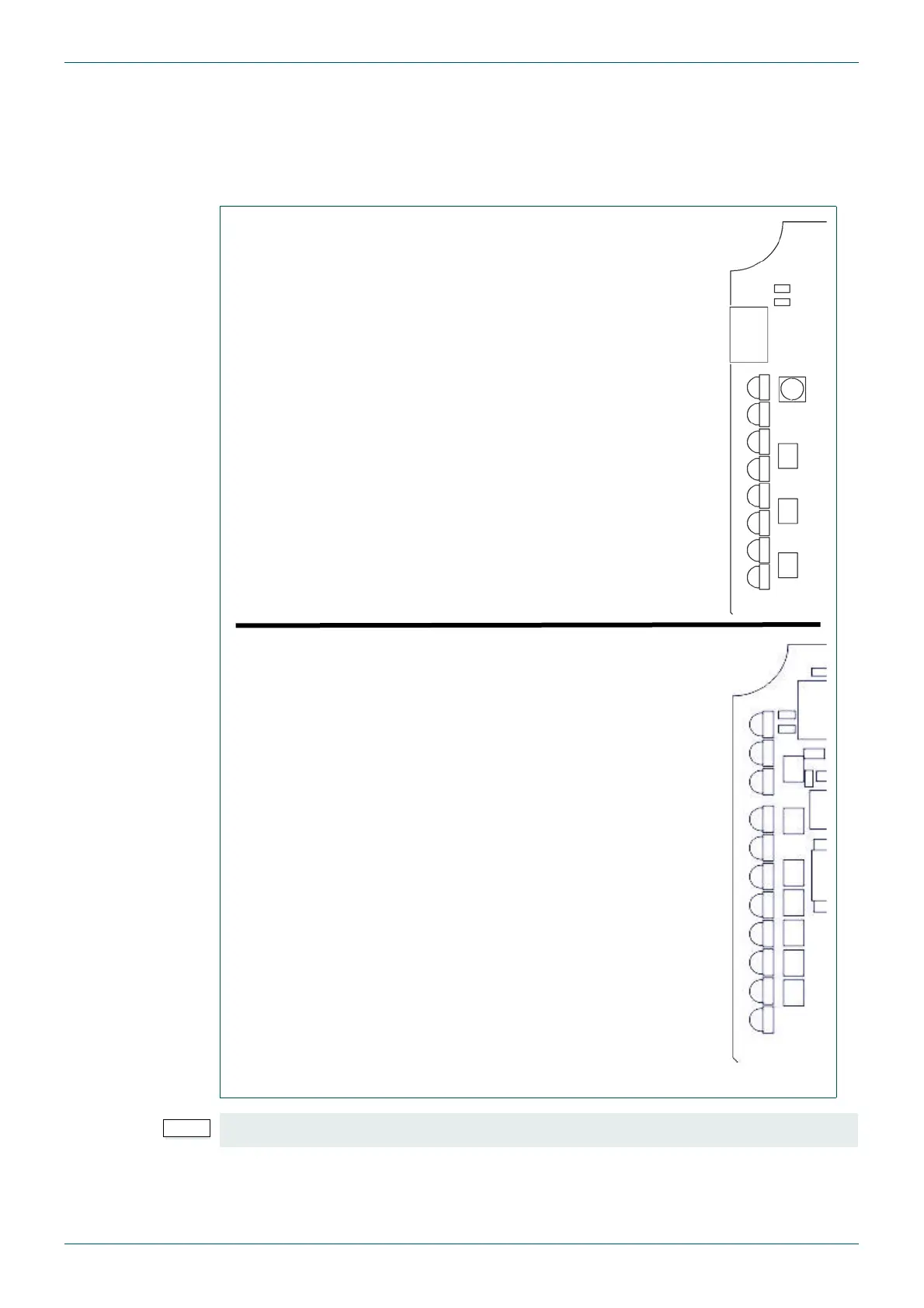
Once the controller has booted (see Fig 5. for LED states when the controller is running), it is
ready to setup. Router Configuration is carried out using Workbench. If the system has
already been configured, it returns to the state it was in (all signal routing and monitor
settings) when it was last powered.
Fig 5. Nucleus2 2463 & Nucleus 2450 Controller LED State when Running
For full details of the Controller LED colors see section 9.
Flashing Green = Controller Active, Flashing Blue = Controller Idle - 1
Steady Green - Power OK
Steady Green = Master Controller, Flashing Blue = Slave Controller - 2
Flashing Green or Orange - 3
Pulsing Orange = Controller Mismatch - 4
Off or Flashing - 5
Not used - Off - 6
Not used - Off - 7
Blue = Controller Active, Purple (Blue + Red) = Controller Idle - D4
Green or Off - D5
Flashing Green or Off - D6
Blue or Off - D9
Not used - Off - D10
Not used - Off - D11
Not used - Off - D12
Green or Off - D13
Flashing Green, Steady Blue or Off - D14
Steady Red = Controller Mismatch - D15
Flashing Green = Controller Active, Flashing Red = Controller Idle - D16
Nucleus2 2463 Controller
Nucleus 2450 Controller



 To Next Page