Sirius 800 www.snellgroup.com Crosspoint Faults and Replacement
Issue 1 Rev 1 Page 70 © 2014 Snell Limited
7.3.1 5903 Audio Crosspoint Module LED Information
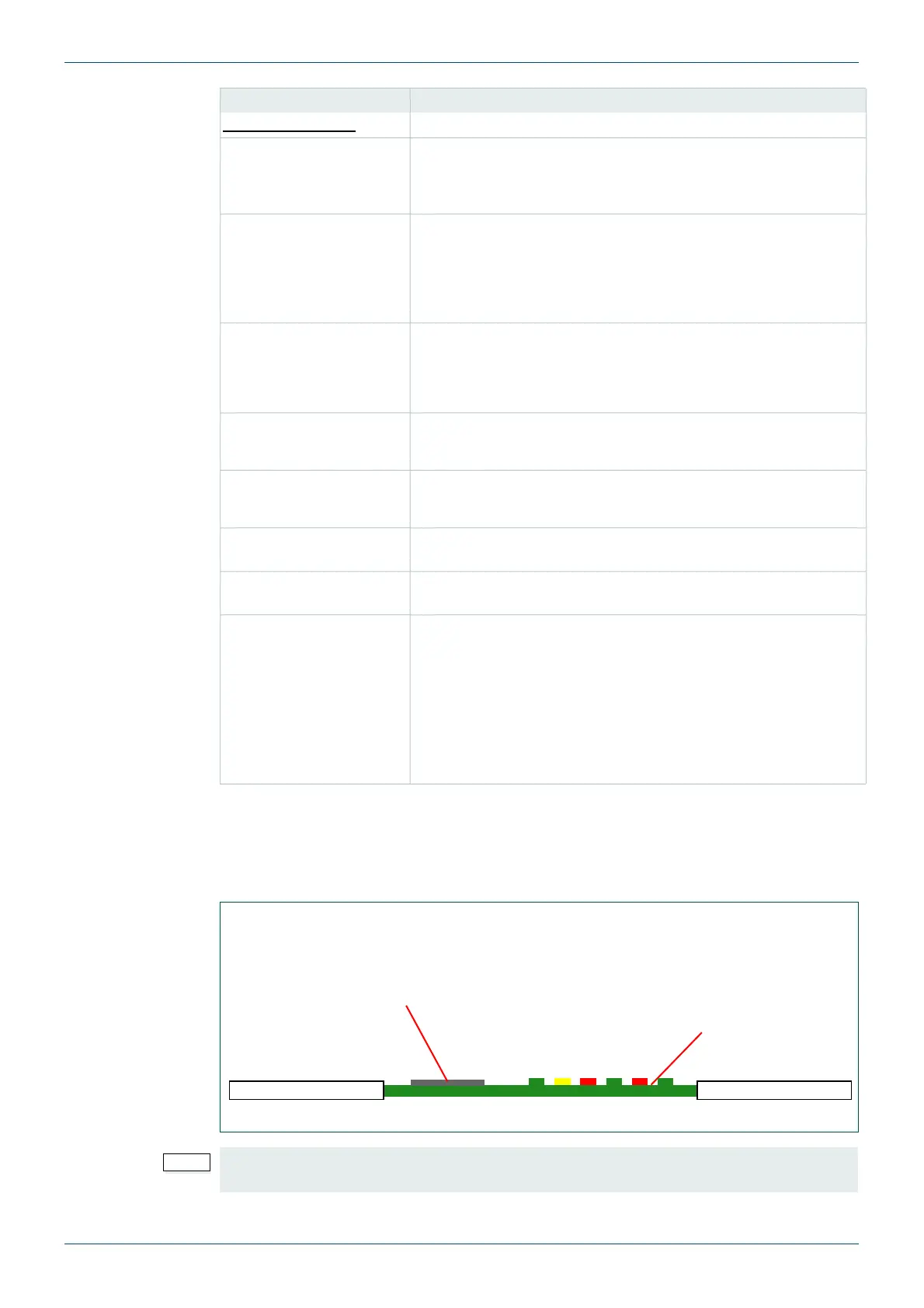
Table 18. shows the LED color code for the LEDs at the front of the 5903 Audio Crosspoint
module, and Fig 36. shows the front edge of the module.
Crosspoint Status
XpntCardNone Yellow = Main and redundant crosspoint modules working
correctly.
Grey = A fault has occurred or a crosspoint has been by-passed.
XpntCardRedundant
button
Touch the button to bypass the redundant crosspoint card.
Grey = Redundant crosspoint card is working correctly.
Yellow = Redundant crosspoint card has failed or been
bypassed.
XpntCardMain button Touch the button to bypass the main crosspoint card.
Grey = Main crosspoint card is working correctly
Yellow = Main crosspoint card has failed or been bypassed.
Presence Green = Crosspoint module present
Red = Crosspoint module not present
Power Green = Crosspoint module is powered
Red = Crosspoint module is not powered
More button Displays the Modules screen, see the S800 User Manual for
details.
Fault Fixed button Switches the routes back to the main crosspoint module once it
has been replaced.
Free Failed Crosspoint
button
Moves all of the routes from the failed crosspoint module to the
redundant crosspoint module. Also makes the redundant
crosspoint module the Clock Master allowing the failed crosspoint
module to be replaced. The “Route Active” LED on the failed
crosspoint module will go off.
The failed crosspoint card can be replaced without interrupting
any crosspoint routing once the routes have been switched to the
redundant crosspoint module.
Screen Item Description
Table 17. Audio Crosspoint Matrix Status Screen
Fig 36. 5903 Sirius 800 Audio Crosspoint Module LEDs
If the Route Active LED is not illuminated, it is safe to remove the crosspoint module
without affecting any active routes (see section 7.4.1 for details).
Power OK
Command OK
Command Error
Route Active
Route Fail
CLK Master
SD/SDHC Card - Used for
upgrading Crosspoint module
firmware, see section 6.2.
5903
Reset button located
behind the Route
Fail and CLK Master
LEDs



 To Next Page