Sirius 800 www.snellgroup.com Nucleus Upgrade (RollCall) and Maintenance
Issue 1 Rev 1 Page 95 © 2014 Snell Limited
11. Confirm that the router is working correctly.
12. Repeat the process for the now inactive controller so that it is also upgraded to the
same version of software.
9.4.1.2 Upgrade the Active Controller
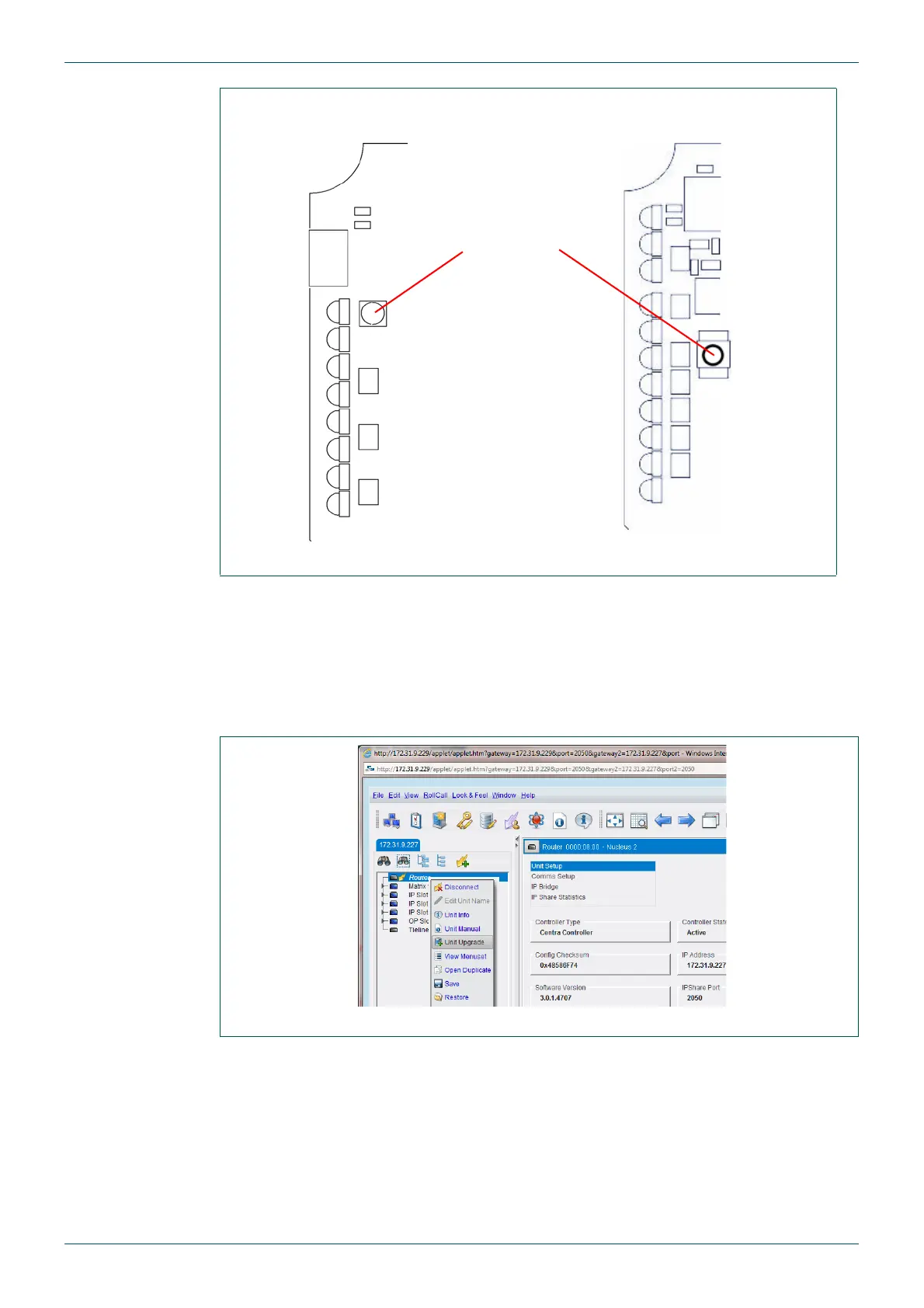
1. Right-click on Router in the network tree, and select Unit Upgrade from the menu.
2. Click on the Software Releases drop-down list and select the required upgrade
package.
Fig 62. Nucleus Router Controller Reset Button Location (Front Edge of Modules Shown)
Reset Button
Nucleus2 2463 Nucleus 2450
Fig 63. Network Tree



 To Next Page