Sirius 800 www.snellgroup.com Module Compatibility
Issue 1 Rev 1 Page 42 © 2014 Snell Limited
2. To remove the module from its socket, pull on the two levers, and slide the module out
of the frame.
3. To insert the module; lift the levers, carefully locate the module in the frame module
guide slots and push the module into the frame.
4. Push the levers to fully lock the module.
5. Close the front fan frame assembly making sure not to trap any wires.
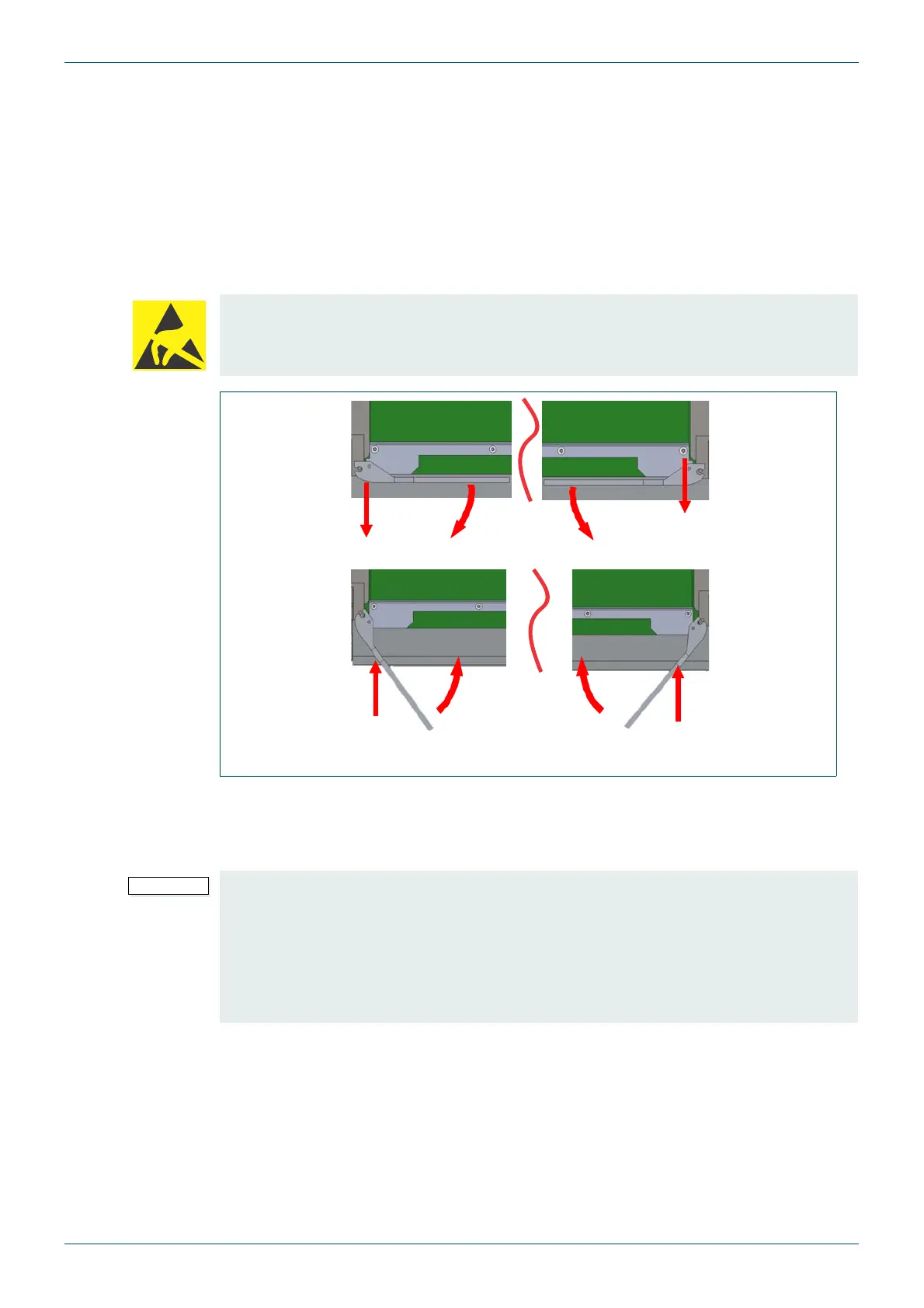
5.4 Inserting and Removing Horizontal Modules
The horizontal module levers locate into the metalwork of the Sirius 800 frame allowing easy
insertion and removal.
1. To access the modules the associated module front fan assembly must be opened.
2. To remove the module from its socket, pull on the two levers, and slide the module out
of the frame.
3. To insert the module; lift the levers, carefully locate the module in the frame module
guide slots and push the module into the frame.
4. Push the levers to fully lock the module.
5. Close the front fan frame assembly making sure not to trap any wires.
Electrostatic Damage
Static precautions must be observed when inserting and removing all system modules
Fig 12. Inserting and Removing Horizontal Modules
• The fan assembly should be placed back into the closed position as soon as
possible after opening, as this ensures correct ventilation of the frame. Failure to
do this will result in failure.
• In practice the maximum time that a fan assembly can be left open will depend on a
number of factors such as; ambient temperature, frame loading, crosspoint
routings, etc. To ensure correct operation under all conditions the fan assemblies
should be left open for no more than 4 minutes at a time.



 To Next Page