Sirius 800 www.snellgroup.com Nucleus Upgrade (RollCall) and Maintenance
Issue 1 Rev 1 Page 94 © 2014 Snell Limited
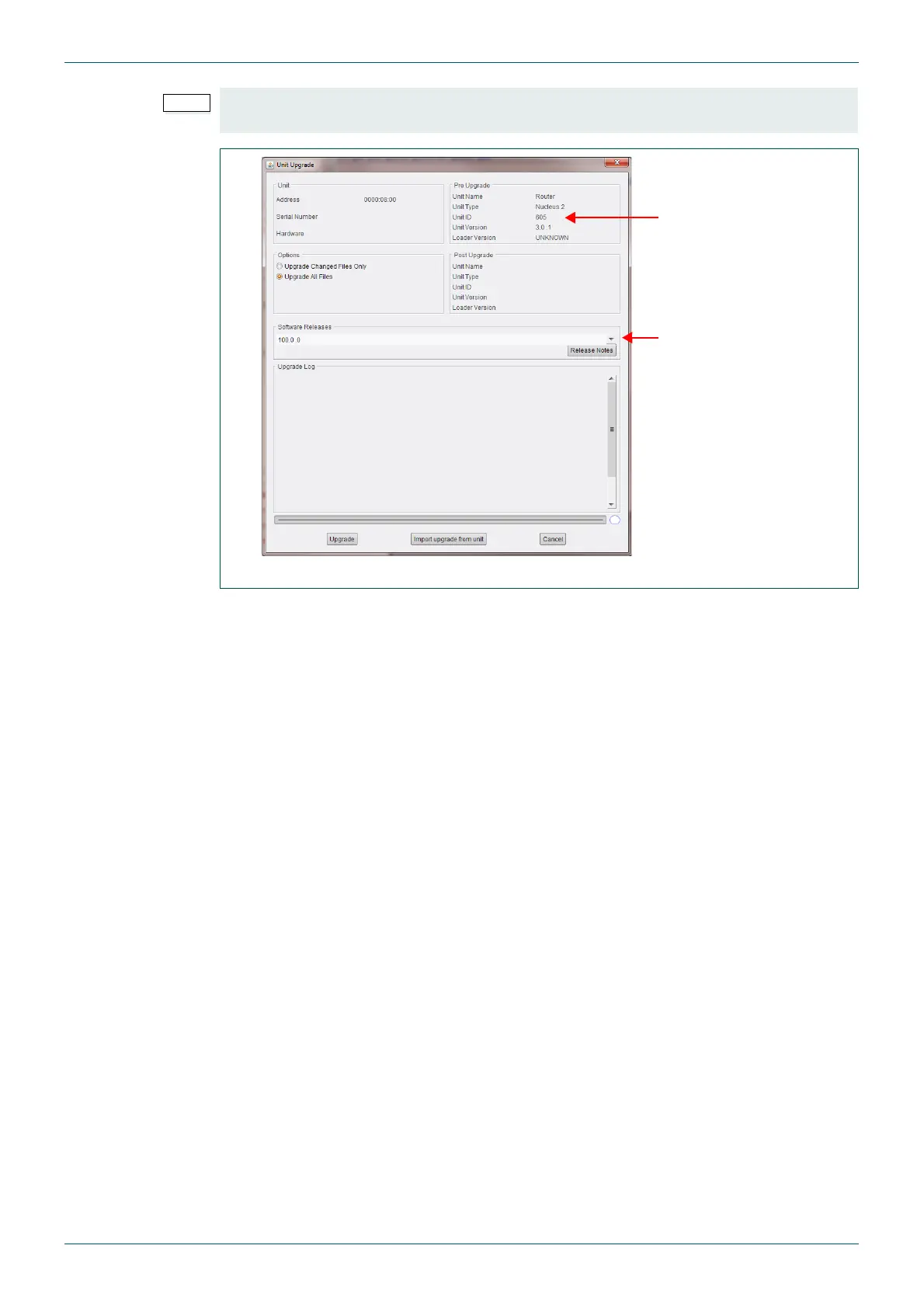
7. Select the Upgrade All Files option, and click on the Upgrade button.
8. The controller will now be upgraded. Follow the on screen prompts.
9. Once the upgrade is complete the controller is automatically restarted.
10. Use the controller Reset button to reset the other (active controller) making this
upgraded controller active, see Fig 62. on page 95 for the location of the Reset
button.
Check the Unit ID and the selected software version (Fig 64.) match those noted in
step 12. on page 92.
Fig 61. Controller Unit Upgrade Screen
Check Unit ID
Check software version



 To Next Page