21
v1.02
Admin and Installation Guide M900 Configuring
1. Select your country from the drop-down menu of Select country (Fig. 1).
2. For some countries like the US and Australia, state or region options aecting time zone and DST
settings can also be selected. Select your state or region from the drop-down menu of State/
region. If sections within a region use a dierent time than the time zone they are located in, the
deviation will be mentioned in the text box of Notes.
3. Select the language for the web interface of the base station from the drop-down menu. The
default is English.
4. If you don't want to use the time zone of the country/region selected in steps 1 and 2, uncheck the
checkbox of Set timezone by country/region to disable the automatic setting and select the time
dierence to Coordinated Universal Time (UTC) manually from the drop-down menu of Timezone
(Fig. 2).
5. If you don't want to use the DST setting of the country/region selected in steps 1 and 2, uncheck
the checkbox of Set DST by country/region (Fig. 2). You can now deactivate DST or select the
settings manually. For the description of the manual settings, see "Manual time and DST settings"
on page 60.
6. Click Save.
Extensions
To be able to use a handset, an extension must have been set up for it on the web interface of the base
station, and the handset must be registered for the extension using one of two methods. On Snom
corded desk phones, these extensions (or accounts) are called "identities". Please note:
◦ An extension/identity can only be assigned to one handset in your single-cell or multicell
installation. Do not try to register more than one handset for an extension.
◦ Extension numbers must be unique, even when they are used on dierent SIP servers,
regardless whether the servers are in your oce network or provided externally by an IP
provider.
Setting up extensions
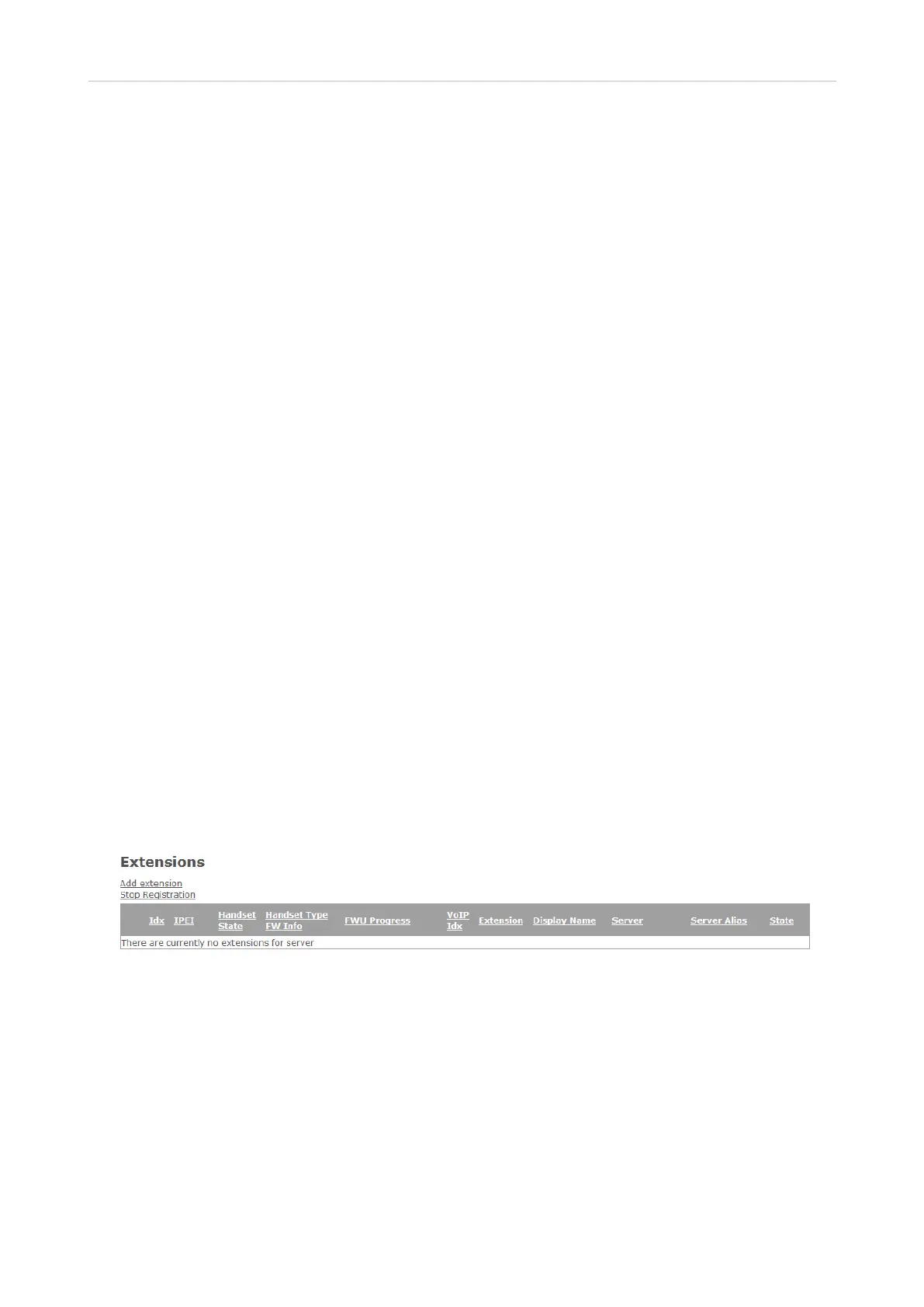
1. Click on Extensions to open the Extensions page.
Fig. 1
2. Click on Add extension to open the Add extension page. Depending on your PBX, the information
you need to enter will vary. Handset selection, Extension setting, and Server selection are
mandatory. The remaining settings depend on the requirements of your PBX or VoIP provider
and can be left blank, if nothing is required. Check with your IT administrator or service provider.
Mandatory settings:
a. Handset. The default setting is New Handset. You can select an existing handset Idx from the
drop-down menu.
b. Enter the extension number in the Extension text field.
- If a mailbox has been set up for the extension (either internally on a server within your



 To Next Page