54
v1.02
Admin and Installation Guide M900 Description of Settings
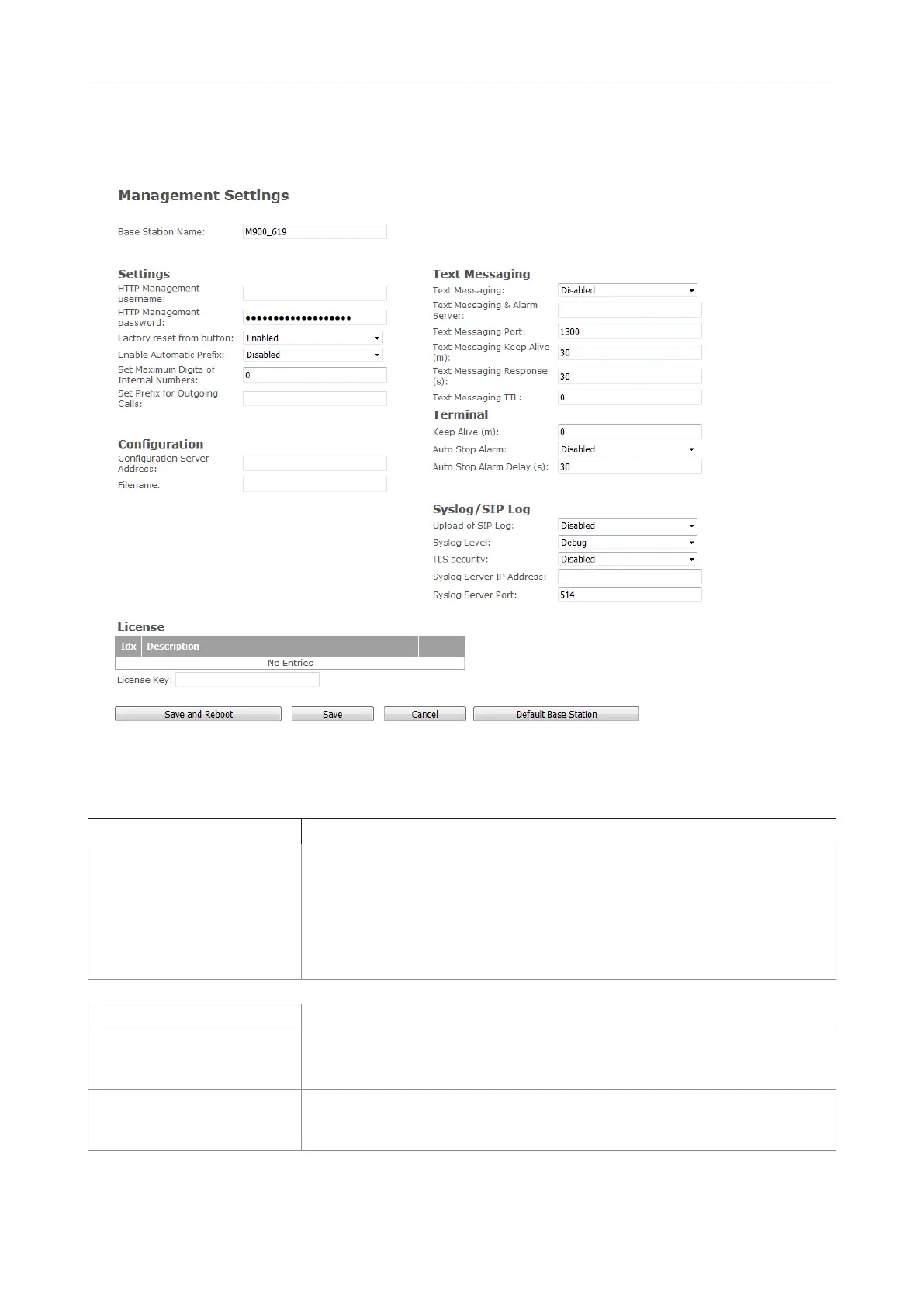
Management
This page allows the administrator to configure base stations to perform specific functions such as
file transfers, firmware up/downgrades, password management, and SIP/debug logs.
Setting Description
Base station name The name of the base station that appears at the top of its web interface and
as its name within the base station group and the DECT chain of a multicell
installation.
Default: The model, i.e., M900. If you employ more than base station, it
is advisable to give them distinct names, e.g., M900-01, M900-02, M900-
reception, or another distinguisher.
Maximum number of characters: 35
Settings
HTTP management username Permitted value: 8-bit string
HTTP management password Password for access to the configuration server. HTTP client credentials are
formed by HTTP management username and this password.
Permitted value: 8-bit string
Factory reset from button The factory reset through pressing of the reset button on M900 casing for 10
seconds can be deactivated here.
Default: Activated



 To Next Page