76
v1.02
Admin and Installation Guide M900 Description of Settings
Configuration
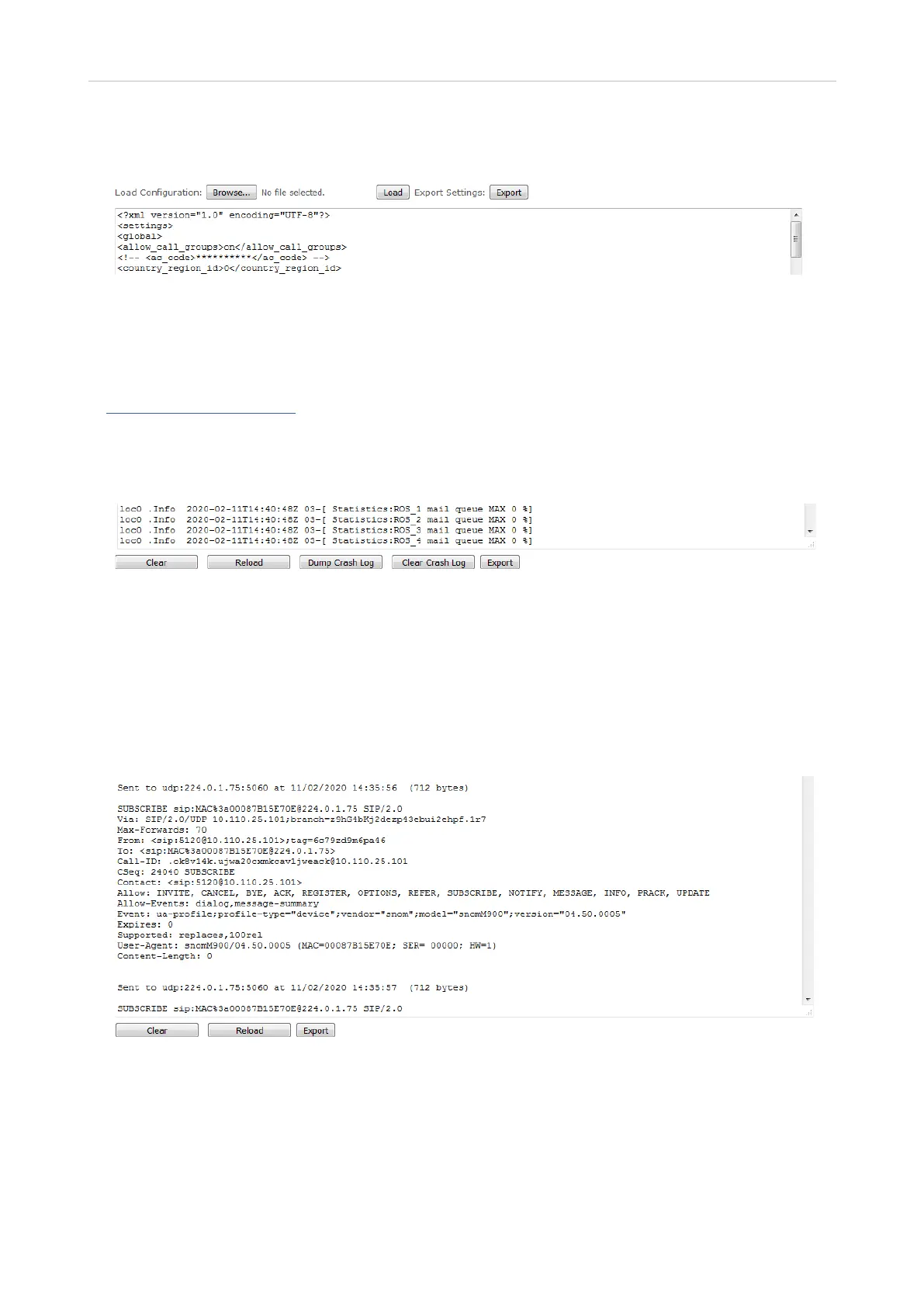
This page shows the current settings of the base station; they can be copied into a file, but not edited.
To load a new configuration, click on Browse and select the file, then click on Load. To export the
settings, click on Export.
For information on how to provision the configuration, see the "Provisioning Guide M900, M700, M300"
at https://service.snom.com.
Syslog
This page shows the live feed of system level messages of the current base station. The messages
shown here depend on the syslog settings configured on the Management page. To dump the log, use
the copy-and-paste function of your PC operating system to transfer the contents to a data file. If you
are using Windows, press Ctrl+s, select a file location and a file type in the pop-up window, name the
file, and click on Save.
SIP Log
This page shows server-related messages that are logged during the operation of the SME system.
To dump the log, use the copy-and-paste function of your PC operating system to transfer the
contents to a data file. If your are using Windows, press Ctrl+S, select a file location and type in the
pop-up window, name the file, and click on Save.



 To Previous Page