61
v1.02
Admin and Installation Guide M900 Description of Settings
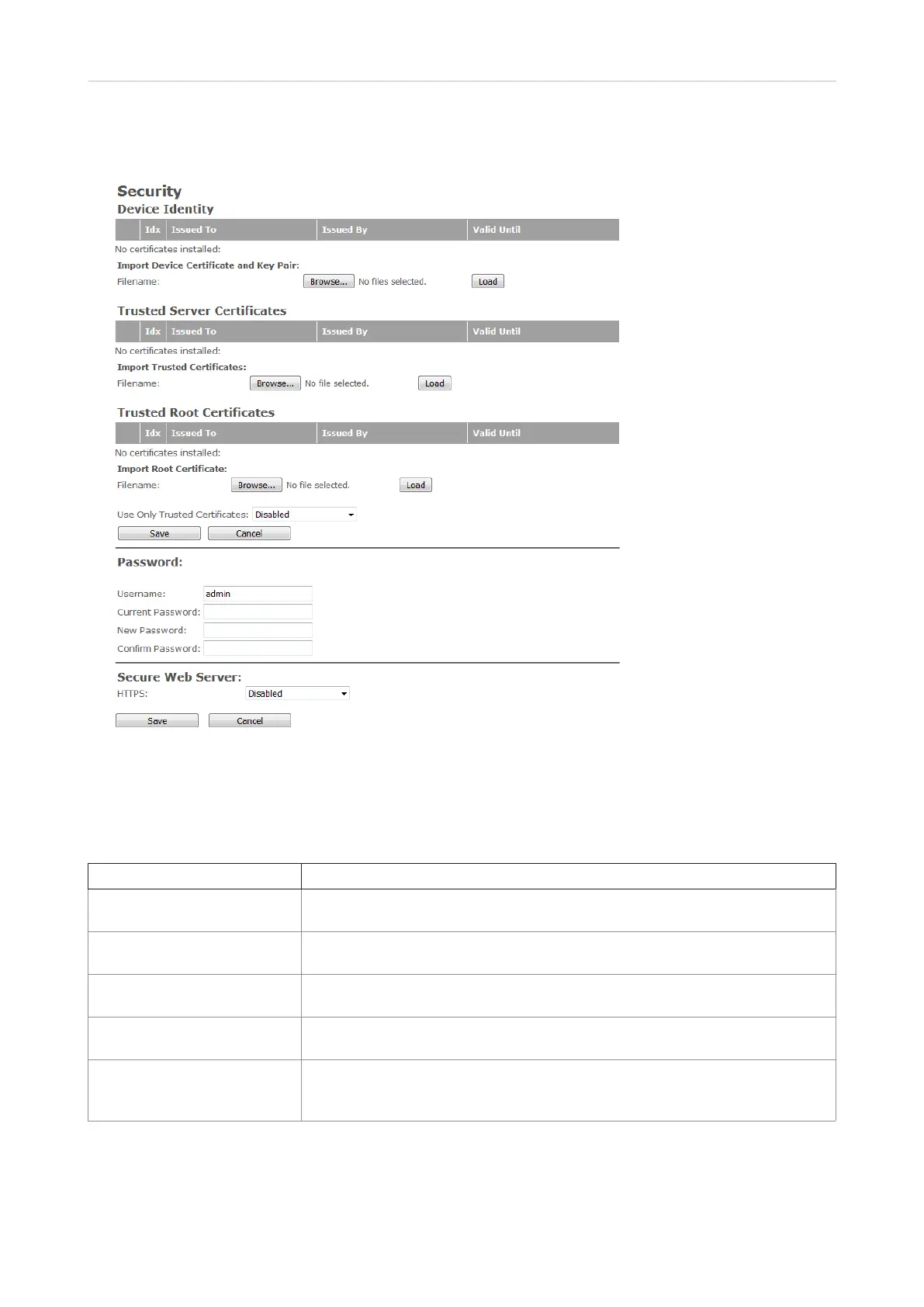
Security
On this page, you can download certificates, change the password required for logging onto the web
interface, and select whether to use the embedded secure web server (HTTPS).
Note: SIP and RTP security are server-dependent.
Setting Description
Idx Index number.
Default: Fixed indexes.
Issued to IP address or organization/company. This is part of the certificate file.
Default: Empty
Issued by IP address or organization/company. This is part of the certificate file.
Default: Empty
Valid until Date Time Year. This is also part of the certificate file.
Default: Empty
Use only trusted certificates Select "enabled" from the drop-down menu to allow use of trusted certificates
only.
Default: Disabled.
1. Click on Browse and select the file from your PC or server. The name of the selected file is shown
to the right of the Browse button.
2. Click on Load. The certificate is added to the list of certificates.



 To Next Page