66
v1.02
Admin and Installation Guide M900 Description of Settings
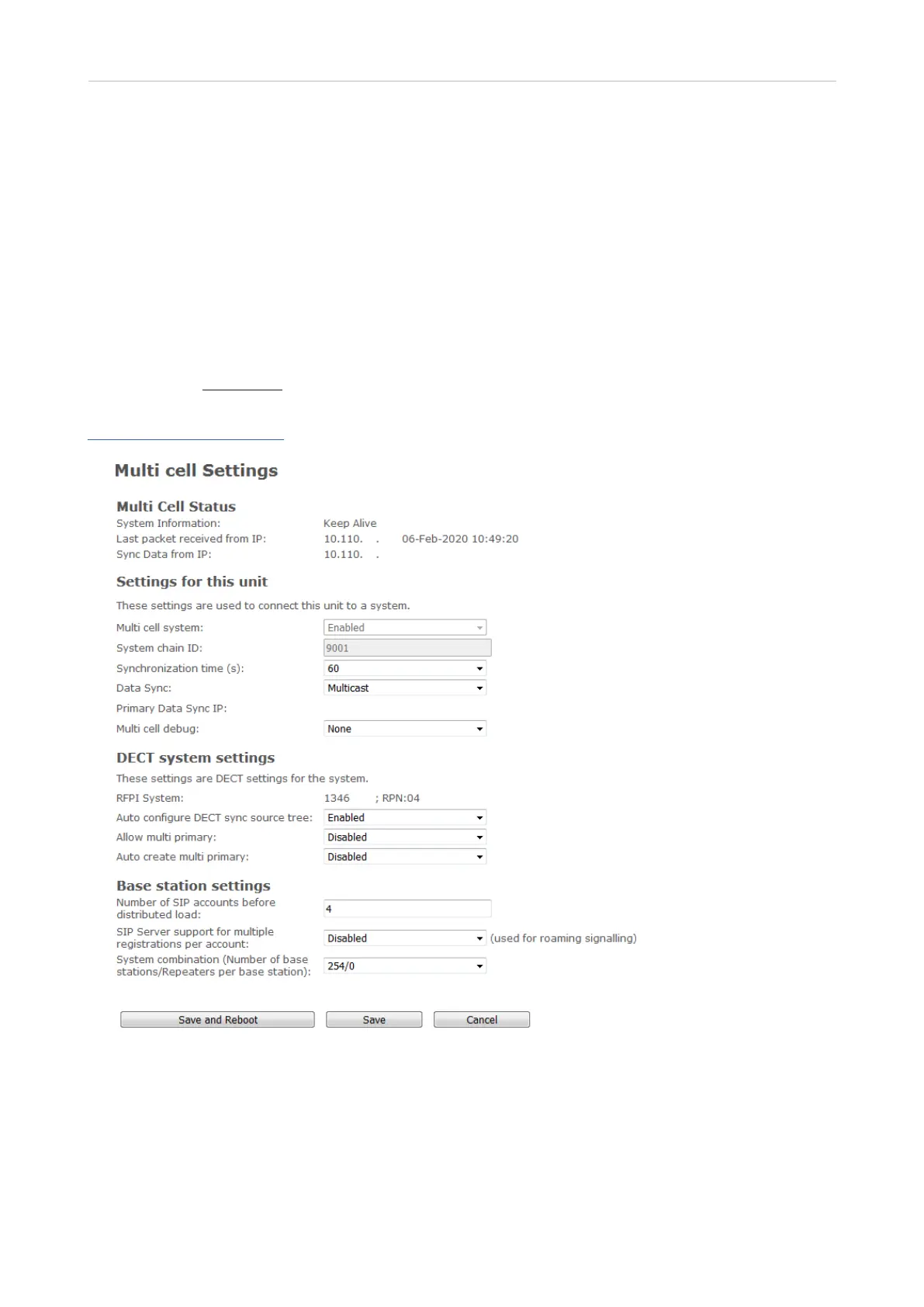
Multicell
Please note that all base stations in a multicell setup must have the same firmware. We recommend
that you update all base stations to the latest firmware and reset them before beginning the multicell
installation.
• Reset secondary base stations to defaults, and, after the reset, change their DHCP Options
"Plug-n-Play" setting on the Network page to "Disabled".
• Use only the designated primary (master) base station to enter all data, i.e., set up the SIP
server(s), creating extensions/user accounts, register handsets, etc.
• Note: Entering a time server on the Time settings page of the primary base station's web
interface is mandatory for multicell installations!
For further information on multicell installation, see the "M900 Multicell Deployment Guide" at
https://service.snom.com/.
Fig. 1



 To Next Page