31
v1.02
Admin and Installation Guide M900 Central Phone Directory
Central phone directory
The central directory is accessible from all handsets registered at the same base station or in the
same multicell installation. The central directory can be a phone list downloaded to the base station
or an external source like the company LDAP register. It is not possible to add, delete, or edit central
directory entries - whether downloaded or on an external source - on the base station's web interface
or on the handsets.
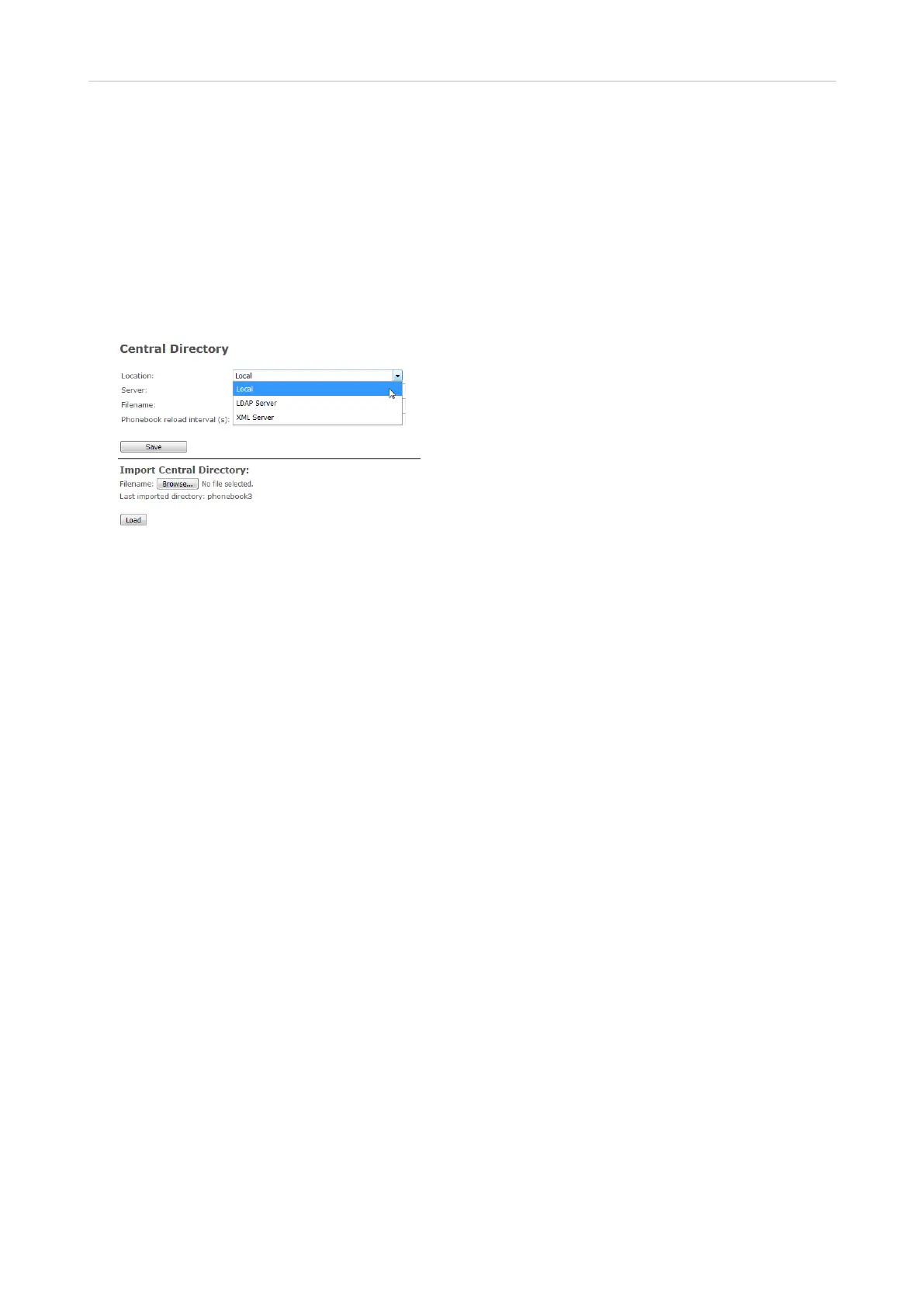
Fig. 1
Local central directory
The local central directory is a phone list downloaded to the base station or to the primary base
station in a multicell installation.
Note: The list cannot be edited on the base station's web interface or on the handsets.
If you need to edit existing entries or if you want to add or delete entries, you must do so in the
original file and download it anew. The entire saved file is overwritten every time you load a file to the
central directory.
Preparing the phone directory file
The local central directory loaded onto the base station must adhere to one of two formats. If there is
only one phone number for every name, you can use list type 1. If some of the entries have more than
one phone number associated with a name, use list type 2.
List type 1
This is a text file containing a list of entries with comma-separated values. Each entry consists of a
name and a phone number. Save the file on your PC or on a server as a normal text file (*.txt).
Valid values:
• Name: A total of 23 characters.
◦ The comma (,) is not allowed because it serves to separate the name and number values of
each entry. Entries with more than one comma-separator will be discarded without warning.
◦ Names with more than 23 characters will be truncated.
◦ The dot (,) and parentheses () are not allowed.



 To Next Page