106
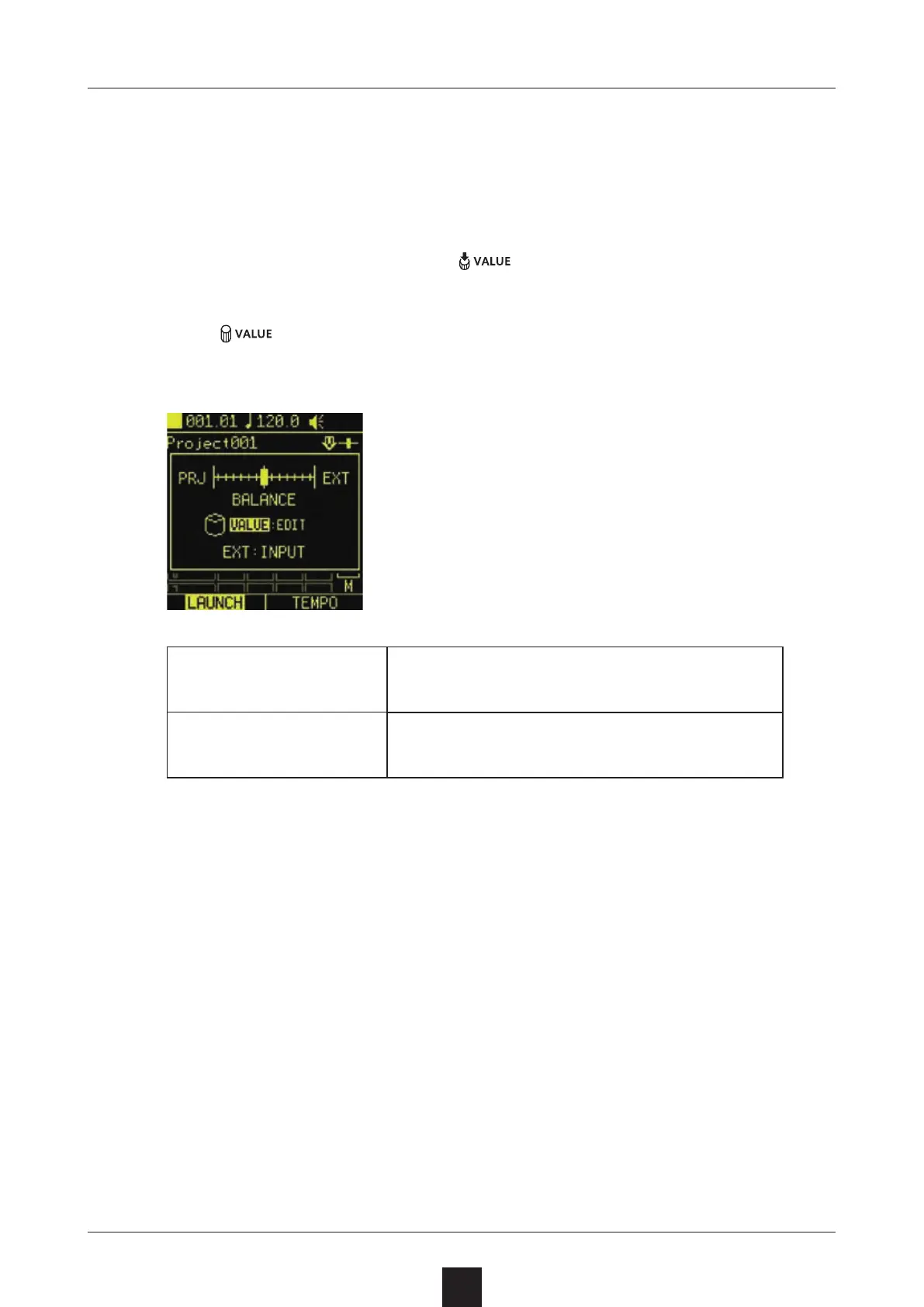
The sound input as the EXT SRC can be output with project play-
back. The level balance can be set for this.
On the Home Screen, press to open a pop-up.
Turn
to adjust the balance between the project and the ex-
ternal input.
PRJ
This increases the volume of the
project.
EXT
This increases the volume of the ex-
ternal input.



 To Next Page