EasyManua.ls Logo

Sonicware SmplTrek - SHOT Tracks - Sequence and Pad Modes

Sonicware SmplTrek
174 pages
Print Icon
To Next Page IconTo Next Page
To Previous Page IconTo Previous Page
Loading...

52


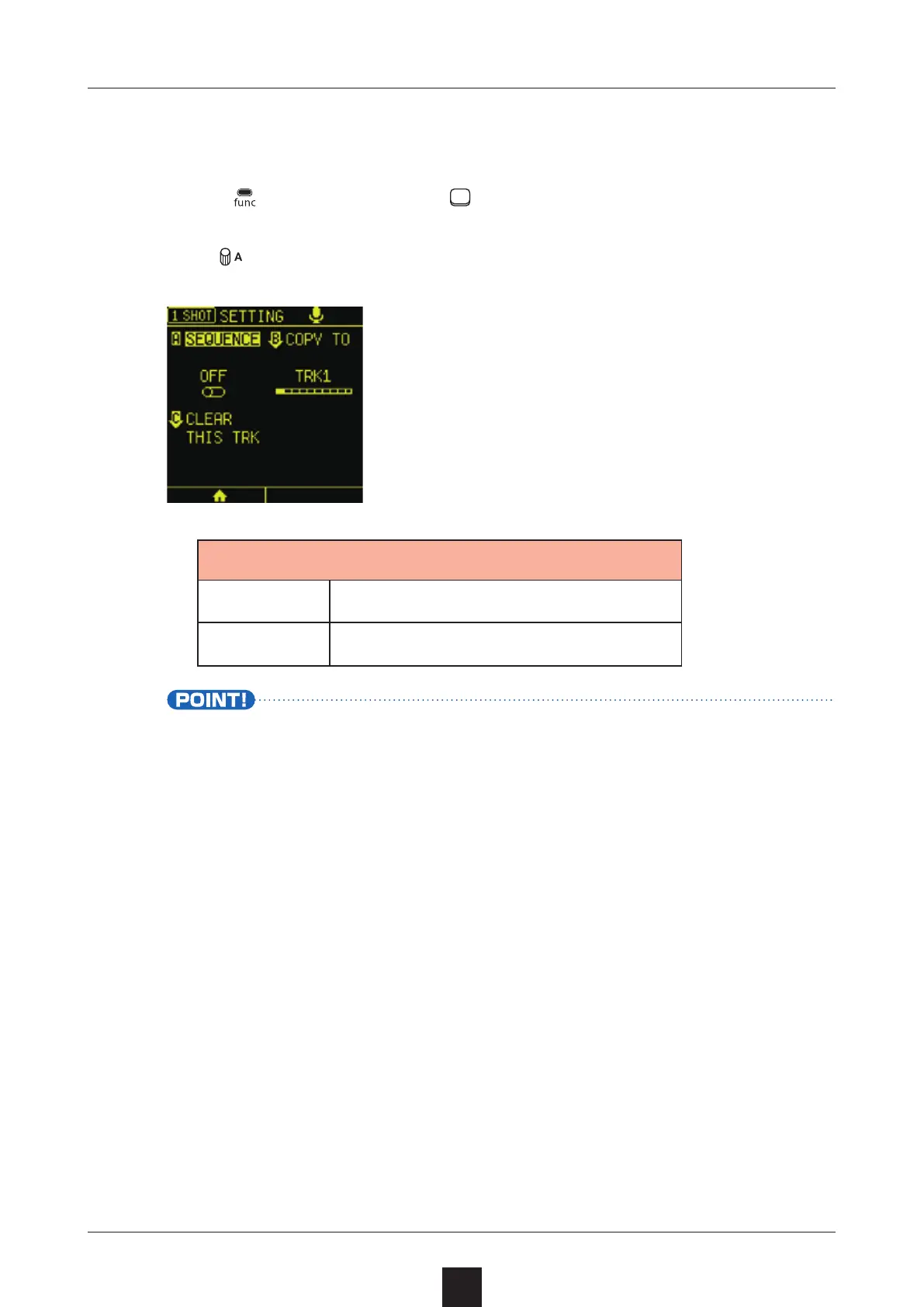
Press + the SHOT track to open the SETTING Screen.
Turn
 to turn this mode on/o󱐯.

ON Sequence mode
OFF Pad performance mode
Pad performance mode will be activated automatically after
chopping or assigning samples.
Sequence mode will be activated automatically after shot re-
cording.

Table of Contents

Other manuals for Sonicware SmplTrek