12
To keep this manual from becoming too complex, not every item
that can be operated using the direction, OK and CLR buttons is ex-
plained.
On many screens, the direction, OK and CLR buttons can be used in
addition to knobs.
Use these to change/adjust parameters shown on the screen.
These knobs are also switches. They are mainly used in the following
two ways.
Turning knobs for parameters that have many steps will change the
value by 10 or 100 steps at a time, for example. (PITCH is one such
parameter.)
Precise adjustments can be made by
.
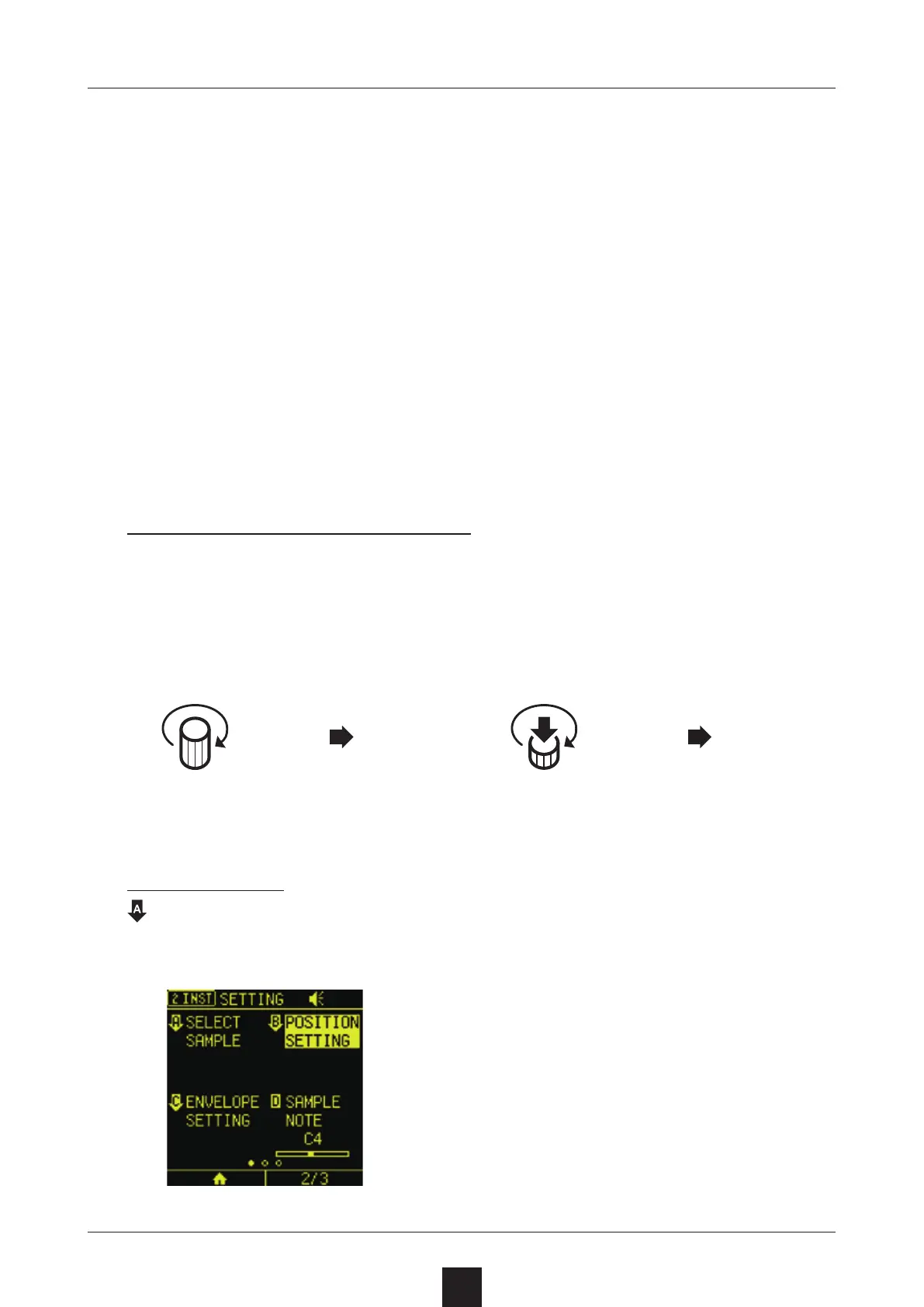
When a downward pointing arrow is shown for a parameter,
will open that menu.
Turn normally
Turn while pressing
PITCH
0
PITCH
100
PITCH
0
PITCH
1



 To Next Page