23
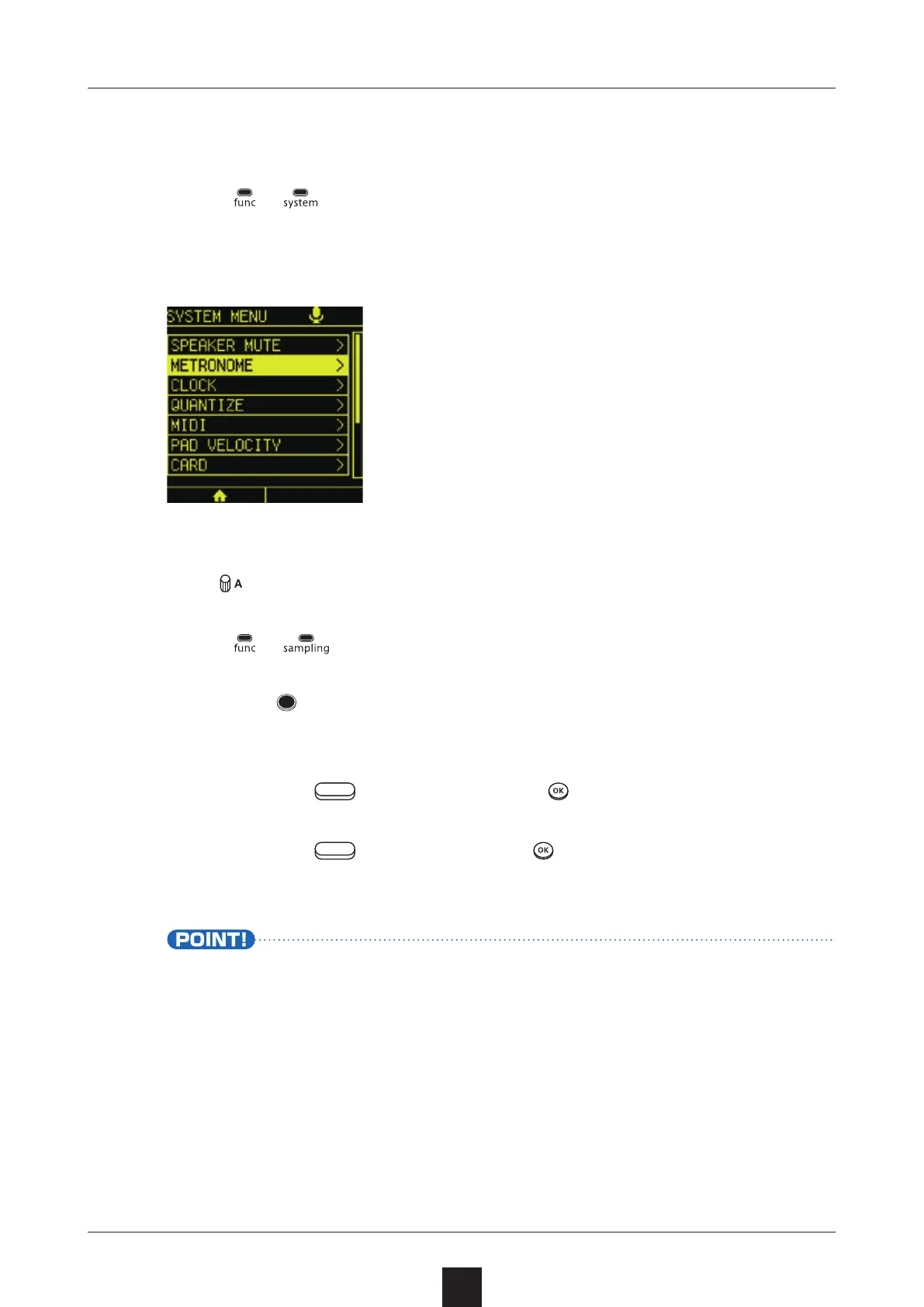
Press
+ .
In the SYSTEM MENU, select .
Turn
to adjust the metronome volume.
Press
+
to open the SAMPLING screen.
Press the
button for a scene to use for backing to start play-
ing it.
Press the left
button or
to start sampling.
Press the left
button or
to stop sampling.
• Depending on the quantization setting, sampling will not start
until the beginning of the scene.
To change the quantization setting, see P.158.



 To Next Page