EasyManua.ls Logo

Sonicware SmplTrek - Project Menu - Exporting Stem Files

Sonicware SmplTrek
174 pages
Print Icon
To Next Page IconTo Next Page
To Previous Page IconTo Previous Page
Loading...

140

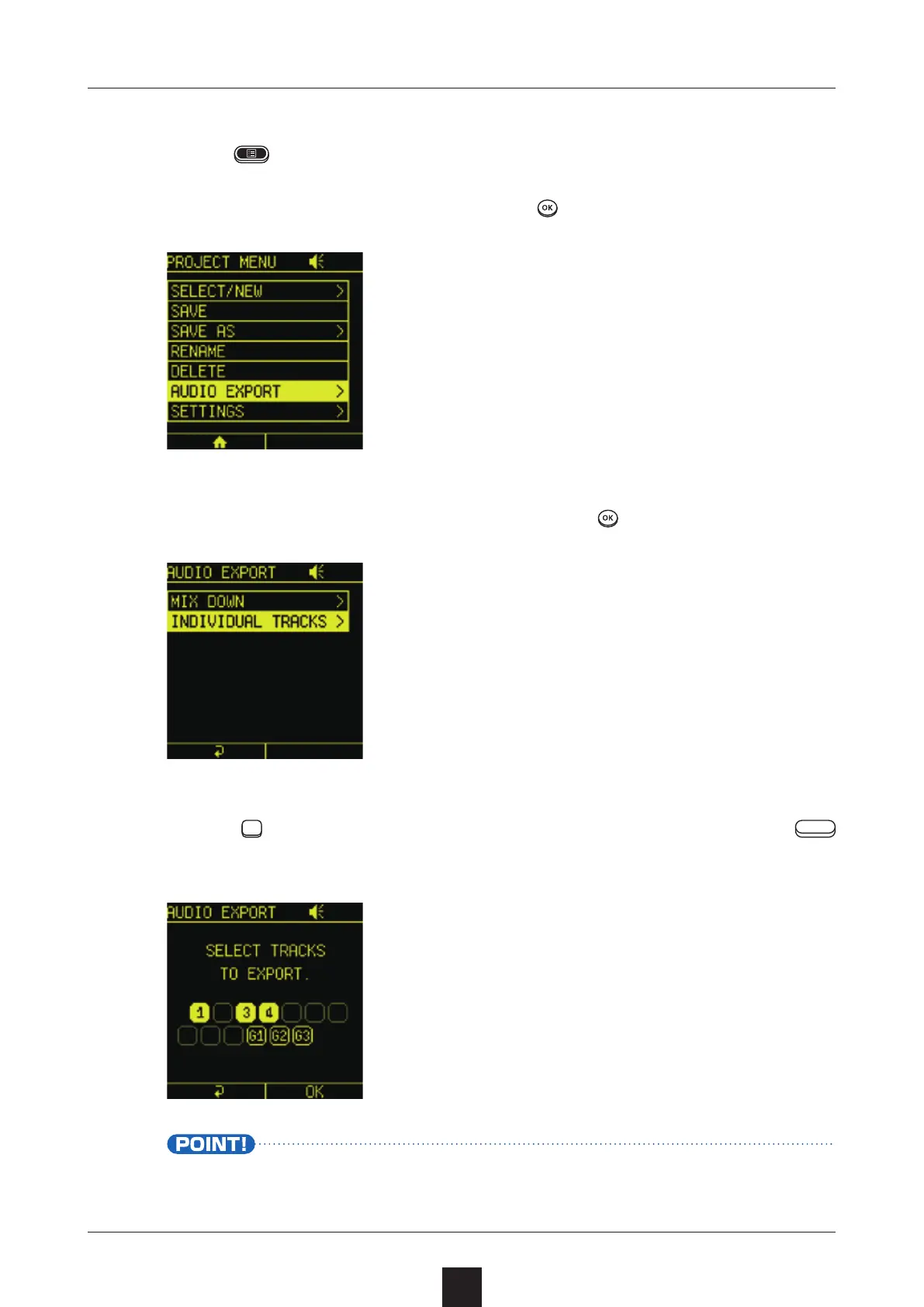
Press to open the PROJECT MENU Screen.
Select , and press .
Select , and press .
Press
, select the tracks to export, and press the right
 button.
The stem le will be created in the following location: card > Sm-
plTrek > Project > project folder name > Audio > Stem folder.


Table of Contents

Other manuals for Sonicware SmplTrek