157
By connecting a smartphone or PC/Mac and using the audio inter-
face functions, you can quickly live stream music you have made.
In addition, the SmplTrek can output and sample audio from smart-
phones, PCs and Macs.
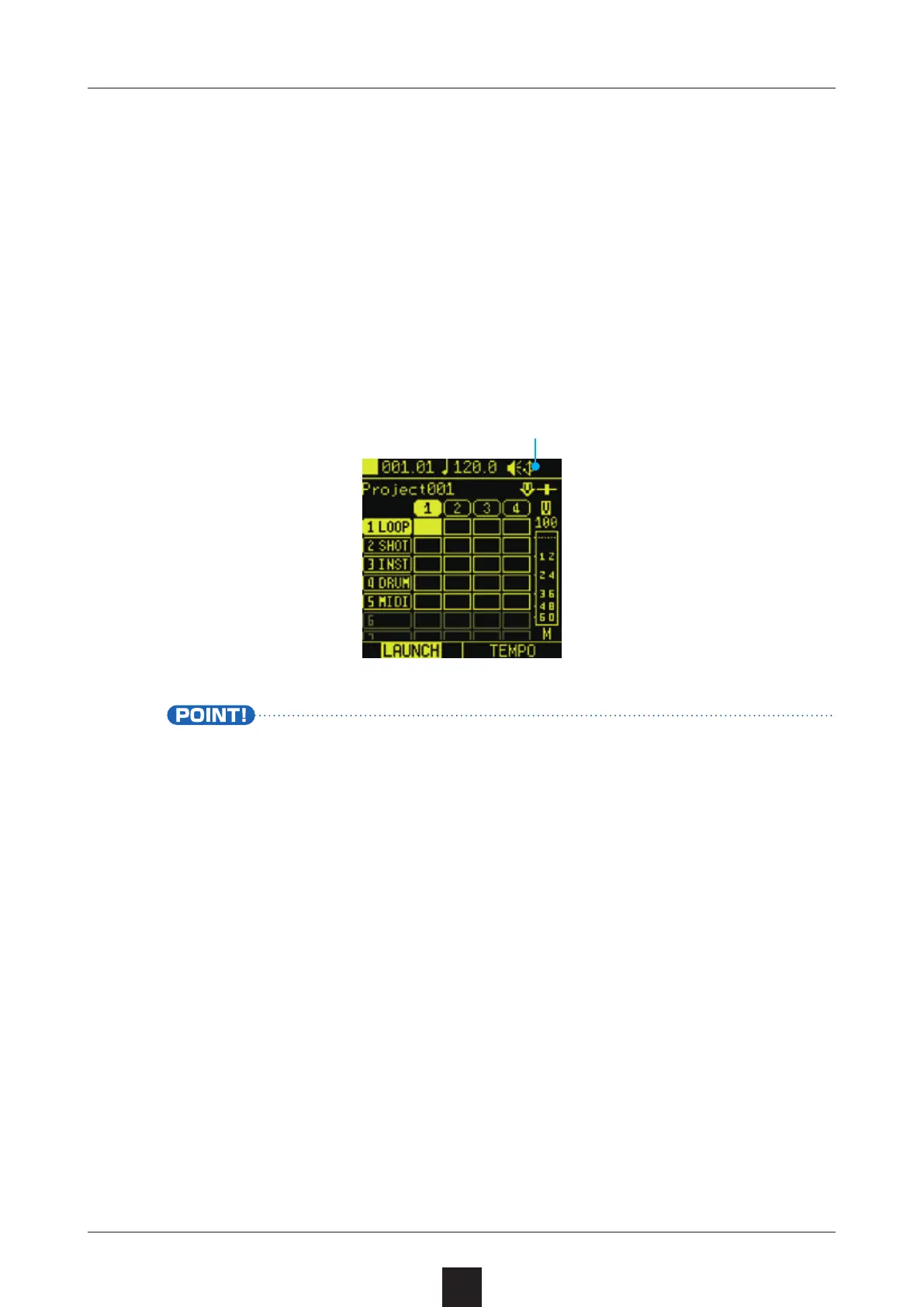
Connect the SmplTrek USB port to a smartphone or PC/Mac. A
USB icon will be shown when connected.
• Connecting an iPhone/iPad requires an Apple Lightning to USB
Camera Adapter.
• The audio resolution is 48kHz/16-bit.
• Sampling instructions ( →P.98)
• Output instructions ( →P.97)
USB icon appears



 To Next Page