EasyManua.ls Logo

Sonicware SmplTrek - MIDI Tracks - Step Recording

Sonicware SmplTrek
174 pages
Print Icon
To Next Page IconTo Next Page
To Previous Page IconTo Previous Page
Loading...

83

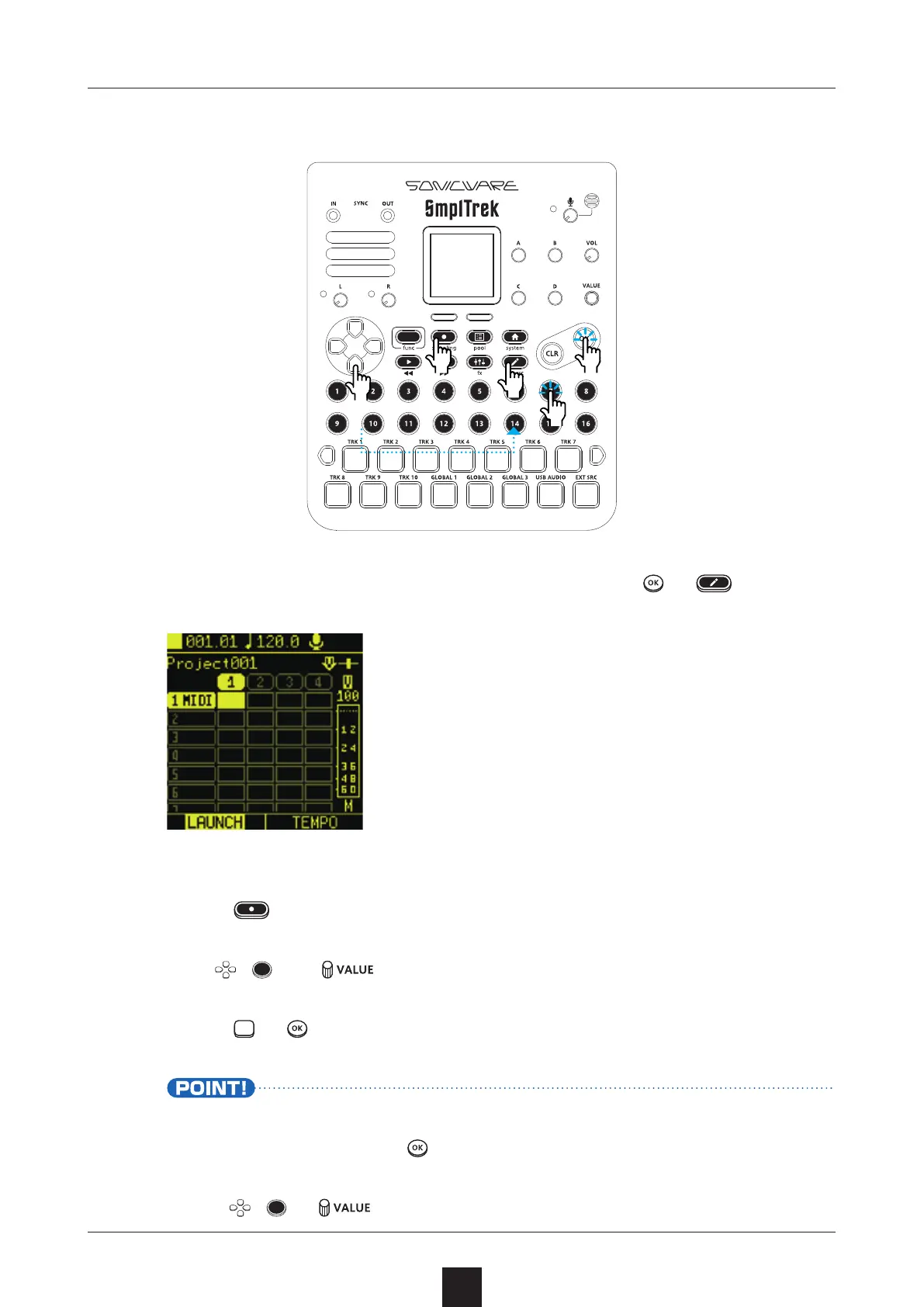
Select the clip to use for recording, and press
or .
Press to start recording standby.
Use , and to move to the step for input.
 
Press or to input a note.
Tied notes can be input by moving between steps while press-
ing a keyboard pad or
.
Use , or to move between steps.
󰿿
󱀀
󱀂
󱀁
󰿿

Table of Contents

Other manuals for Sonicware SmplTrek