40
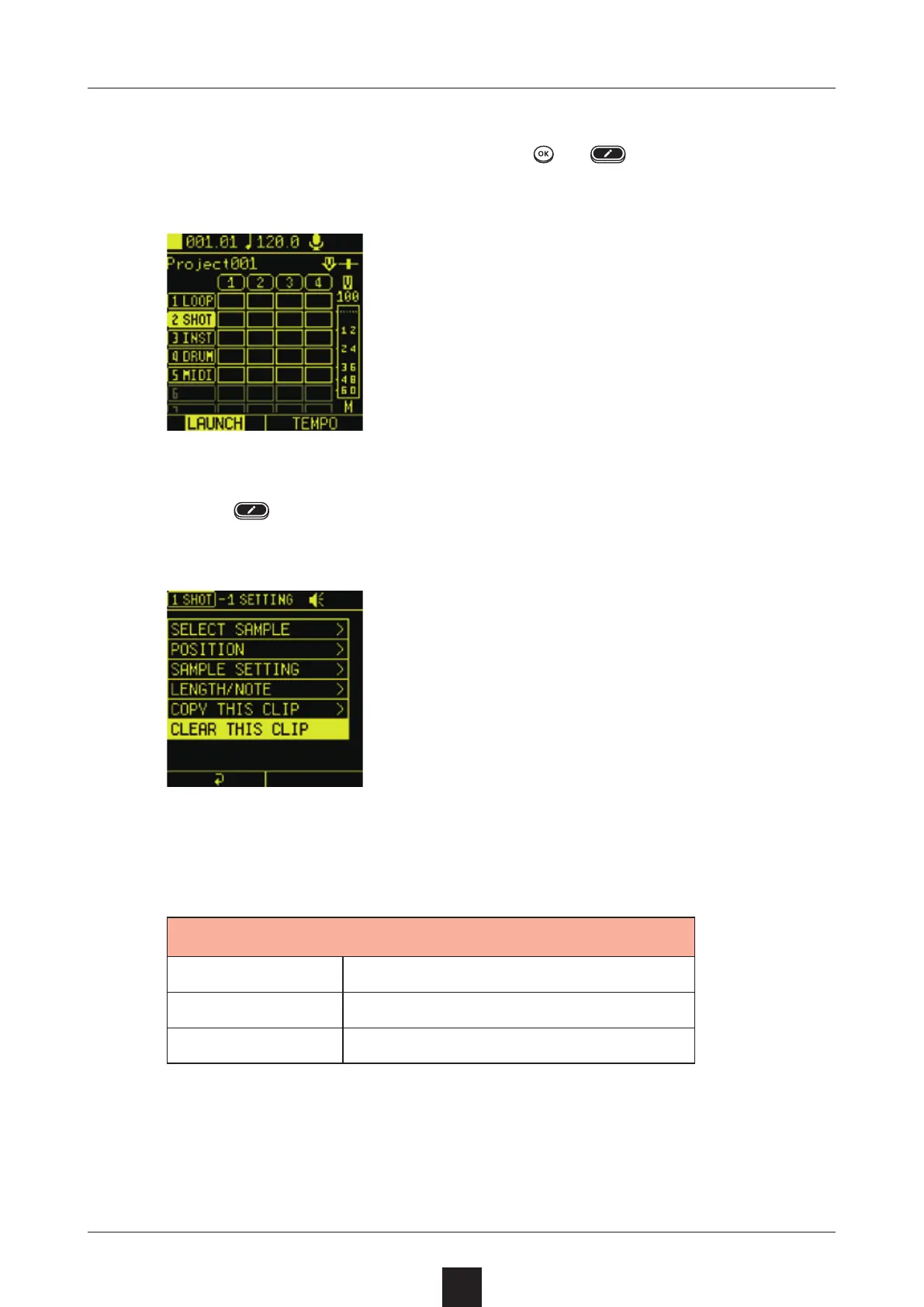
Select the clip to clear, and press
or to open the Editing
Screen.
Press
again to open the SETTING Screen,
and select .
Select the item to clear from the pop-up menu, and select .
ALL Clear the clip itself
SEQUENCE Clear only sequence data
AUTOMATION Clear only automation data



 To Next Page