81
Move between steps
Left
Play clip
Right
Open Automation Screen
Open Settings Screen
Activate recording
Play scene
Switch editing item
Initialize editing item
Adjust editing item parameter
(in steps)
Initialize parameter (in steps)
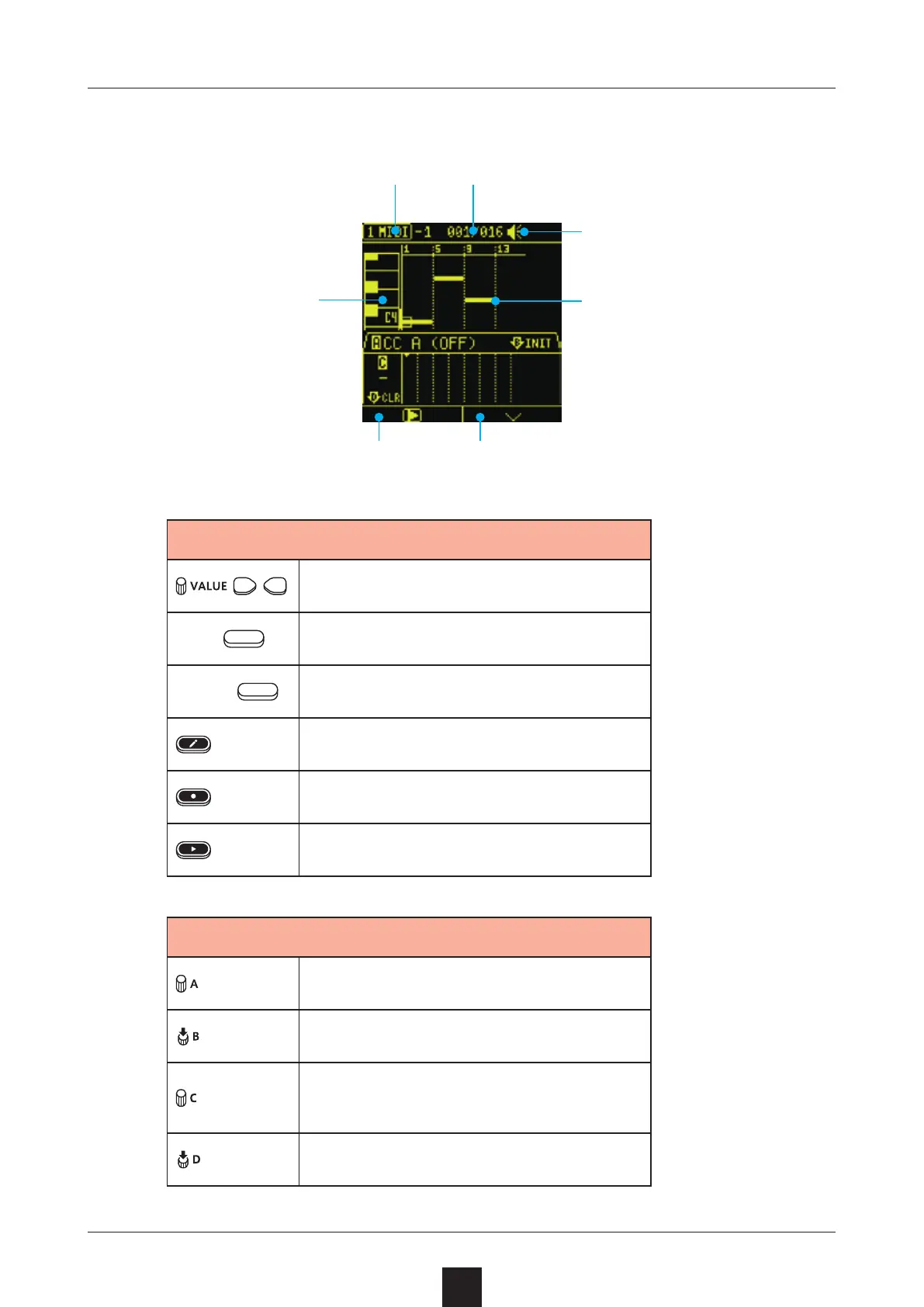
Keyboard
Current location/clip length
Input note data
Speaker/built-in mic status
Track type
Open Automation ScreenPlay clip



 To Next Page