165
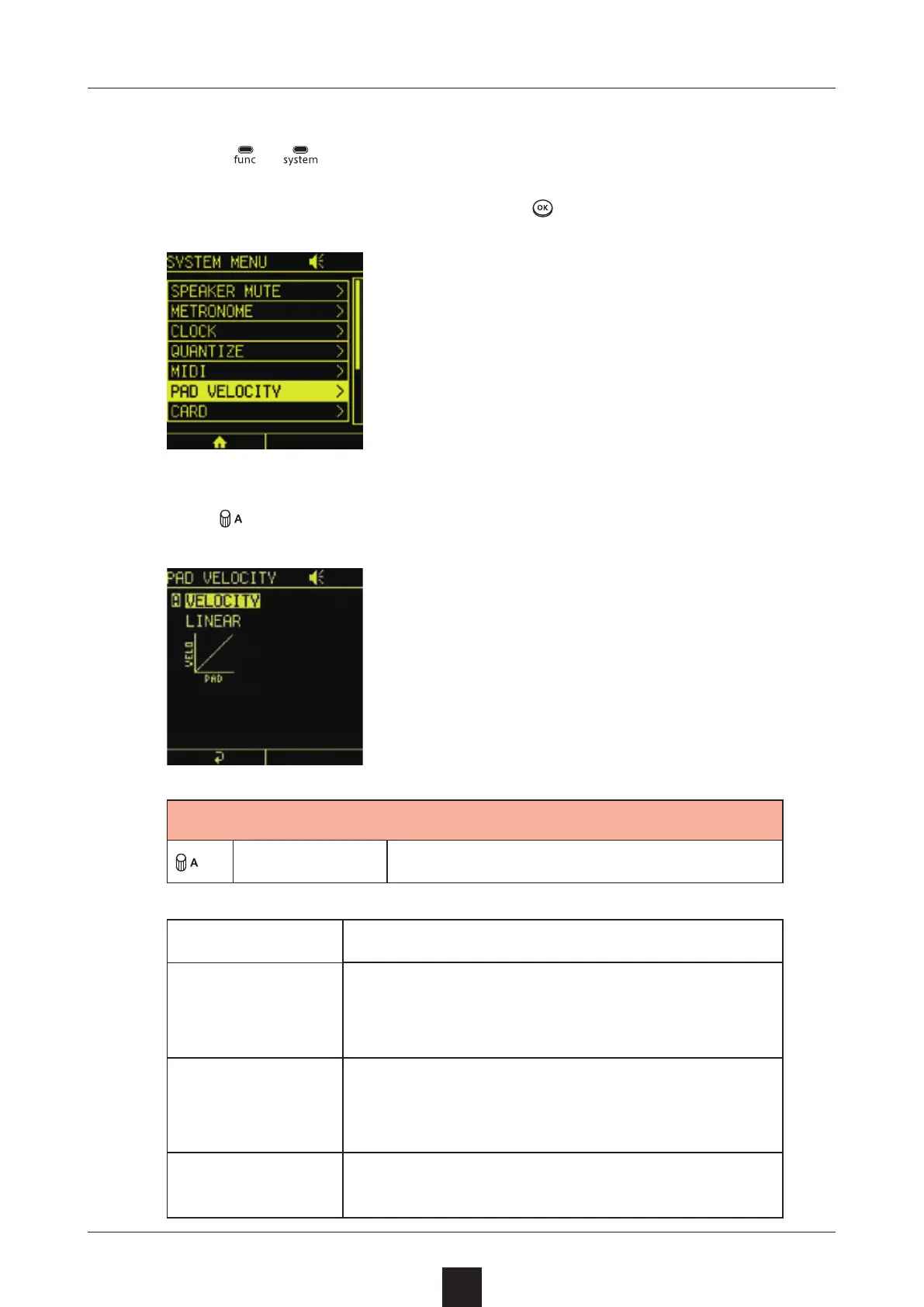
Press +
to open the SYSTEM MENU Screen.
Select , and press .
Turn to adjust it.
VELOCITY Set pad sensitivity
1 – 127 Velocity is always at this xed value.
SOFT
This is best for people who play with a
light touch. The sound will be loud even
when tapped lightly.
LINEAR
The velocity will change linearly in re-
sponse to how hard the LED pads are
tapped.
HARD
This is best for people who play with a
heavy touch.



 To Next Page