26
Press
+
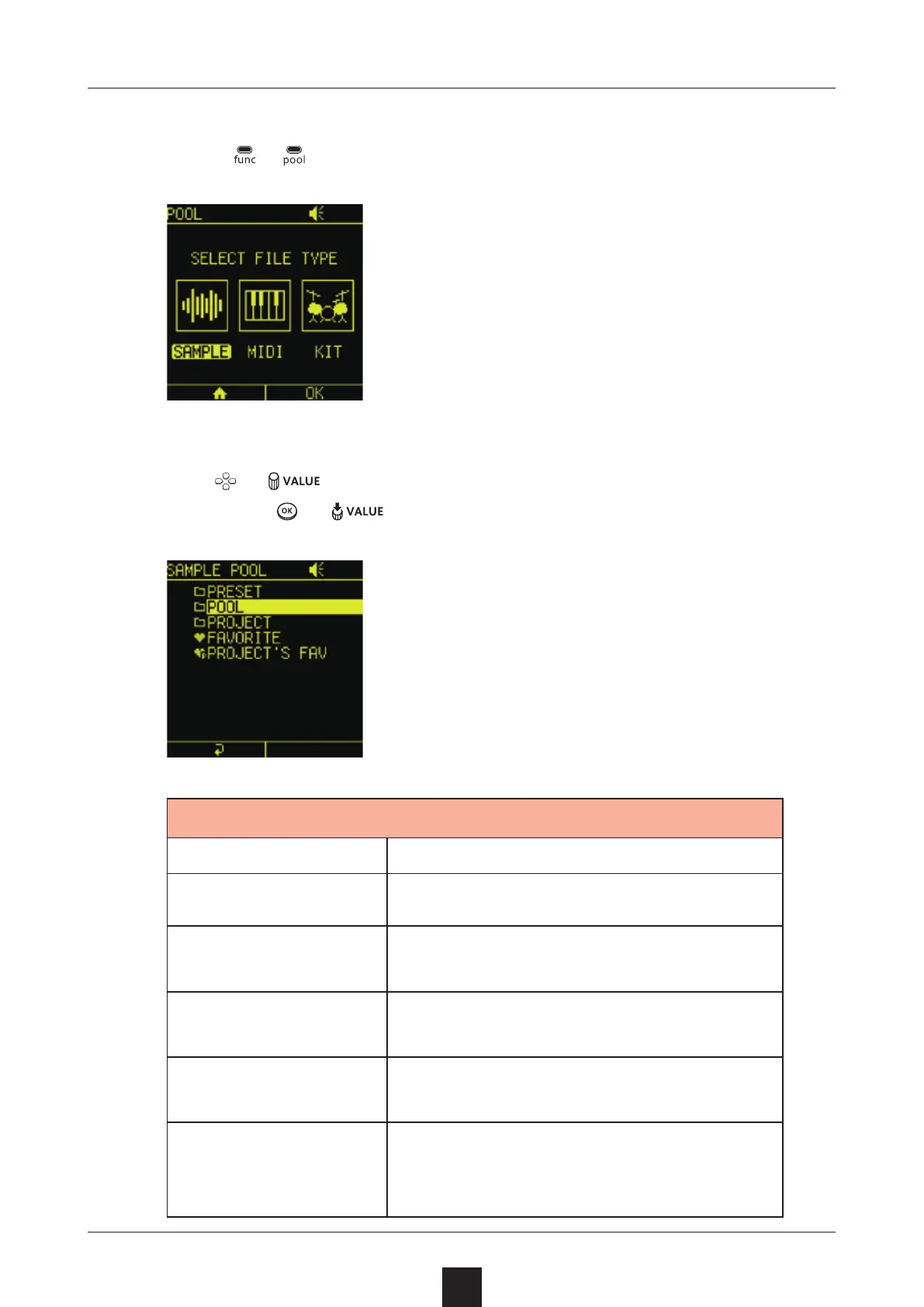
to open the POOL Screen, and select .
Use or to select a folder that contains samples,
and press
or .
Option Explanation
PRESET Preset sample folder
POOL
Folder where all samples that can be
used in projects are saved
PROJECT
Folder that only contains samples
used in the current project
FAVORITE
List of samples that have been
marked as favorites
PROJECT FAV
List of samples in the current proj-
ect that have also been marked as
favorites



 To Next Page