EasyManua.ls Logo

Sonicware SmplTrek - Effects - Send Effects

Sonicware SmplTrek
174 pages
Print Icon
To Next Page IconTo Next Page
To Previous Page IconTo Previous Page
Loading...
󱐯
117
󱐯
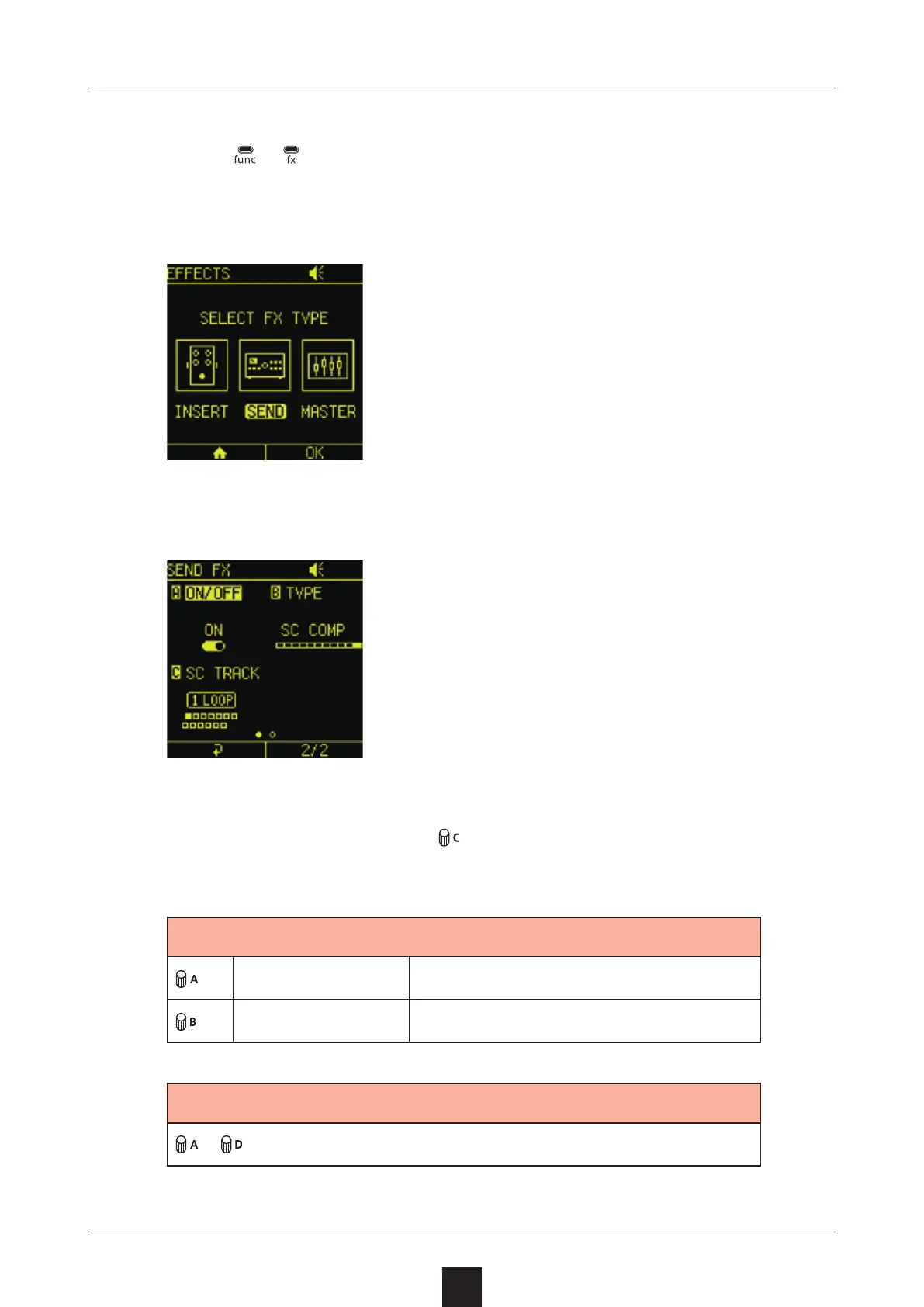
Press + to open the EFFECTS Screen.
Select .
Adjust the items on the settings screen that opens.
On the Mixer Screen, turn
for each track to adjust their 
levels.
󱐯
ON/OFF Turn the e󱐯ect on/o󱐯
TYPE Change the e󱐯ect type
󱐯
items depend on selected e󱐯ect

Table of Contents

Other manuals for Sonicware SmplTrek