EasyManua.ls Logo

Sonicware SmplTrek - Editing Samples - Chopping (Automatic)

Sonicware SmplTrek
174 pages
Print Icon
To Next Page IconTo Next Page
To Previous Page IconTo Previous Page
Loading...

122

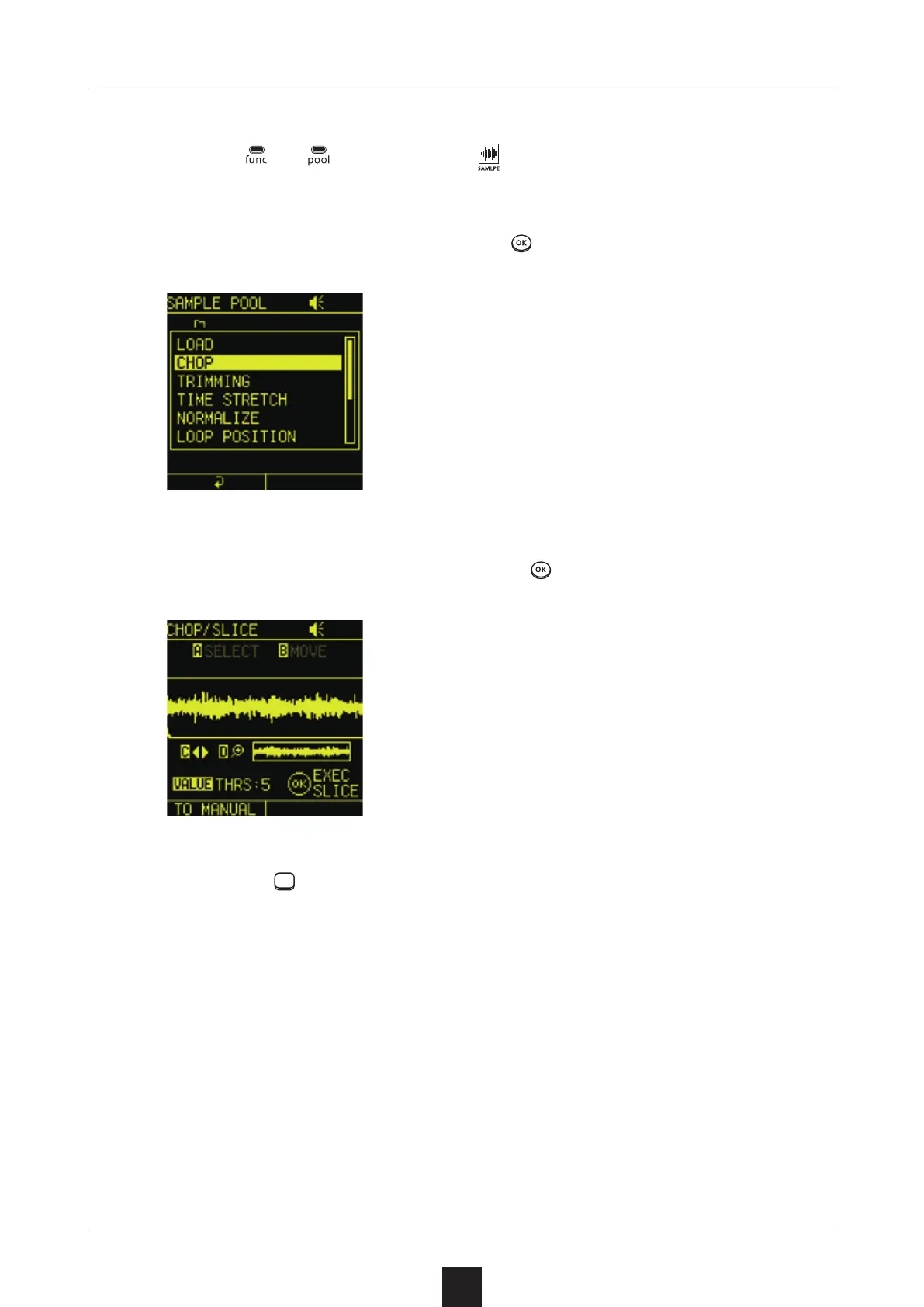
Press
+
, and select
 to open the SAMPLE
POOL Screen.
Select the desired sample, press , and select .
On the CHOP/SLICE Screen, press .
Press the LED pads to check the slices assigned to them.
  (This plays the slices.)

Table of Contents

Other manuals for Sonicware SmplTrek