148
Press +
, and select
to open the KIT POOL Screen.
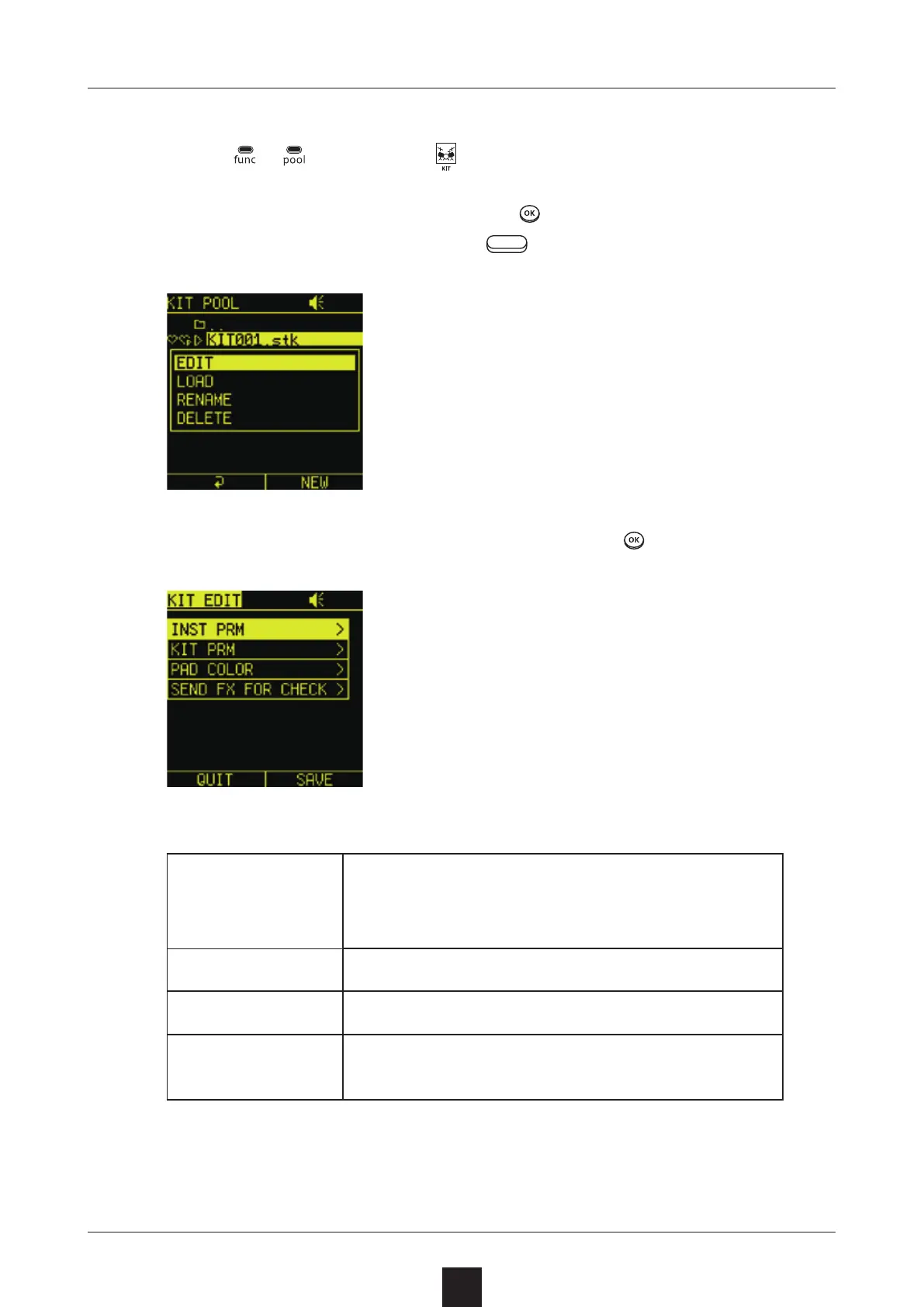
To edit a selected drum kit, press
, and select . To create
a new drum kit, press the right
button.
Select menu items as necessary, and press .
INST PRM
Assign sampled sounds to LED pads,
and adjust their levels and panning, for
example
KIT PRM Set the KIT LEVEL and turn LoFi ON/OFF
PAD COLOR Set LED pad colors
SEND FX FOR
CHECK
Use this to check eects applied to the
kit



 To Next Page