31
Press
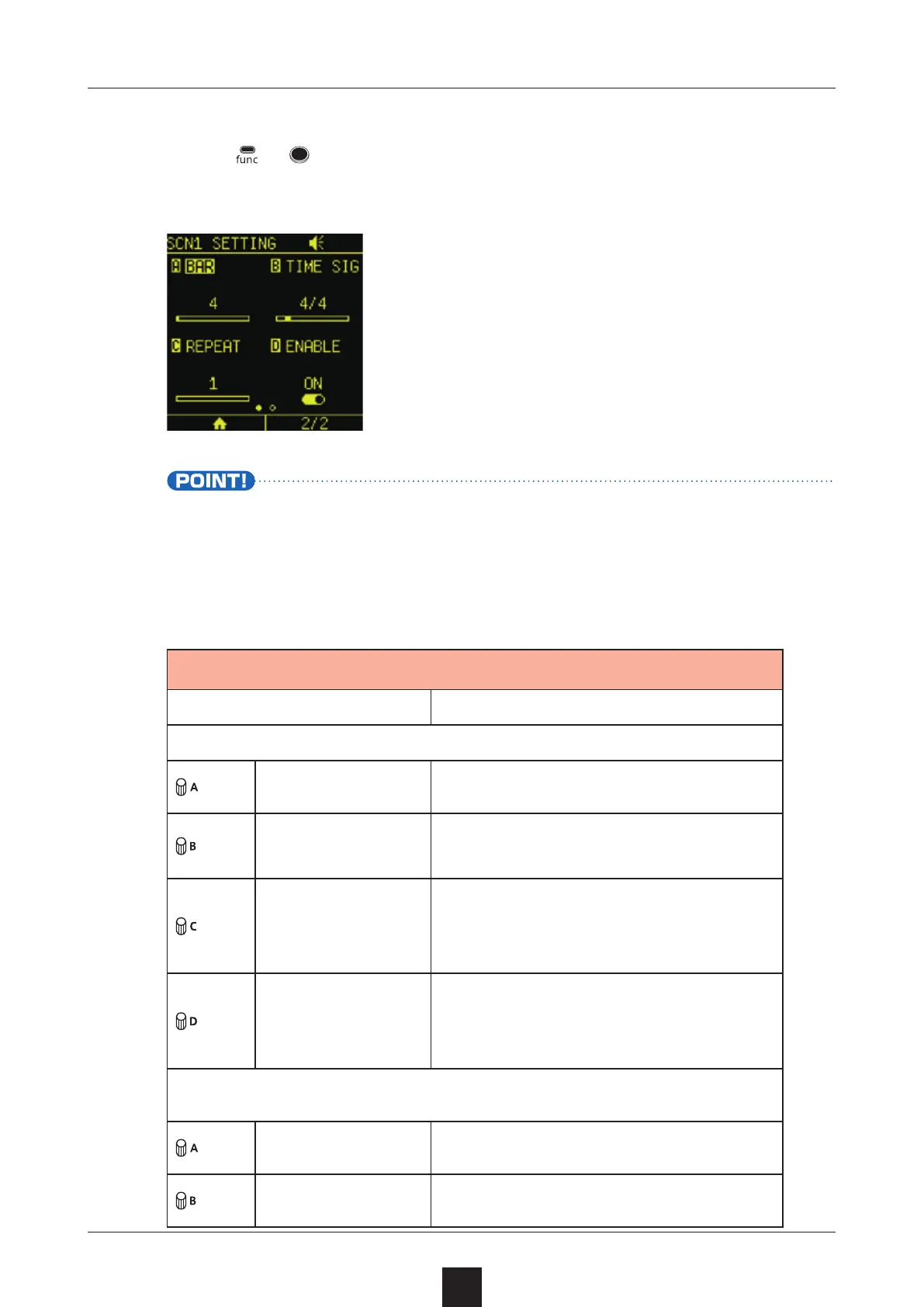
+ for the desired scene to open its Scene Settings
Screen.
• Playback will stop if another scene or a project is playing.
Set each item.
Item Explanation
Page 1
BAR Change the scene length in bars
TIME SIG
Change the scene time signa-
ture
REPEAT
Set how many times the current
scene is repeated during project
playback
ENABLE
Turn the scene on/o
When off, it will be skipped
during project playback
Page 2
COPY TO Copy the scene
CLEAR Clear the scene



 To Next Page