EasyManua.ls Logo

Sonicware SmplTrek - Effects - Side-chain Compression

Sonicware SmplTrek
174 pages
Print Icon
To Next Page IconTo Next Page
To Previous Page IconTo Previous Page
Loading...
󱐯
119

Press + to open the EFFECTS Screen.
Select .
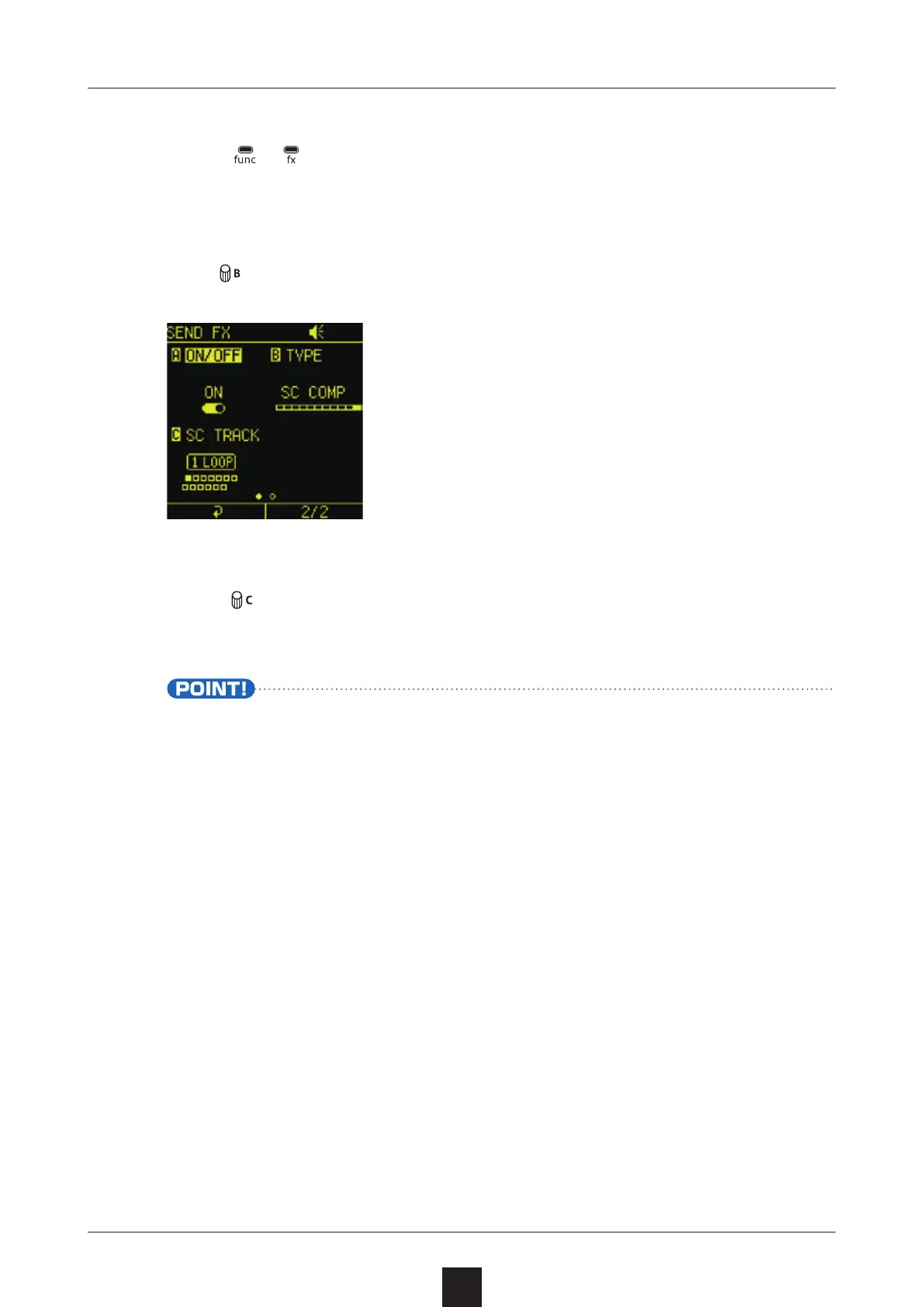
Turn , and select  as the TYPE.
Turn
to select the track to use as the trigger for side-chain
compression.
The compressor will be applied when triggered to all tracks that
have SEND set to any value other than on the Mixer Screen


Table of Contents

Other manuals for Sonicware SmplTrek