115
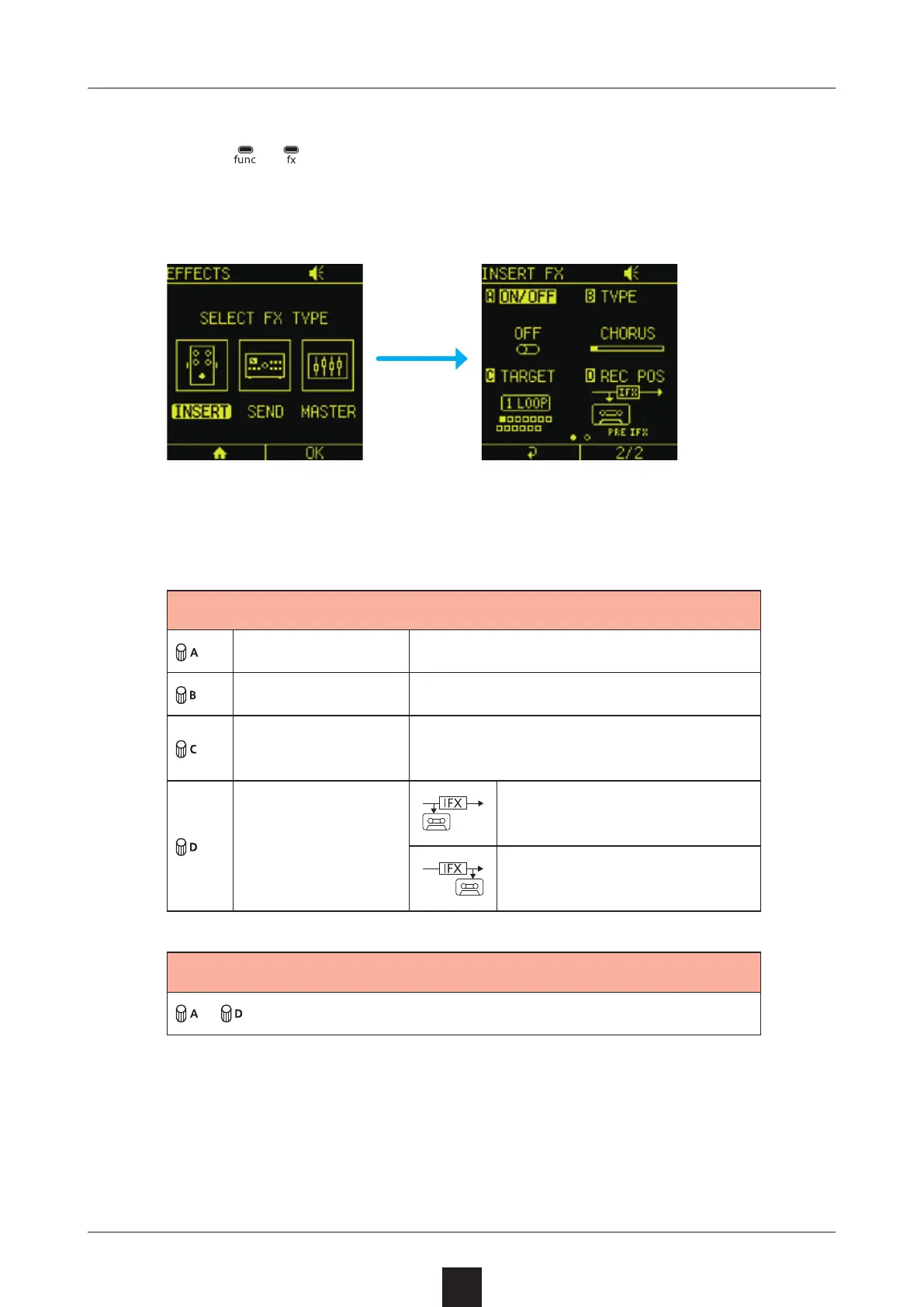
Press + to open the EFFECTS Screen.
Select .
Adjust the items on the settings screen that opens.
ON/OFF Turn the eect on/o
TYPE Change the eect type
TARGET
Select the track or input to use
the eect on
REC POS
Sound is sampled be-
fore eects are applied
Sound is sampled after
eects are applied
– items depend on selected eect



 To Next Page