131
Press
+
, and select
to open the SAMPLE
POOL Screen.
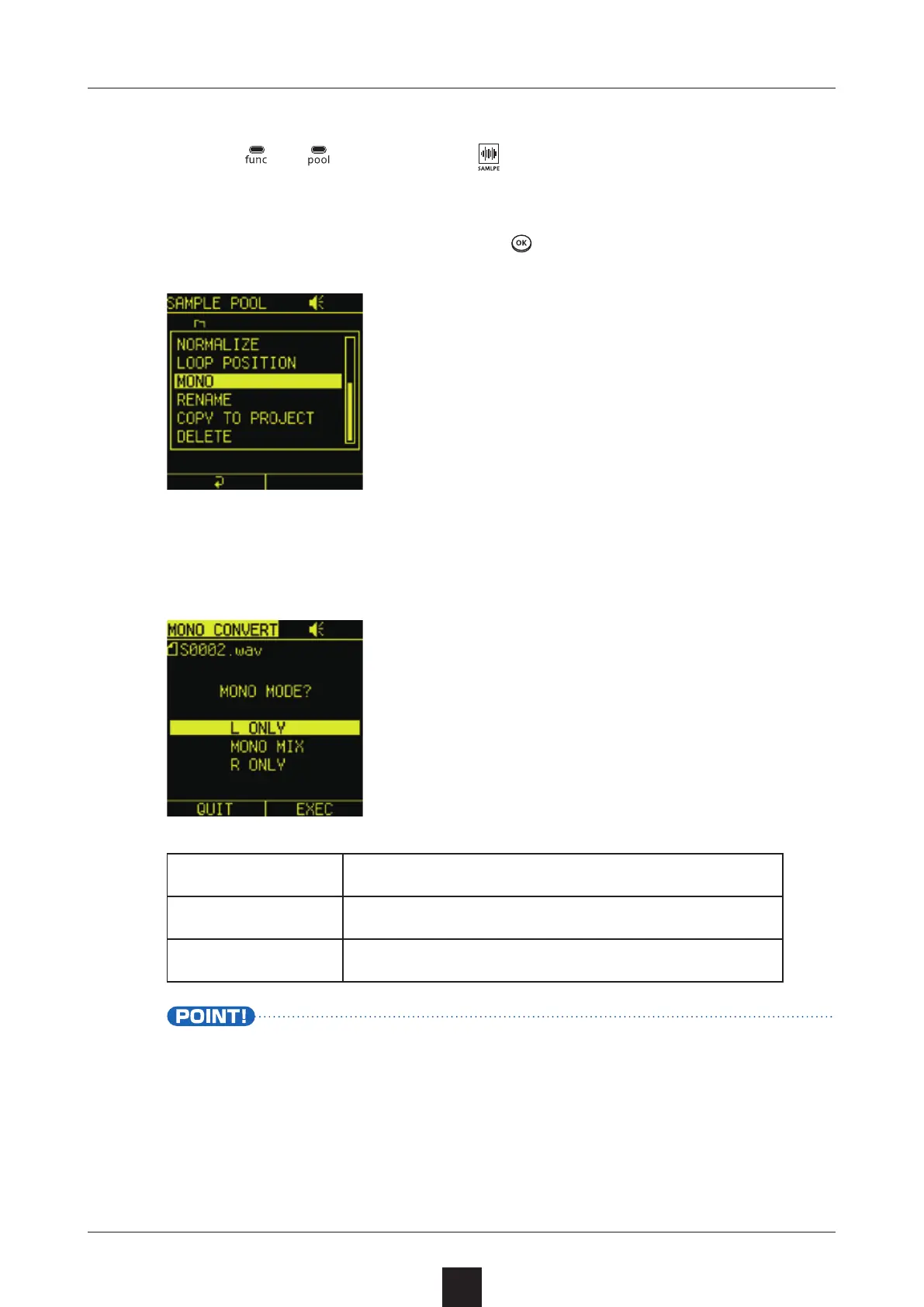
Select the desired sample, press , and select .
Select the MONO type.
L ONLY Use only left channel sound
MONO MIX Make stereo channels mono
R ONLY Use only right channel sound
• Executing will save a file named “original file name
”. The original le will not be overwritten.



 To Next Page