99
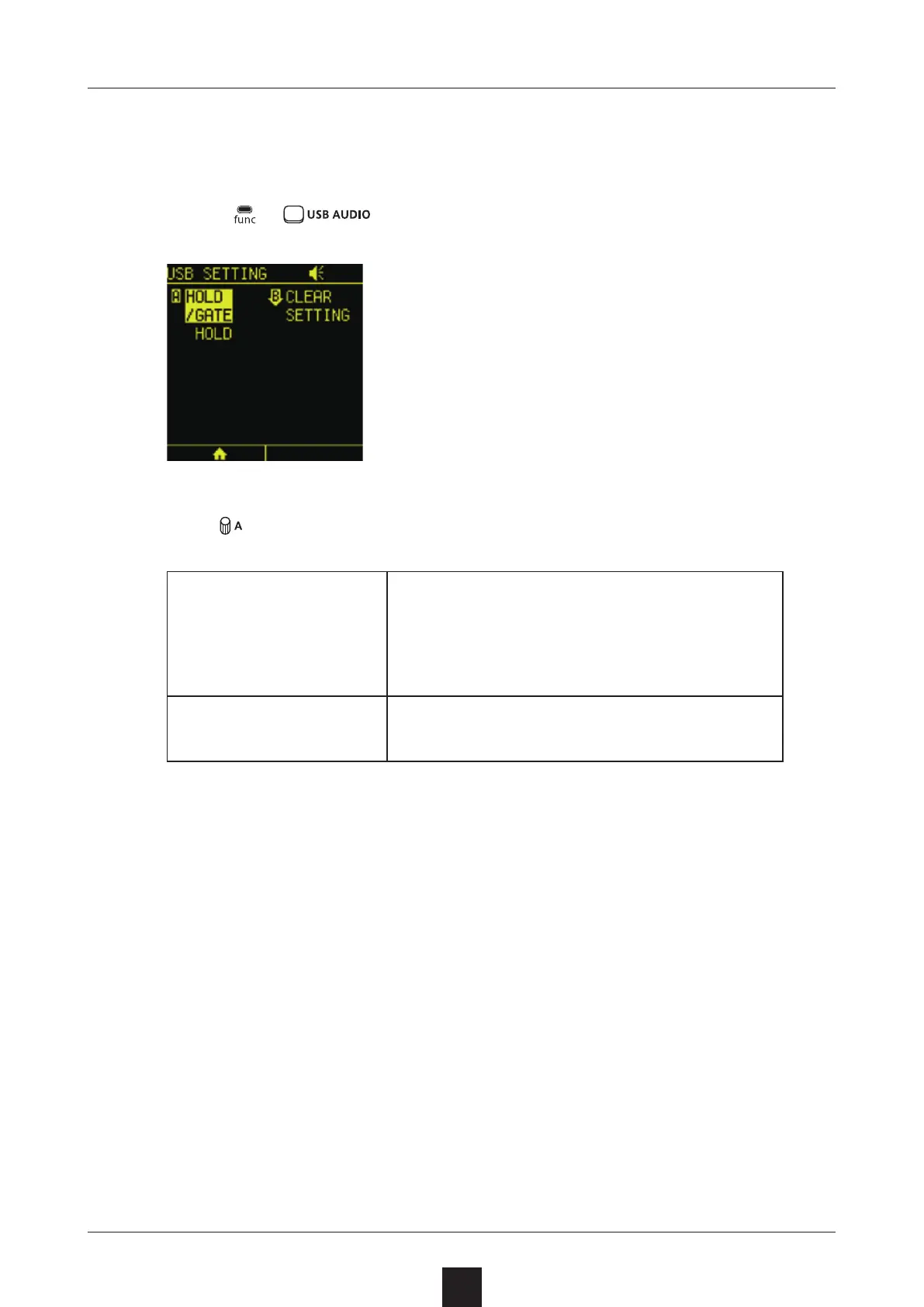
The behavior of the USB AUDIO PAD can be changed.
Press + to open the USB SETTING Screen.
Turn to switch between and .
HOLD
Press the pad once to enable the
USB AUDIO track and begin receiv-
ing audio from the smartphone, PC
or Mac. Press it again to disable it.
GATE
The USB AUDIO track will be enabled
only while the pad is being pressed.



 To Next Page